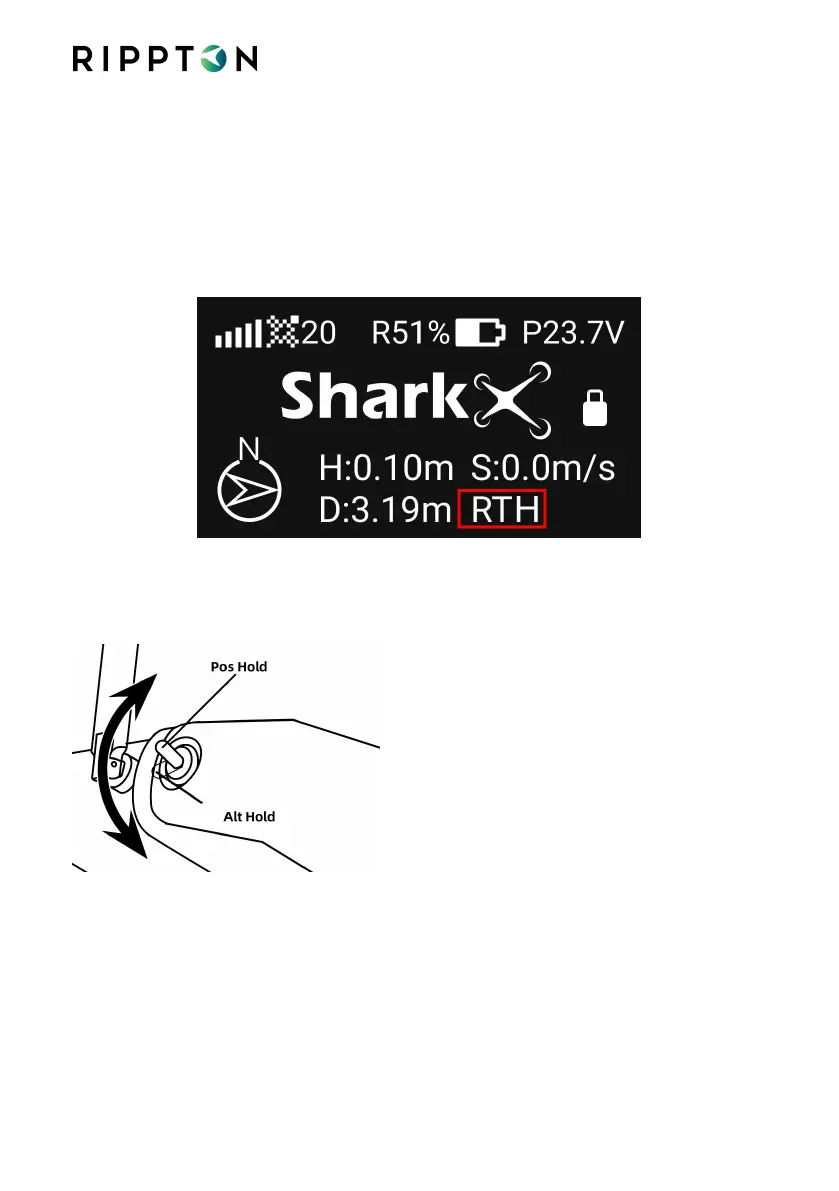
4.11.Return & Land the SharkX Automatically via Controller
4.11.1.Short press the ‘RTH’ button on the controller until ‘RTH’ shows on the
controller screen and the controller beeps.
4.11.2.The SharkX will start flying to the HOME point, descend to the height of 10
meters and hover a short while before landing safely on the ground. After
landing, the SharkX will lock (stop) the motors automatically.
4.12.Cancel RTH
4.12.1.Toggle the lever to ‘Alt Hold’ and then back to ‘Pos Hold’ on the controller.
Notice always remember to ensure the SharkX is in Position Hold Mode before taking
off again
4.13.Cast the Fishing Line via Controller
The Hook Release Mechanism is on the middle bottom of the drone.


 To Next Page