6. Troubleshooting and Repair
6.1. Identify and Solve Problems
Empty battery
Product not calibrated
Not enough GPS Satellites
& in Pos Hold Mode
Charge the battery
Please Calibrate
Wait for at least 15
Satellites before arming
motors.
SharkX Flies Erratically or
you lose control
Compass not calibrated
correctly
External Magnetic of Radio
interference
Re-calibrate the Compass
Do not fly at this fishing
spot & consult your dealer
6.2. Replacing the Propellers
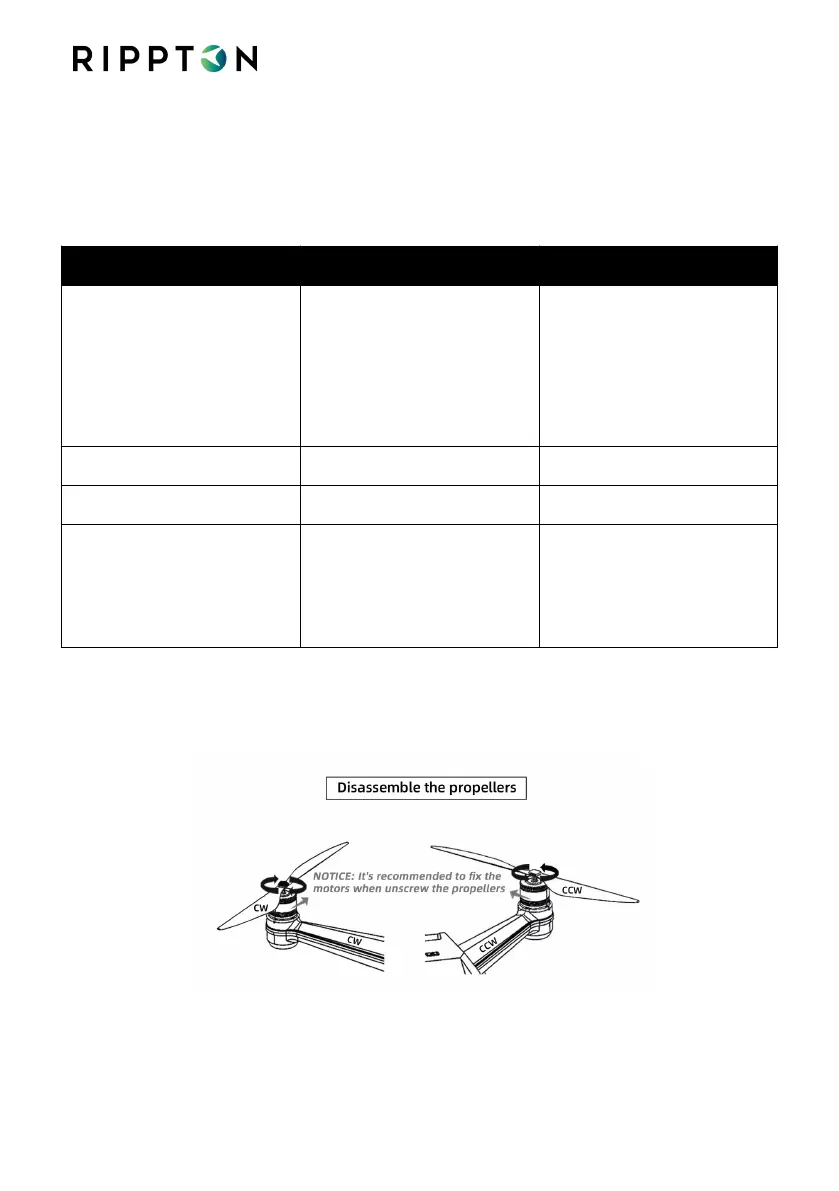
6.2.1. Disassemble the propellers
6.2.2. Please refer to step 3.3 to install the propellers.


 To Next Page