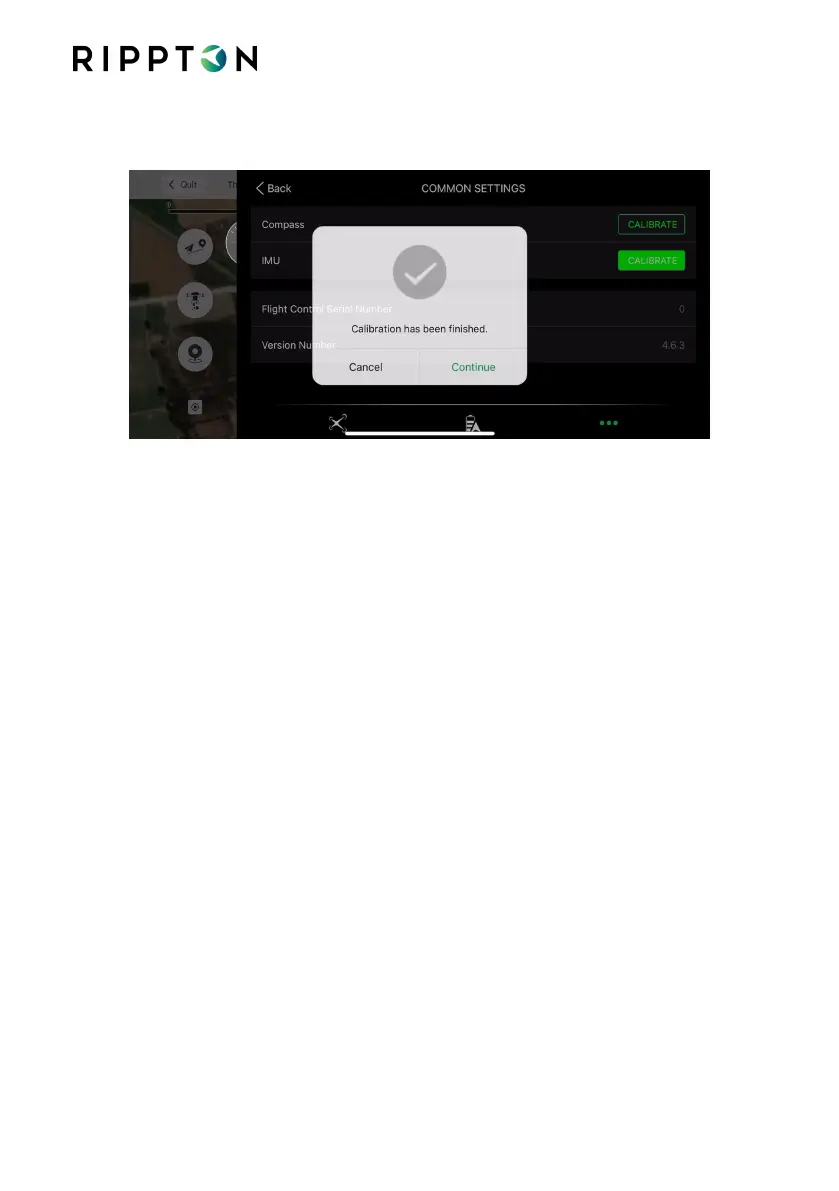
4.5.4. Place the SharkX on very flat and level ground. Tap ‘Continue’. IMU calibration
will be completed automatically.
Notice if
the
SharkX appears to shift forward or backward, does uncontrolled circles or
does not respond to controls, or flies erratically – land immediately and re-calibrate the
compass. If problem still persists, this could be a number of factors including external
magnetic or radio interference so contact local distributor/dealer and seek help.
Notice after completing calibrating the compass and IMU, turn off the drone and place
it on the level ground where you desire to take off the SharkX. And then restart the
drone, the controller and the Rippton App.
4.6. Pre-flight Check List:
Make sure that the controller, SharkX battery, and mobile device are fully
charged.
Make sure that the propellers are mounted correctly and firmly.
Make sure that the mobile device clamp is mounted correctly and firmly.
Make sure that the hook release mechanism operates correctly.
Make sure the Payload does not exceed 3KG.
Make sure that the Rippton App operates correctly and is connected
Ensure the Shark X Controller is in “Position Hold” Mode.
Make sure you have a large clear space around you, free of children, pets and
people before attempting to fly.
Always have the nose of the drone facing away from you & nose facing the
sea before takeoff.


 To Next Page