11
2
Installation
REMOVING PROTECTIVE PACKING MATERIALS
1
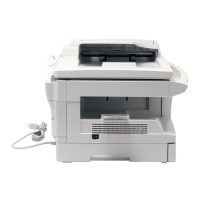
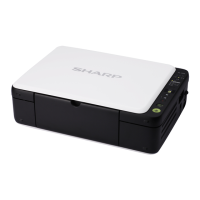
Remove all pieces of tape shown in the illustration below. Then open the original
cover and remove protective materials , and .
2
Use a coin (or suitable object) to remove the screw.
Store the screw in the paper tray because it will be used if the copier has to be
moved. (p. 14)



 To Next Page