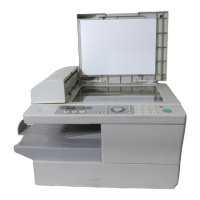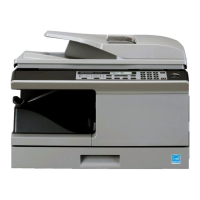
Do you have a question about the Sharp AM-300 and is the answer not in the manual?
| Max Copying Resolution | 600 x 600 dpi |
|---|---|
| Scanner Type | Flatbed |
| Functions | Copier, Printer, Scanner |
| Paper Size | A4, A5 |
| Interface | USB |
| Operating Systems | Windows |
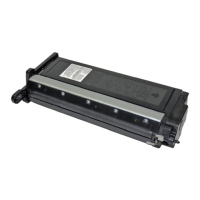
Details cartridge specifications, part numbers, chip usage, and notes on developer roller care.
Locate and remove the two screws securing the end cap of the toner cartridge.
Carefully detach the end cap from the toner cartridge after removing the screws.
Remove the fill plug and thoroughly clean out any remaining toner from the hopper.
Fill the hopper with the appropriate toner and replace the fill plug.
Slide the end cap back into place, ensuring it fits over the top tab, then reinstall the screws.
Loading...