USING THE OPERATION PANEL
12
CONTENTS INDEX TOP OF CHAPTER
12
CONFIGURING SETTINGS FROM THE OPERATION PANEL
Procedure for selecting basic menu settings
The printer operation panel is used to adjust print
settings.
Follow these steps to adjust the print settings from the
operation panel.
1
Press the PRINT key to select the print mode.
zMake sure the PRINT indicator lights up and the
basic screen is displayed on the display.
2
Press the SPECIAL FUNCTION key.
3
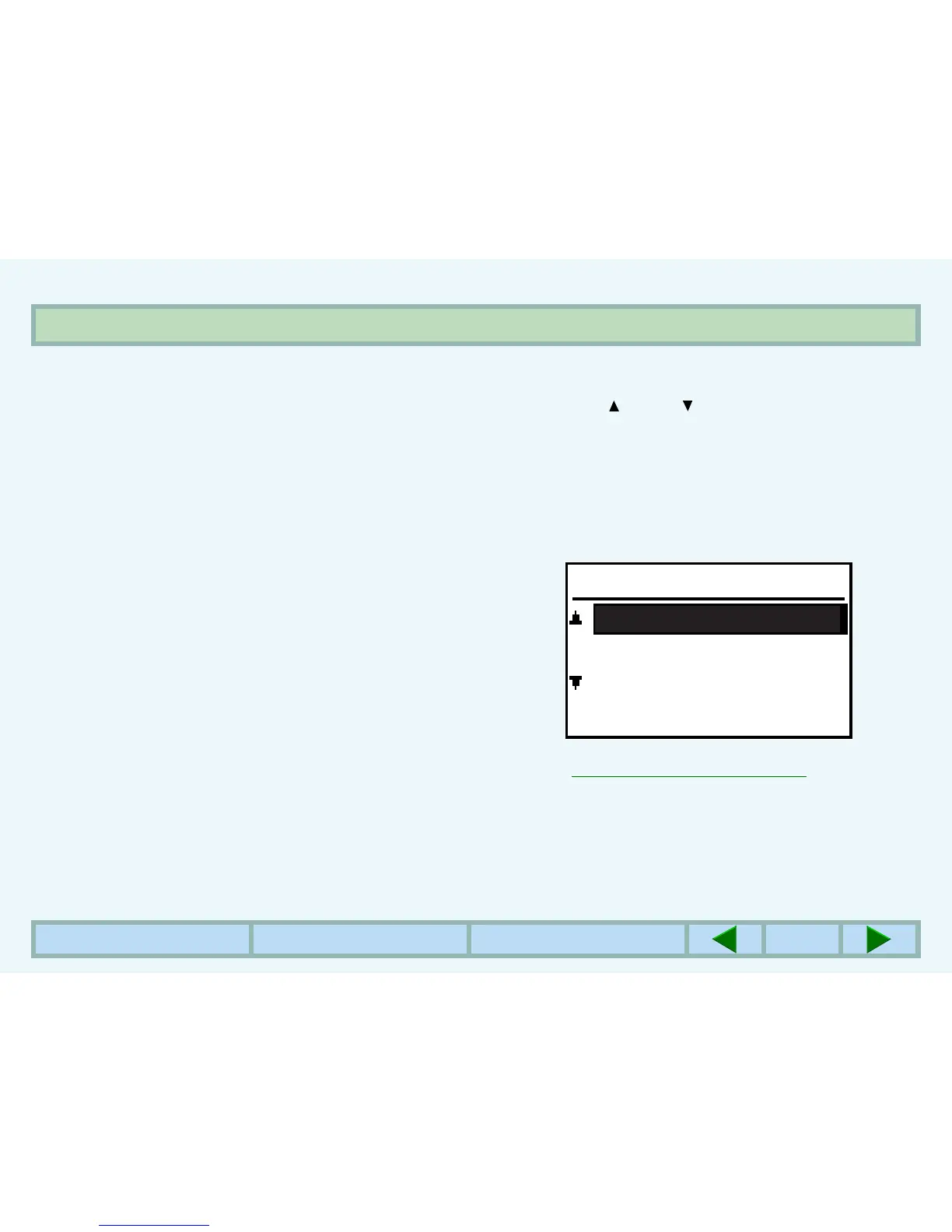
Use the key or key to select "PAPER SIZE
SET", "DISPLAY CONTRAST", or "KEY
OPERATOR PRG.", and press the OK key.
zThe paper size and display contrast settings are
adjusted using the same procedure as in COPY
mode. For this procedure, see the Operation Manual
for the machine.
zFor details on the key operator programs,
☞
KEY OPERATOR PROGRAMS
SPECIAL FUNCTION
DISPLAY CONTRAST
PAPER SIZE SET
KEY OPERATOR PRG.



 To Next Page