PRINTING FROM A COMPUTER
5
CONTENTS INDEX TOP OF CHAPTER
5
NORMAL PRINTING (1)
In most cases, it is not necessary to use the operation
panel when printing documents from your computer.
When a document is sent to the printer from the
computer, the printer will automatically print the
document. However, following the procedure specified
below can help ensure that documents are printed
accurately. The procedure assumes that the printer has
been properly connected to a computer, and that a
printer driver has been installed.
For more information regarding the printer operation
panel:
☞
USING THE OPERATION PANEL
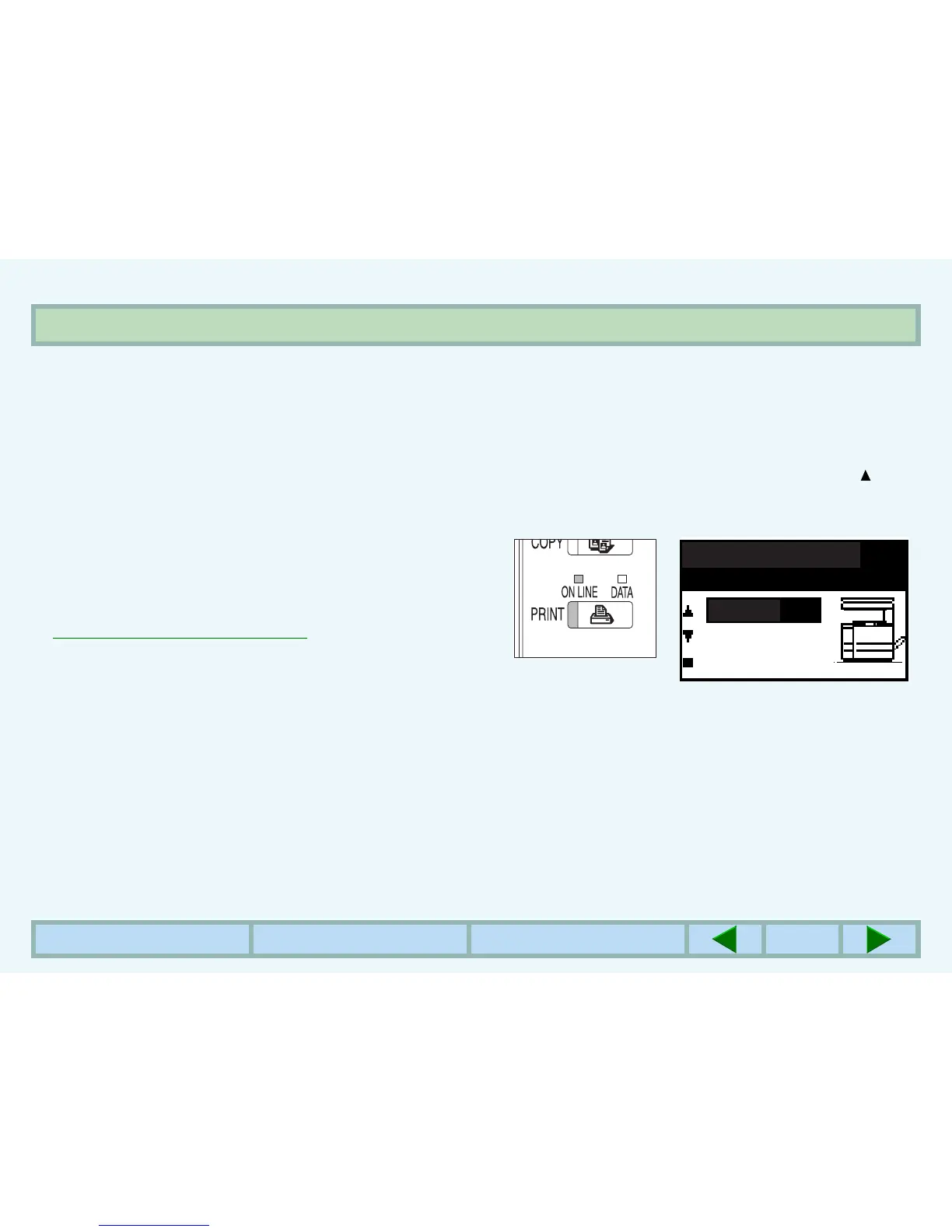
1
Check the operation panel to confirm that the
ONLINE indicator is lit.
zIf the ONLINE indicator is not lit, press the PRINT key
to select the print mode and then press the key to
set the printer to the online condition.
Ready to print.
ONLINE
OFFLINE



 To Next Page