KEY OPERATOR PROGRAMS
38
CONTENTS INDEX TOP OF CHAPTER
38
USING THE KEY OPERATOR PROGRAMS (2)
5
Use the and keys to select "PRINTER" and
press the OK key.
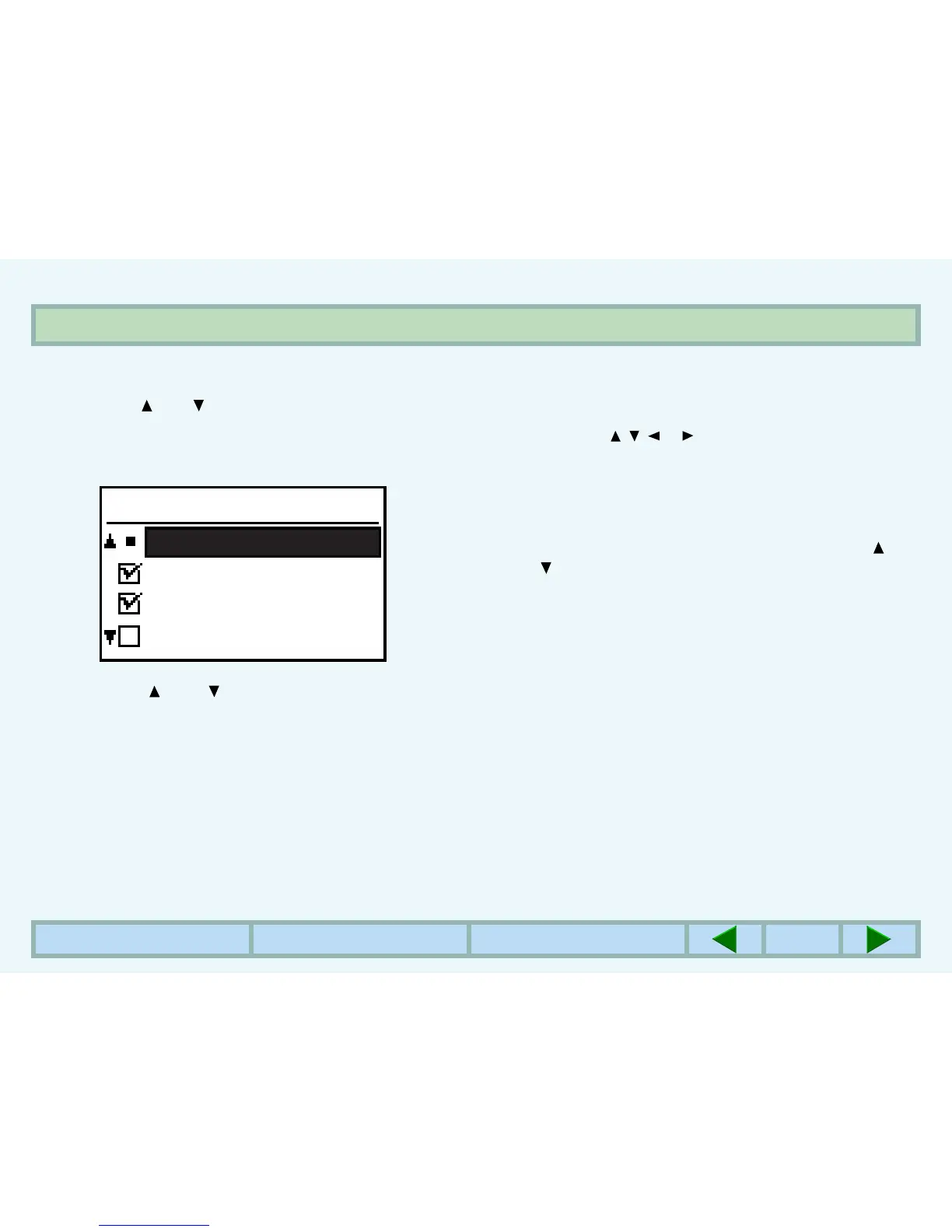
zThe following display will appear.
6
Use the and keys to select the desired
program and press the OK key.
zFor some programs, a check box is displayed to the
left of the program name. If the OK key is pressed, a
check mark will appear and the function will be set. If
the OK key is pressed again, the check mark will
disappear and the function will be canceled. Proceed
to step 8.
zFor other programs, the setting screen of the function
will appear when the OK key is pressed.
7
Follow instructions for the program.
zUse the , , or key to select the desired item or
use the numeric keys to enter a number. Then press
the OK key.
zIf a mistake is made during entry, press the CLEAR
key to clear the entry.
8
To continue with other functions, use the and
keys to select another program.
zTo exit the key operator programs, press the CLEAR
ALL key.
KEY OPERATOR PRG.
EXPOSURE LEVEL
NOTICE PAGE
ROTATED PRINT
FORCED OUTPUT OF



 To Next Page