USING THE OPERATION PANEL
8
CONTENTS INDEX TOP OF CHAPTER
8
OPERATION PANEL (1)
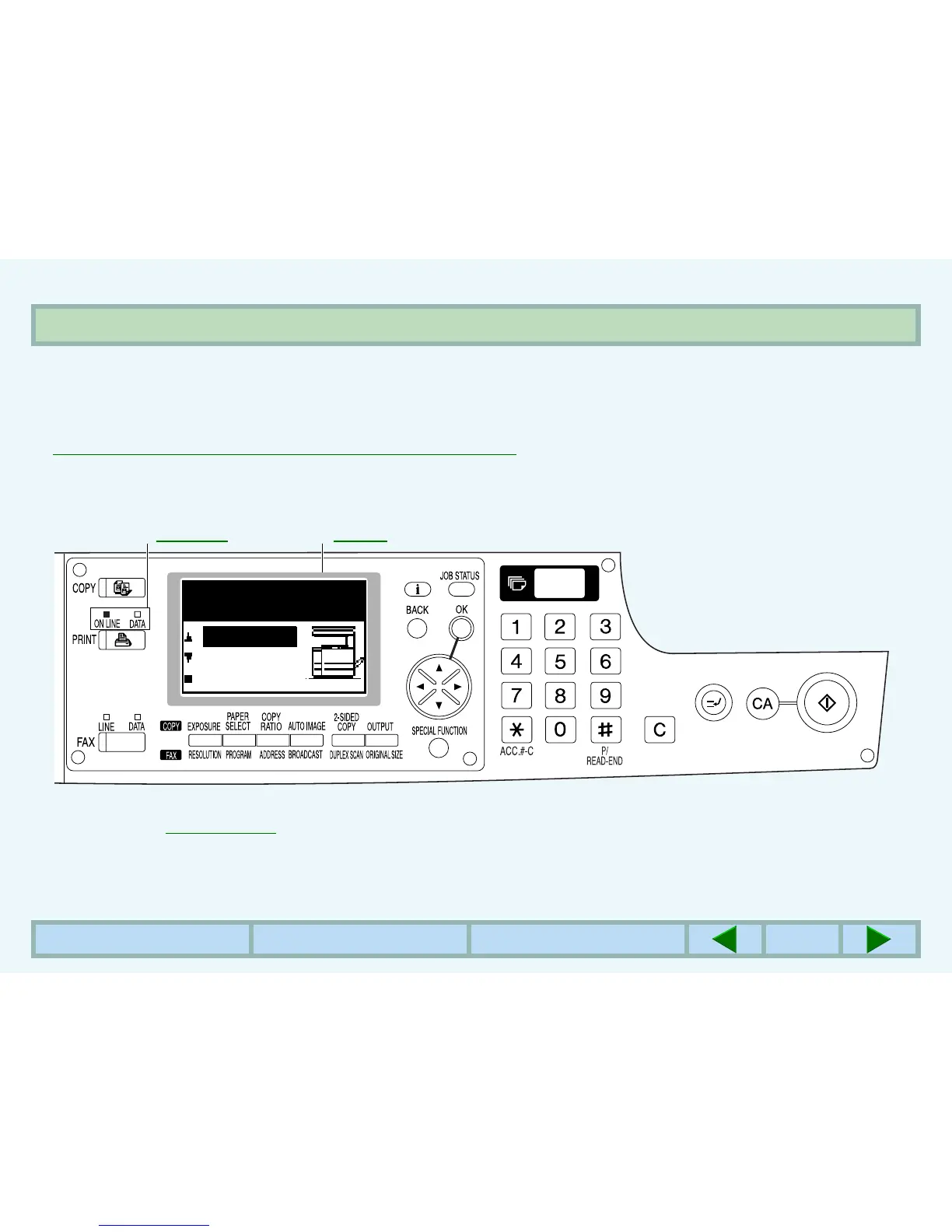
The operation panel is used to set the display contrast, paper size, and other parameters. The operation panel also lets
you use key operator programs to adjust printer settings.
☞
CONFIGURING SETTINGS FROM THE OPERATION PANEL
Operation panel keys and the printer basic screen are shown below.
You can jump to their description by clicking the underlined text.
The display may be different depending on the configuration of optional equipment.
The key names and the key icons may be different for users in different countries and regions.
Indicators Display
☞☞
Operation keys
☞
For description of operation keys used in the print mode:
Ready to print.
ONLINE
OFFLINE



 To Next Page