SHARING PRINTER
29
CONTENTS INDEX TOP OF CHAPTER
29
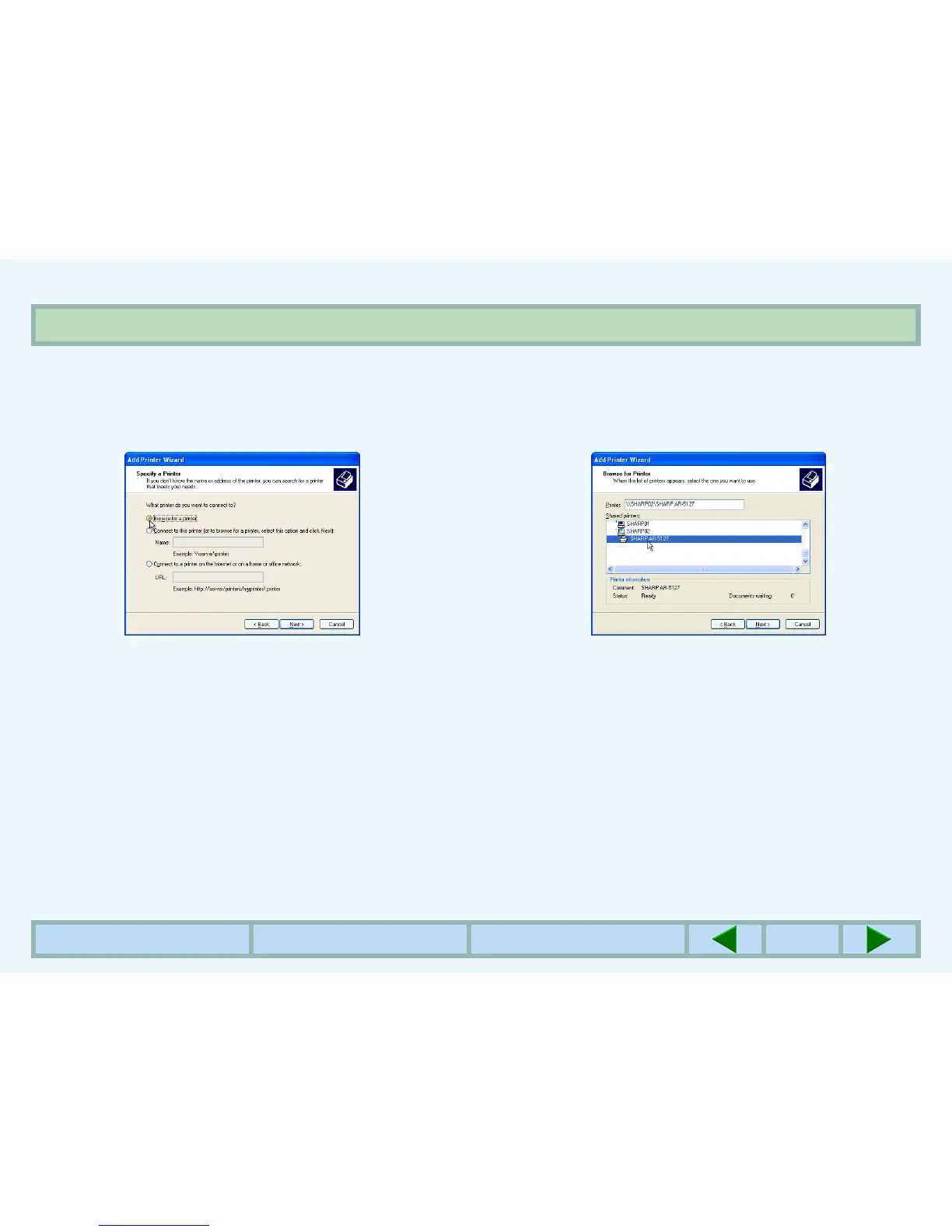
CLIENT SETTINGS (2)
6
Select
'Browse for a printer', and click the 'Next'
button.
7
Select the printer to be shared in the network,
and click the 'Next' button.
zThe contents of this window will vary depending on
your network environment.
8
Select settings in the 'Default Printer' screen,
and click the 'Next' button.
9
C
lick the 'Finish' button.



 To Next Page