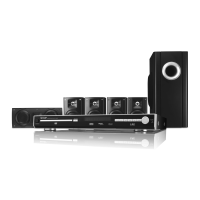
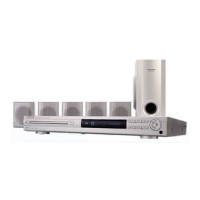
CD-DVD500
– 20 –
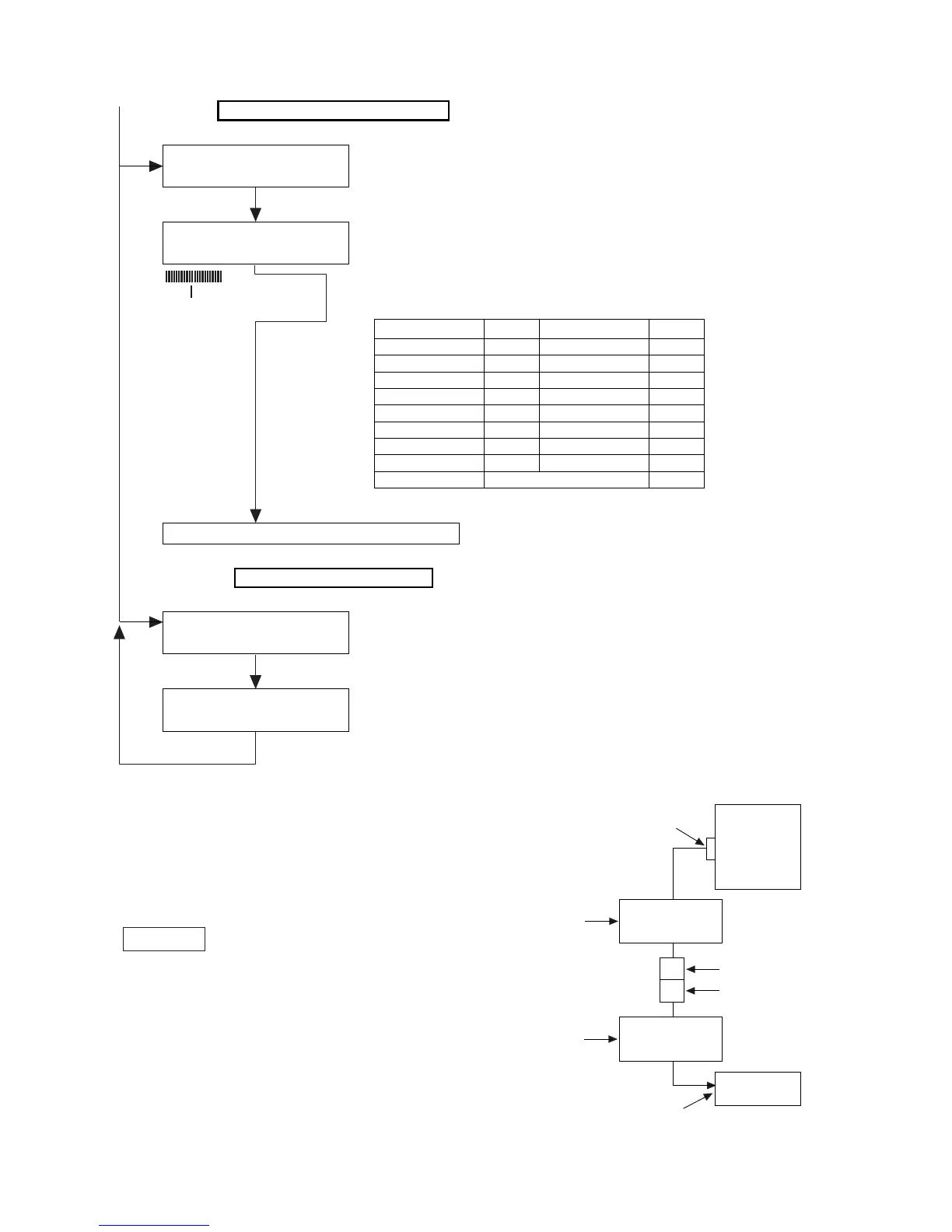
[DVD ROM RENEWAL MODE]
1. A DVD itself and a personal computer are articulated as
the right figure for. Sofrware the renewal is started more.
2. Pressing down the DVD/CD button and EQUALIZER button,
press POWER button.
WRITE It is displayed.
3. Start a data transfer within 5 seconds -30 seconds after
you go into DVD ROM RENEWAL MODE.
4. AC code is removed after a data transfer is finished.
5. AC code is put again, and it is within DVD test mode,
and program vergion is confimed.
Unit
Molex 2pin conector
Fixture for the
ROM renewal
RUNTK0808GEZZ
QCNWK0001AWZZ
Adapter cord
RCA PIN PLUG
RCA PIN JACK
Personal computer
(DOS)
RS232C
From (2)
PLAY TEST
30000001 00000000
PLAY TEST
DD######*********
SPIN OFFSET
"3" Key input
"TOP MENU" Key input
"Open/Close" Key input
Because a tray opens, adisk is published.
It becomes following play state.
(******** is a sector ID.)(###### is a error rate)
A test jump can be done by inputting the following key
from the remote controller.
PLAY TEST
00000000 0000*****
Following playback, jump test mode
Spin offset adjustment mode
1-131
4 -102 6 102
7 -510 9 510
Clear -511 Enter 511
2 -765 Repeat 765
5 -766 A-B 766
8 -7000 Program 7000
Before skipping. -15000 After skipping. 15000
>10 Layer Jump
Key Jump Key Jump
(**** is a adjustment result.)
It is returned to the test mode initial image plane.
The"Stop" key of the remote controller is pushed.
Error rate lever ver
1ber=5error
Figure 20



 To Next Page