ER-A520U/ER-A530U DIAGNOSTIC PROGRAM
– 17 –
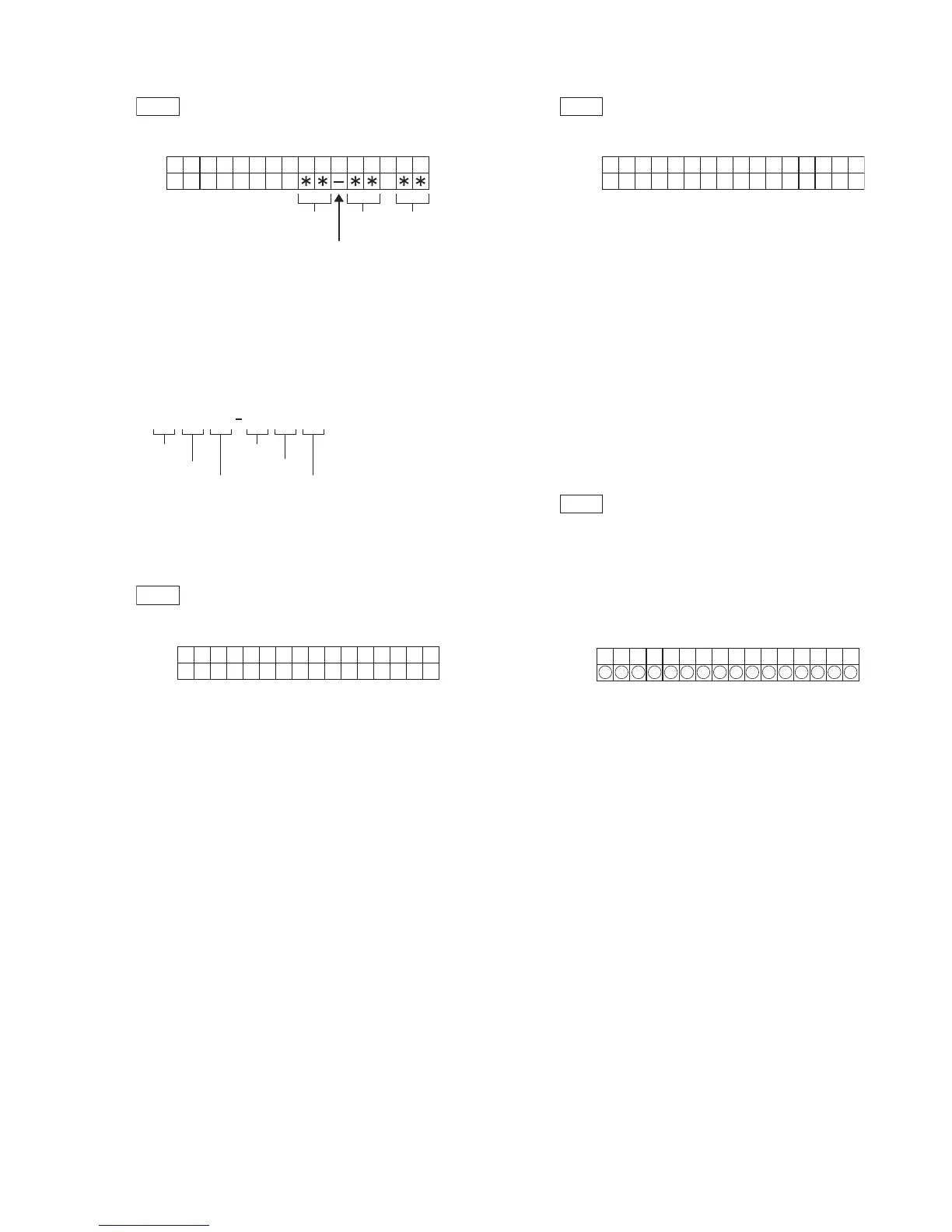
7) CLOCK TEST
1
Key operation
107
3
2
Test procedure
3
Check that:
“–“ blinks and the clock counts up.
4
End of testing
When any key is pressed, the date and time are printed and the
test mode will be terminated.
8) DRAWER 1 OPEN & SENSOR TEST
1
Key operation
110
3
2
Test procedure
3
Check that:
A) The drawer 1 opens normally.
B) The sensor correctly indicates the status of the drawer 1.
4
End of testing
You can exit the test mode by pressing any key. The printer prints
the following.
110
9) DRAWER 2 OPEN & SENSOR TEST
1
Key operation
111
3
2
Test procedure
3
Check that:
A) The drawer 2 opens normally.
B) The sensor correctly indicates the status of the drawer 2.
4
End of testing
You can exit the test mode by pressing any key. The printer prints
the following.
111
10) LCD CG TEST
1
Key operation
116
3
2
Test procedure
To check the display CG, 256 pieces of built-in CG's are grouped
into 16 blocks and each 16 characters is displayed on the dot dis-
play.
At first, CG code of 00H ~ 0FH is displayed. By pressing any key,
each block is displayed in sequence.
3
Check that:
A) Displays are clear.
B) Free from blur, chip-off, unevenness.
4
End of testing
You can exit the test mode by pressing any key. The printer prints
the following.
116
CA/AT
TIM
CHECK
SRV
OP display
Hour
Blinks at an interval of 0.5 sec.
Min. Sec.
107
ER
107XXXXXX XXXXXX
year
month
day
hour
min.
sec.
CA/AT
DRAWER
SRV
X
OP display
X : O = DRAWER OPENED
C = DRAWER CLOSED
1
CA/AT
DRAWER
SRV
X
OP display
X : O = DRAWER OPENED
C = DRAWER CLOSED
2
CA/AT
XY
SRV
OP display
"XY" indicates the code at the head of each block
in hexadecimal number.
(Example: 10, A0)
"O" indicates the CG display position.




 To Next Page