ER-A520/A530 Dealer Knowledge Book
Page 212 of 266 Specifications subject to change without notice: Revision date 10/07
AT&UT1 1 : Set Flow Control
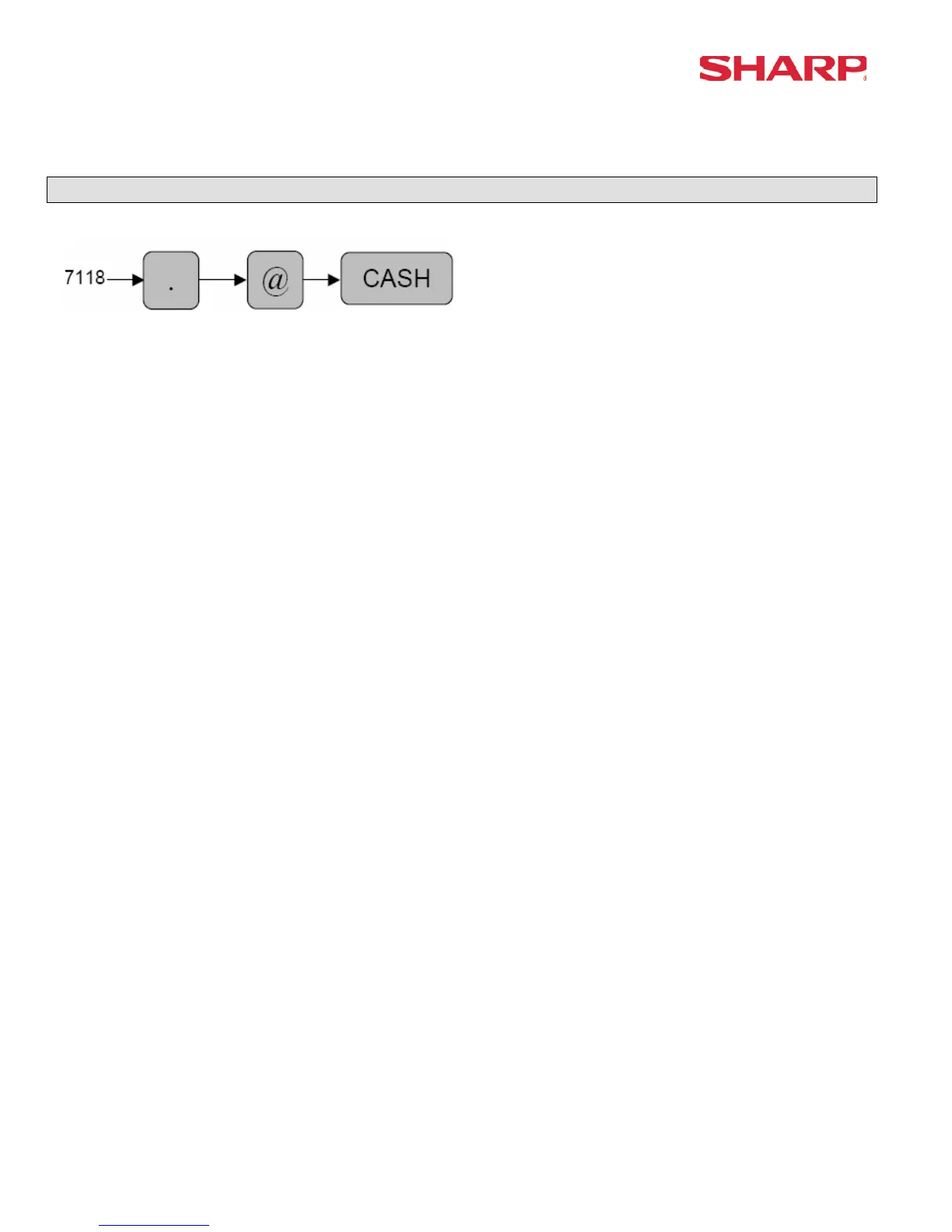
CAT Dial Out - 7118
The following Data Tran SL commands are executed sequentially:
AT&UH<A><B><C><cr> : Remote load where the ECR initiates the Data Tran SL to Dial Out.
AT&U96<cr> : List the installed Network
<A> : The telephone number which is preset in PGM Job#7110
<B> : The telephone ID(Password) which is preset in PGM Job#7111
<C> : The Dial Mode preset in PGM Job#112
*1 The command expects the response:<cr><if>OK<cr><if>. If any other response is returned,
then the “INVALID RESPONSE” message is displayed. If no response is returned within
the Time Out#2, the “TIME OUT ERROR” message is displayed.
*2 The command expects the response:<cr><if>(print data)<cr><if>. If any other response is
returned, then the “INVALID RESPONSE” message is displayed. If no response is returned
within the Time Out#2, the “TIME OUT ERROR” message is displayed.
*3 The ER-A520 and ER-A530 will print the (print data) returned.





 To Next Page