ER-A520/A530 Dealer Knowledge Book
Page 234 of 266 Specifications subject to change without notice: Revision date 10/07
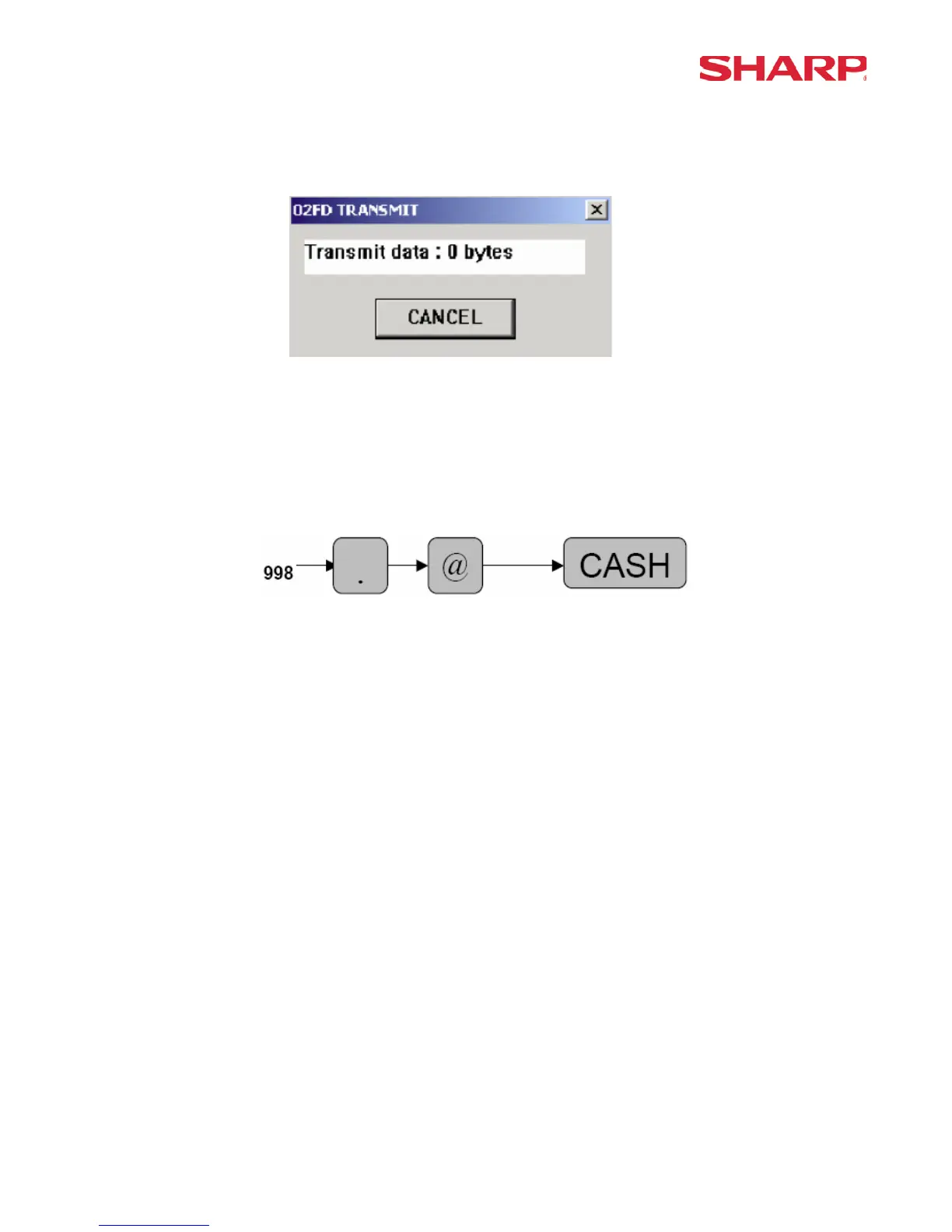
Step – 4. Click the [OPEN] button and the 02FD program will automatically begin the sending
process (Fig. 12).
(Fig. 12)
Step – 5. Place the ECR in the SRV Mode position (7 o’clock position).
Step – 6. Enter the Receive ECR Data key sequence.
Step – 8. Verify the ECR Receive Data was successfully completed by verifying the journal tape
print message [RECEIVE OK].





 To Next Page