ER-A520/A530 Dealer Knowledge Book
Page 68 of 266 Specifications subject to change without notice: Revision date 10/07
RS-232C Channel Assignment
Key Sequence:
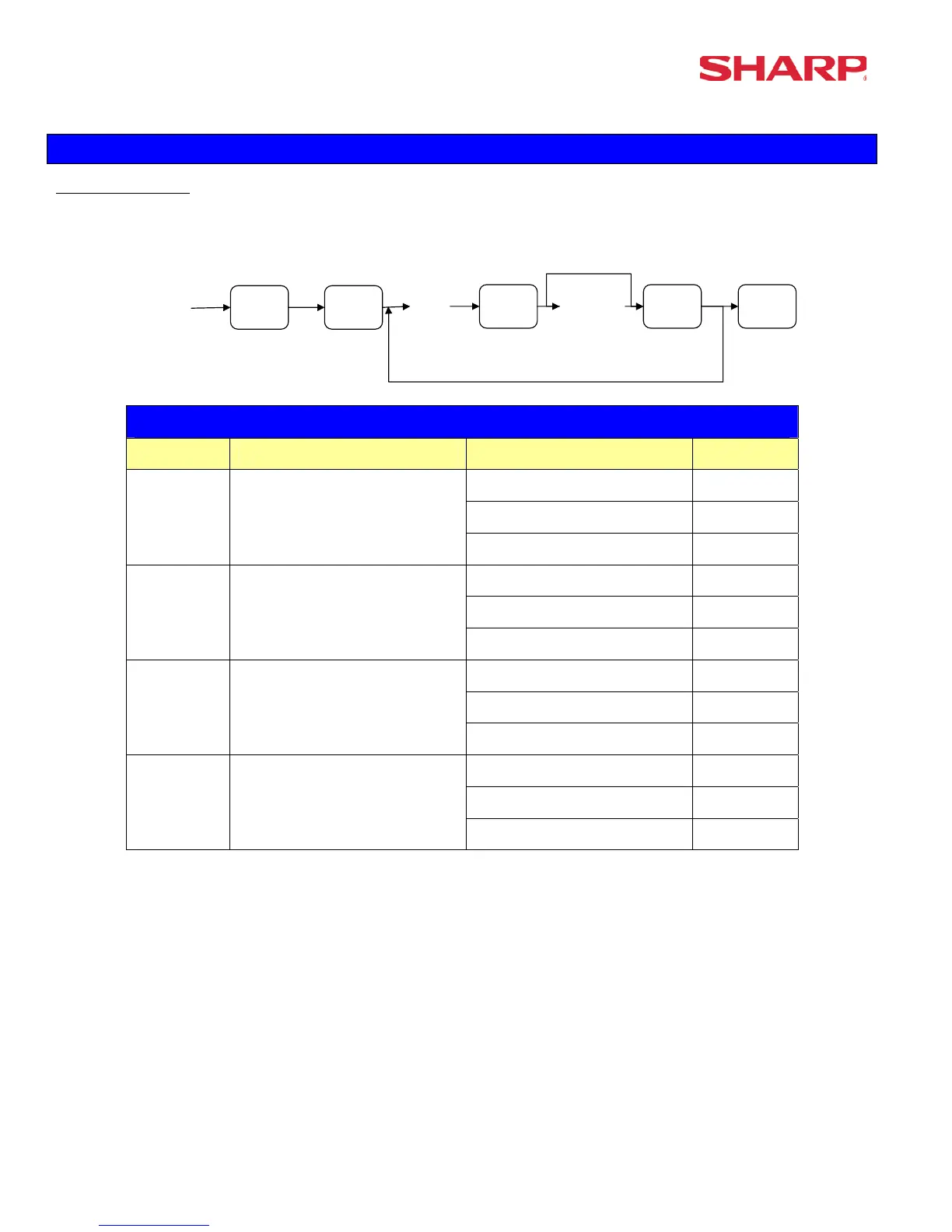
To assign channel number to the peripherals, please follow the sequence below:
@/FOR.
CA/AT
2690
X
@/FOR
ABCD
SBTL
0
To program any function no.
X = 1
Item Description Selection Entry
Not connected 0
Standard channel 1 1
A Channel number for on-
line communication
Standard channel 2 2
Not connected 0
Standard channel 1 1
B Channel number for print
data sending (CVM)
Standard channel 2 2
Not connected 0
Standard channel 1 1
C Channel number for scale
Standard channel 2 2
Not connected 0
Standard channel 1 1
D Channel number for the
coin dispenser
Standard channel 2 2
NOTE:
1. MRS = 0000
2. Data backup function always uses standard channel 2.




 To Next Page