144
6. Optional Settings
The option settings let you customize the fax machine to better suit
your needs.
An initial setting has been made for each option at the factory. To
change a setting, follow the steps below to access the option, and then
change the setting as explained in the option setting list that follows.
1
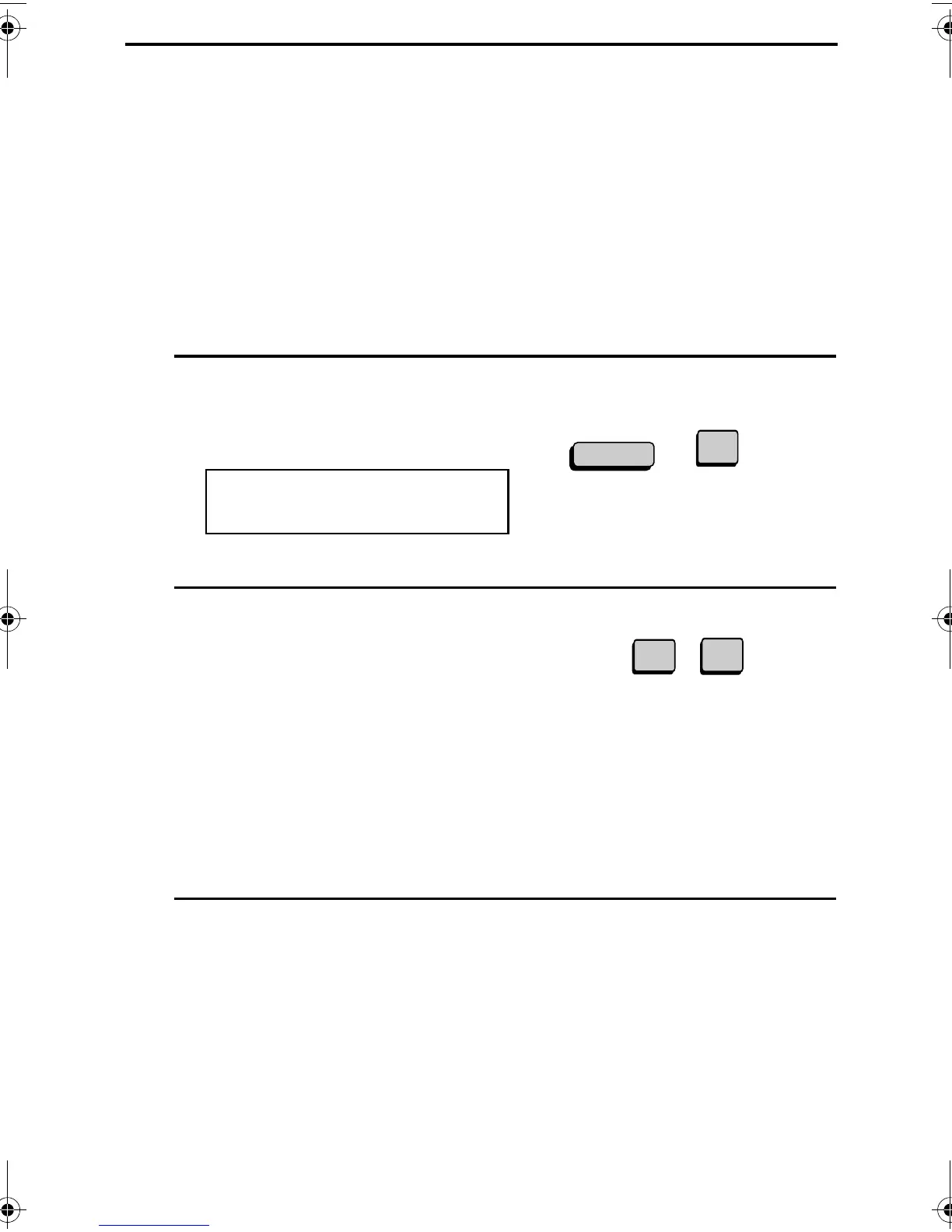
Press the FUNCTION key and 4.
The display will show:
2
Press the numeric keys to enter the 2-
digit number (“01” to “36”) of the
option setting you want to set.
Or
Press * or # to scroll through the
option settings. When the desired
option setting appears, press the
START key.
4:OPTIONAL SETTING
ENTER #(01-36,*,#)
Example:
Option Setting 1
4
FUNCTION
0
1
3
Enter a selection for the option setting
by pressing the numeric keys. See the
list that follows for an explanation of
each of the option settings.
all-FO4700.book Page 144 Friday, November 4, 2005 9:17 AM



 To Next Page