Clearing Paper Jams
173
9. Trouble-
shooting
Clearing Paper Jams
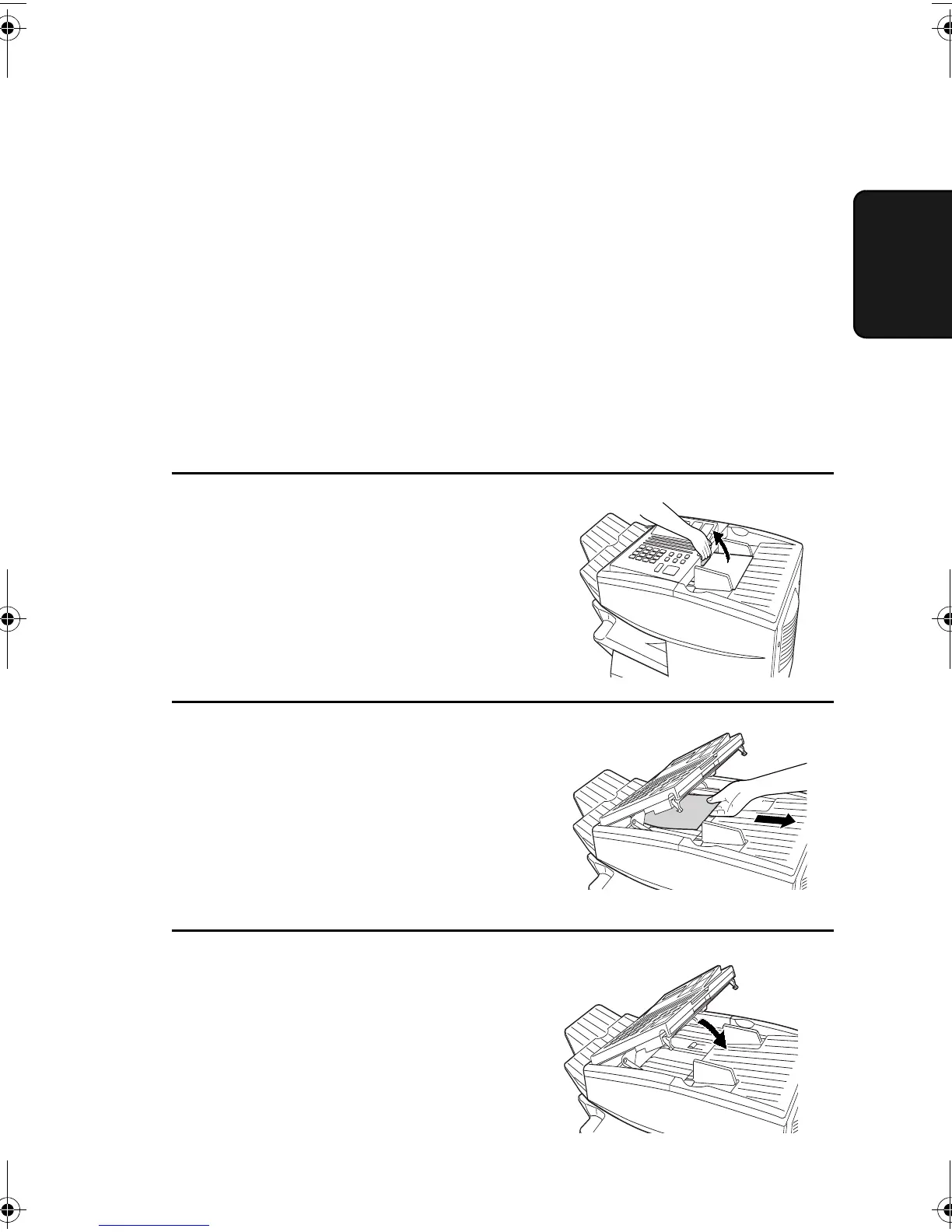
Clearing a jammed document
If the original document doesn’t feed properly during transmission or
copying, or REMOVE ORIGINAL(S) appears in the display, first try
pressing the START key. If the document doesn’t feed out, open the
operation panel and remove it.
Important:
Do not try to remove a document without opening the operation panel.
This may damage the feeder mechanism.
1
Open the operation panel.
• Squeeze the release marked
PANEL RELEASE and pull up.
2
Remove the document.
3
Close the operation panel, making
sure it clicks into place.
all-FO4700.book Page 173 Friday, November 4, 2005 9:17 AM



 To Next Page