Installing the Print Cartridges
23
1. Installation
9
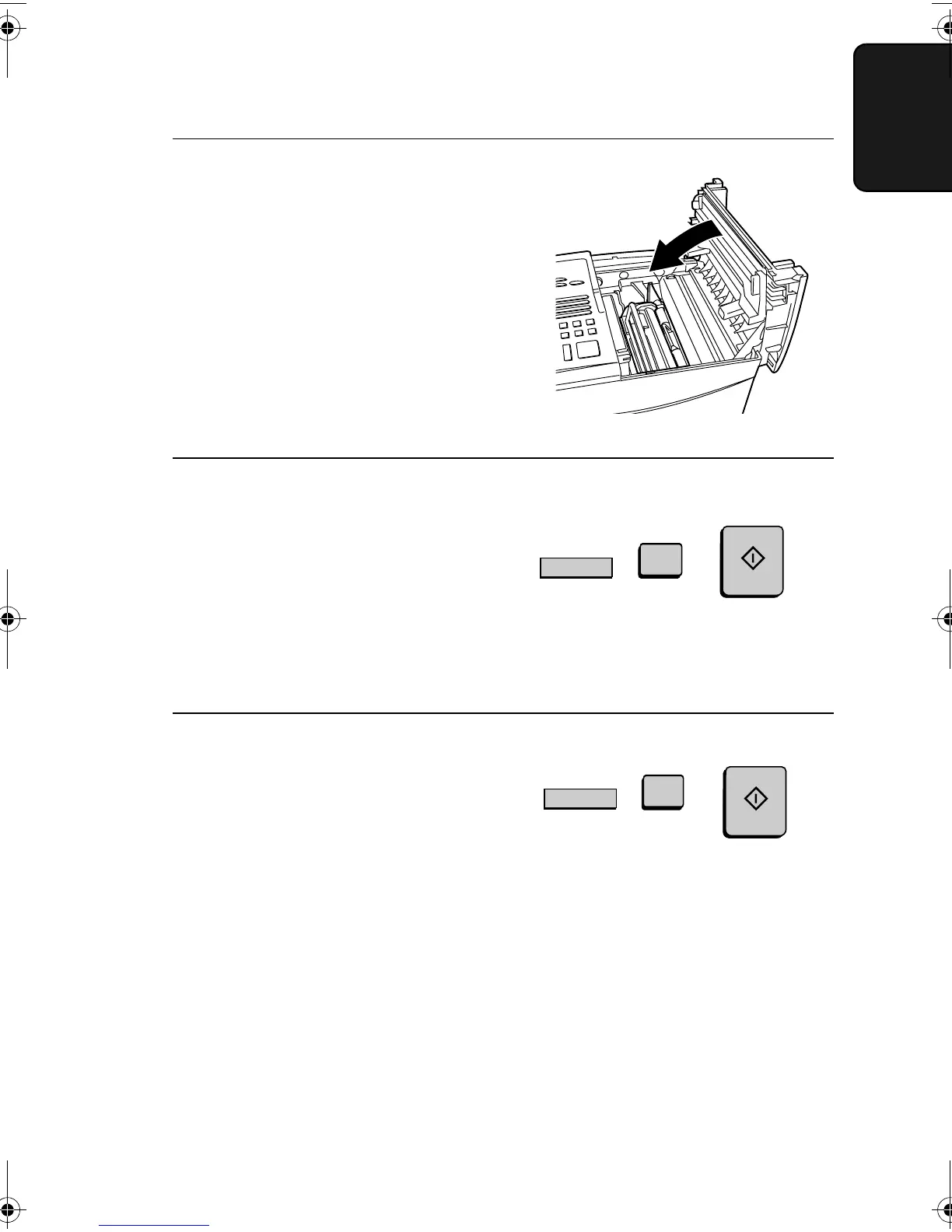
Reset the toner counter by pressing
the LIFE key (flip up the Rapid Key
overlay), 2, and the START key.
LIFE
V
2
START
8
Close the print compartment cover.
• Press down on the dot markings at
the left edge to make sure the cover
is completely closed.
10
Reset the drum counter by pressing
the LIFE key (flip up the Rapid Key
overlay), 3, and the START key.
LIFE
V
3
START
Note: The print compartment cover may become noticeably warm if a
large number of pages are successively printed. This is normal and does
not indicate a problem in the machine.
all-FO4700.book Page 23 Friday, November 4, 2005 9:17 AM



 To Next Page