Broadcasting
70
• Enter one or more full fax numbers
with the numeric keys (max. 20
digits per full number), pressing the
START key after each full number.
(Maximum of 20 destinations; less
if a large number of programs,
timer operations, and/or group keys
have been stored.)
• Press one or more Group Keys.
(See Storing numbers in Group
Keys at the end of this section.)
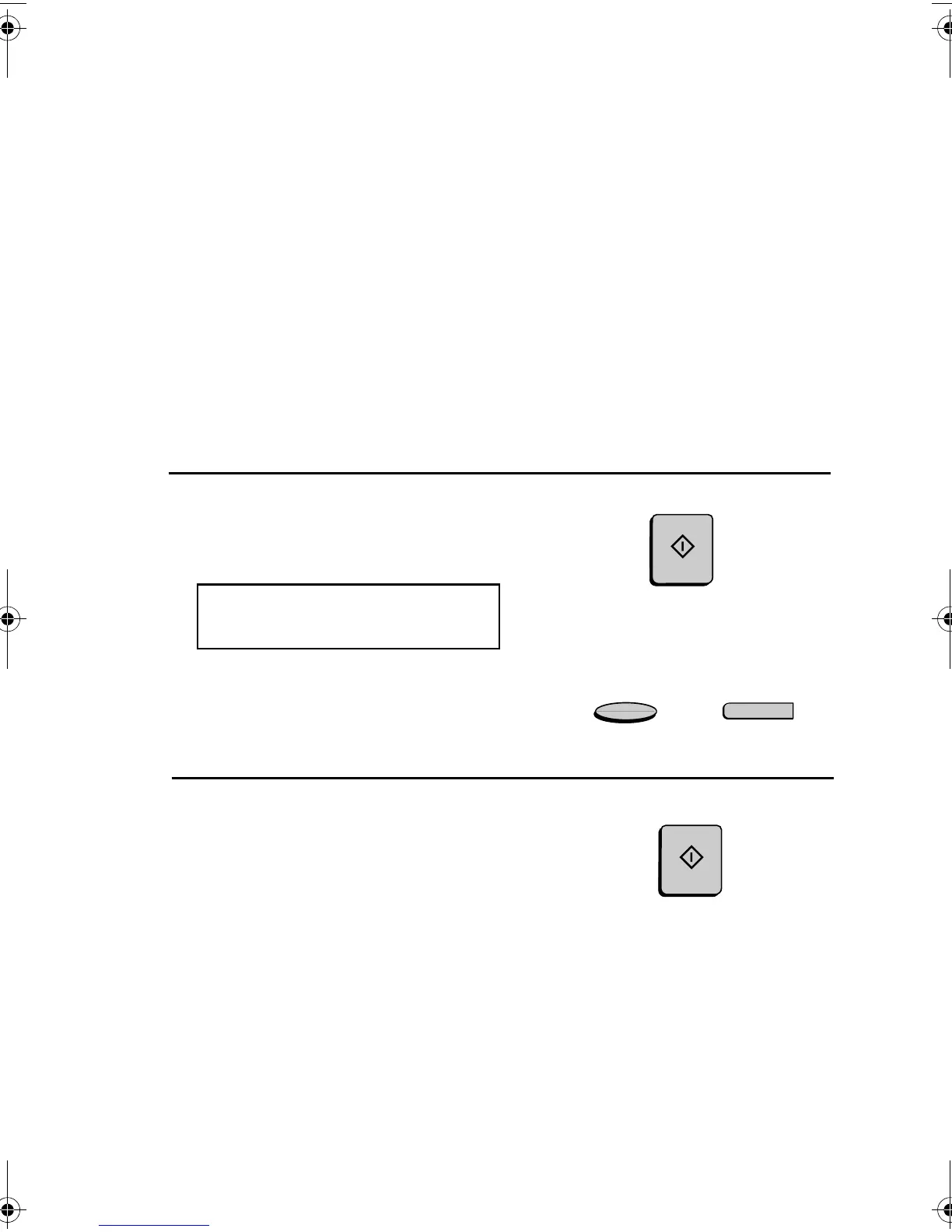
4
Press the START key.
The display will show:
BROADCAST MODE
SELECT THE MODE
• If desired, adjust the resolution and/
or contrast.
5
Press the START key twice.
Transmission will begin.
• A Transaction Report is
automatically printed out after
Broadcasting is completed. Check
the "Note" column of the report to
see if any of the locations are
marked "Busy" or have a
communication error code. If so,
send the document to those
locations again.
RESOLUTION
Q
CONTRAST
START
START
all-FO4700.book Page 70 Friday, November 4, 2005 9:17 AM



 To Next Page