Confidential Operations
76
2
Enter a 2-digit number (from "00" to
"99") by pressing the numeric keys.
This number identifies the mailbox.
1
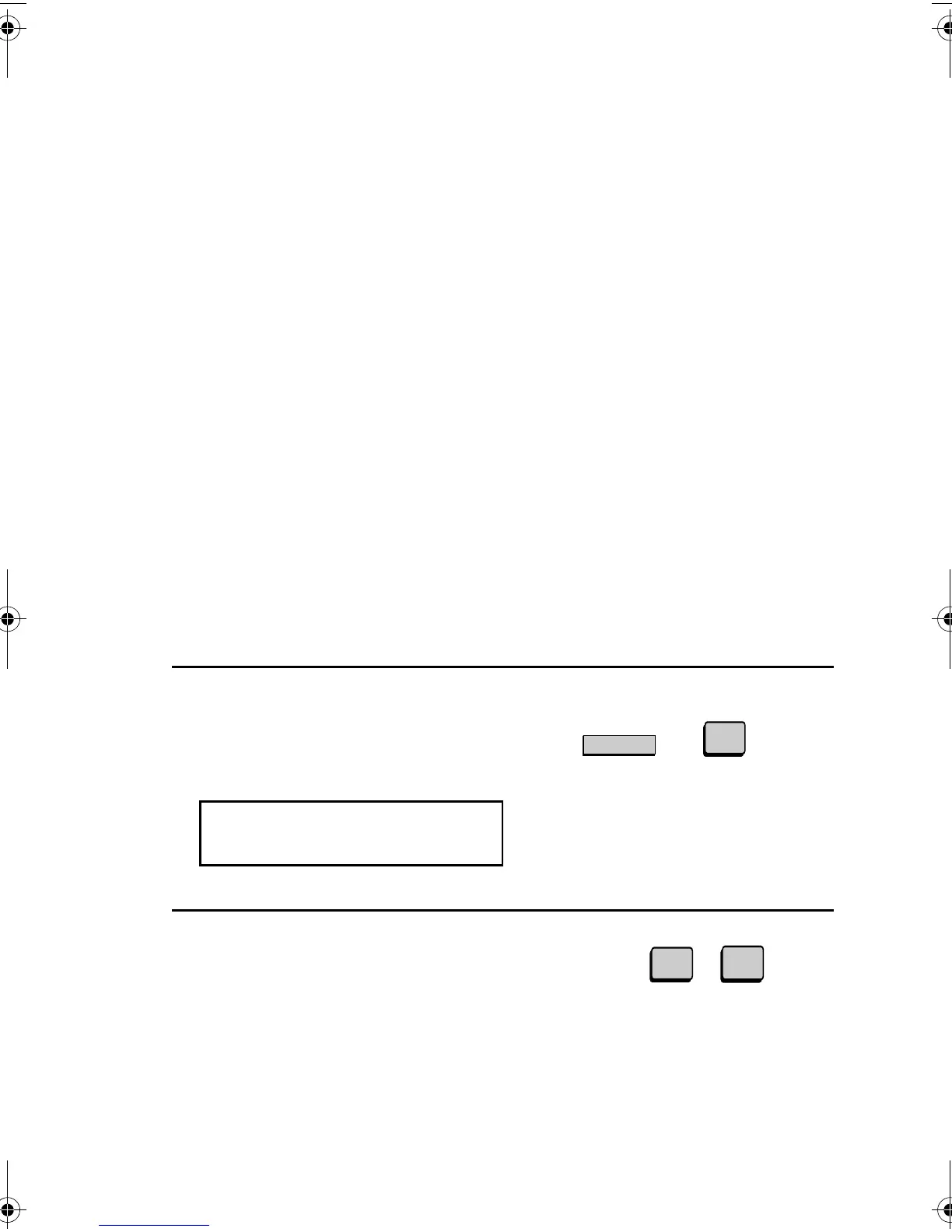
Press the CONFIDENTIAL Key and
then 3.
The display will show:
Confidential reception
When another fax machine sends you a document by confidential
transmission, your fax machine holds it in memory instead of
immediately printing it out. The document cannot be printed out until
you enter the correct passcode.
Your fax has 10 "mailboxes" in which confidential documents can be
received. Each mailbox has its own passcode, allowing up to 10
different people or groups to each receive their own confidential
documents. The mailboxes are identified by 2-digit numbers.
Programming the confidential passcode
To receive a confidential document, you must first program a 2-digit
mailbox number and a 4-digit passcode.
Note: Be sure to inform the transmitting party of your 2-digit mailbox
number in advance. The transmitting party will need this number to send
you confidential faxes.
(Example)
.
3:CONF. CODE SET
ENTER BOX # (00-99)
0
1
S
CONFIDENTIAL
3
all-FO4700.book Page 76 Friday, November 4, 2005 9:17 AM



 To Next Page