Relay Request
84
14
Return to Step 2 to enter another relay
group, or press STOP repeatedly to
return to the date and time display.
Clearing a relay group
To clear a relay group, you need to know the 2-digit number that
identifies it. You can check the number by printing out the Relay
Group List as explained in Chapter 7.
Step 2 or
1
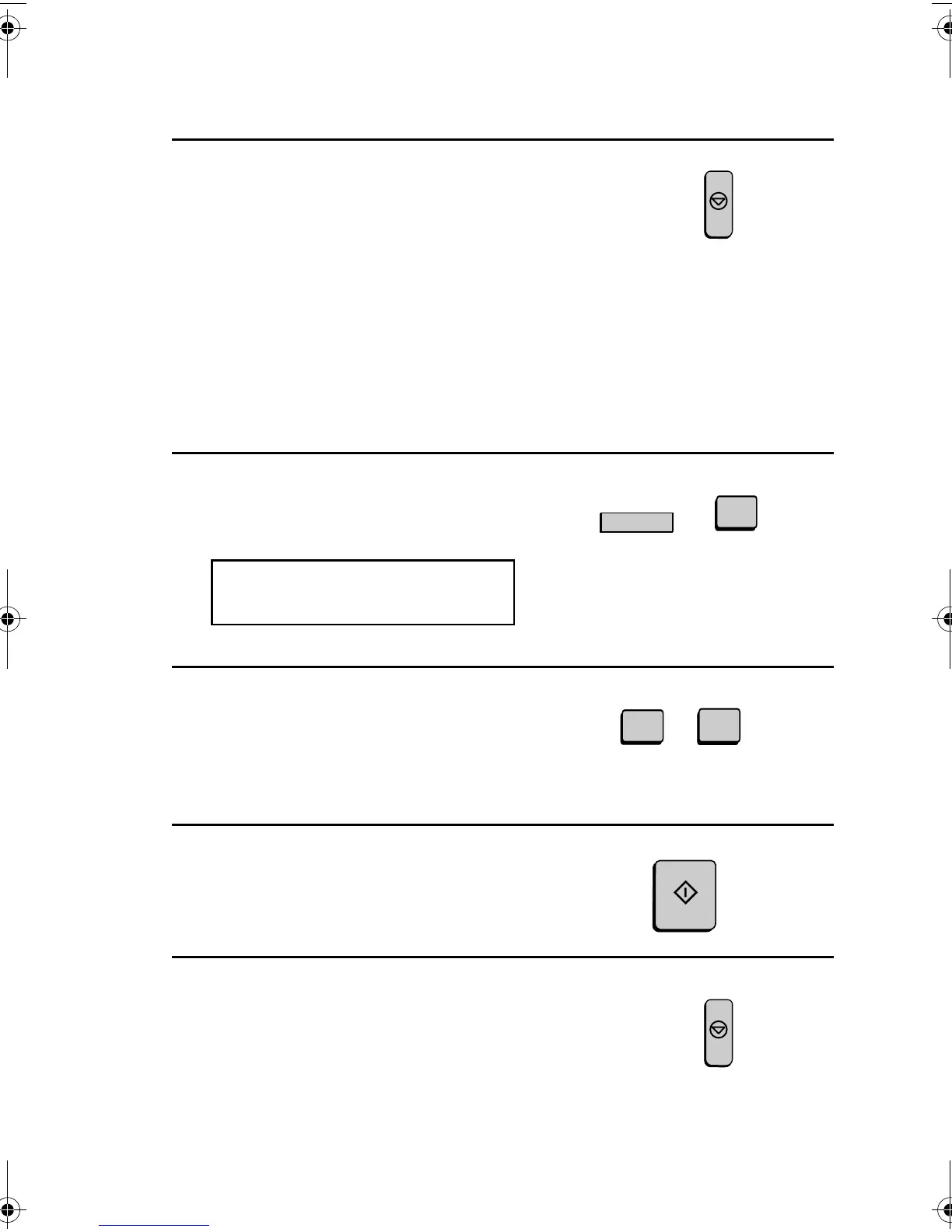
Press the RELAY key and then 3.
The display will show:
2
Enter the 2-digit number that
identifies the group you want to clear.
3:RELAY GROUP CLEAR
ENTER # (01-10)
3
Press the START key.
0
1
U
RELAY
3
4
Return to Step 2 to clear another relay
group, or press STOP repeatedly to
return to the date and time display.
Step 2 or
(Example)
STOP
START
STOP
all-FO4700.book Page 84 Friday, November 4, 2005 9:17 AM



 To Next Page