LC-32AX3H/M/X
LC-37AX3H/M/X
19
(7) ADC adjustment (Component 15K)
Adjustment point Adjustment conditions Adjustment procedure
1 Adjustment [Signal]
COMP 15K, 60Hz 100%
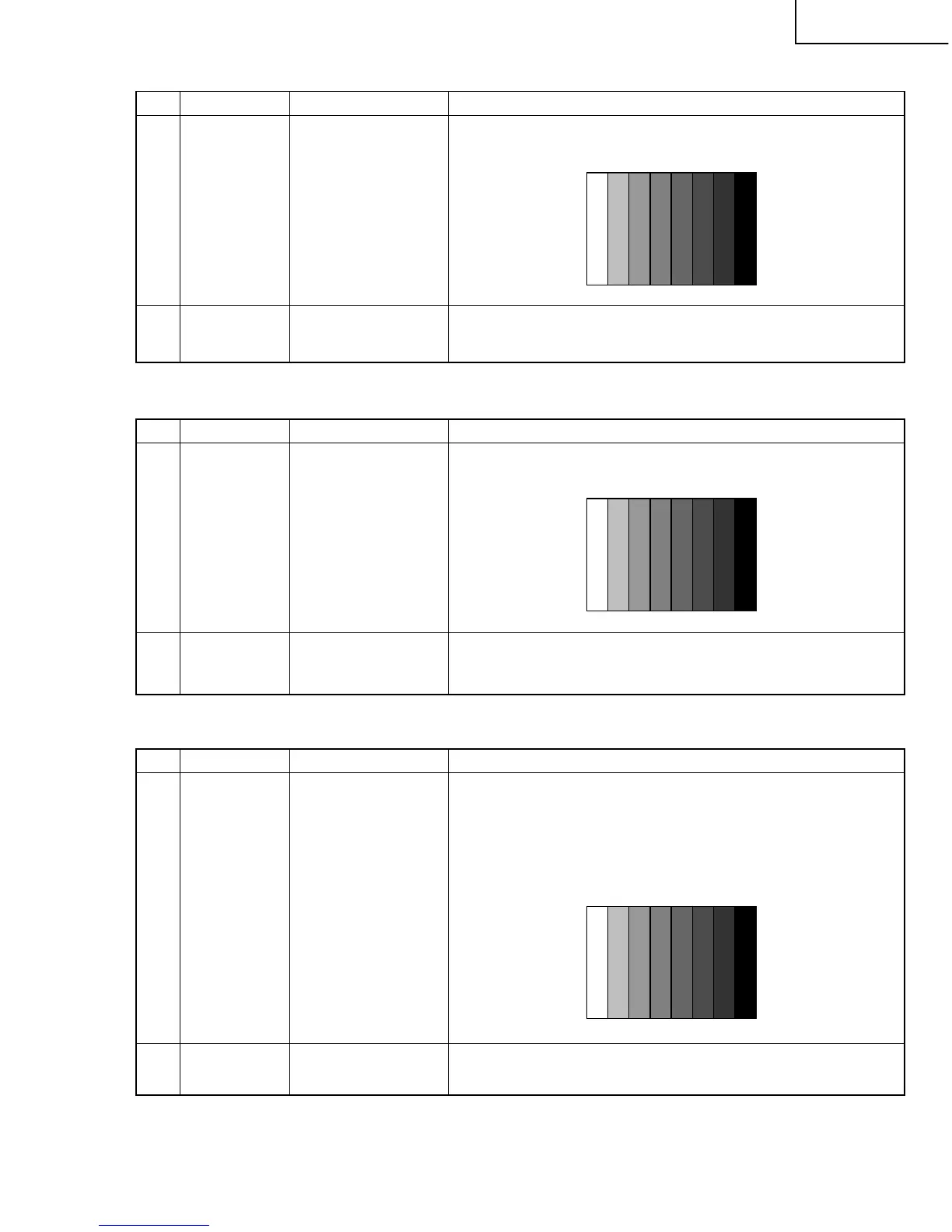
Full-Field Colour Bar
signal
[Terminal]
COMPONENT
(INPUT 1)
2 Auto adjustment Page 4/15
performance
» Feed the COMPONENT 15K 100% Full-Field Colour Bar signal (100%
colour saturation) to COMPONENT (INPUT 1).
Bring the cursor on [ËCOMP15K ADJ] and press [ENTER].
[ËCOMP15K ADJ OK] appears when finished.
(8) ADC adjustment (Component 33K)
Adjustment point Adjustment conditions Adjustment procedure
1 Adjustment [Signal]
COMP 33K 60Hz 100%
Full-Field Colour Bar
signal
[Terminal]
COMPONENT
(INPUT 1)
2 Auto adjustment Page 5/15
performance
» Feed the COMPONENT 33K 100% Full-Field Colour Bar signal (100%
colour saturation) to COMPONENT (INPUT 1).
Bring the cursor on [ËHDTV ADJ] and press [ENTER].
[ËHDTV ADJ OK] appears when finished.
100% white
↑
(9) HDMI signal adjustment
Adjustment point Adjustment conditions Adjustment procedure
1 Adjustment Recommended signal
generator:
Leader Electronics-
made LT448
[Terminal]
HDMI (INPUT 4)
2 Auto adjustment Page 6/15
» Set the output signal to 1080i/59.94(30sF) RGB digital output.
» Set the signal to the Full Colour Bar (100% saturation).
» 8 bars including the rightmost black bar; Dynamic range: min 16/max
235
» Feed the signal to HDMI (INPUT 4) from the signal generator’s DVI
terminal through the DVI-HDMI conversion cable.
Bring the cursor on [ËN358 ADJ] and press [ENTER].
[ËN358 ADJ OK] appears when finished.
100% white
↑
100% white
↑





 To Next Page