S
S
a
a
l
l
e
e
s
s
G
G
u
u
i
i
d
d
e
e
Fax Management
With the advanced Fax management functions of the MX-5000N/01N & MX-4100N/01N, you need never print a fax
again, whether receiving or sending.
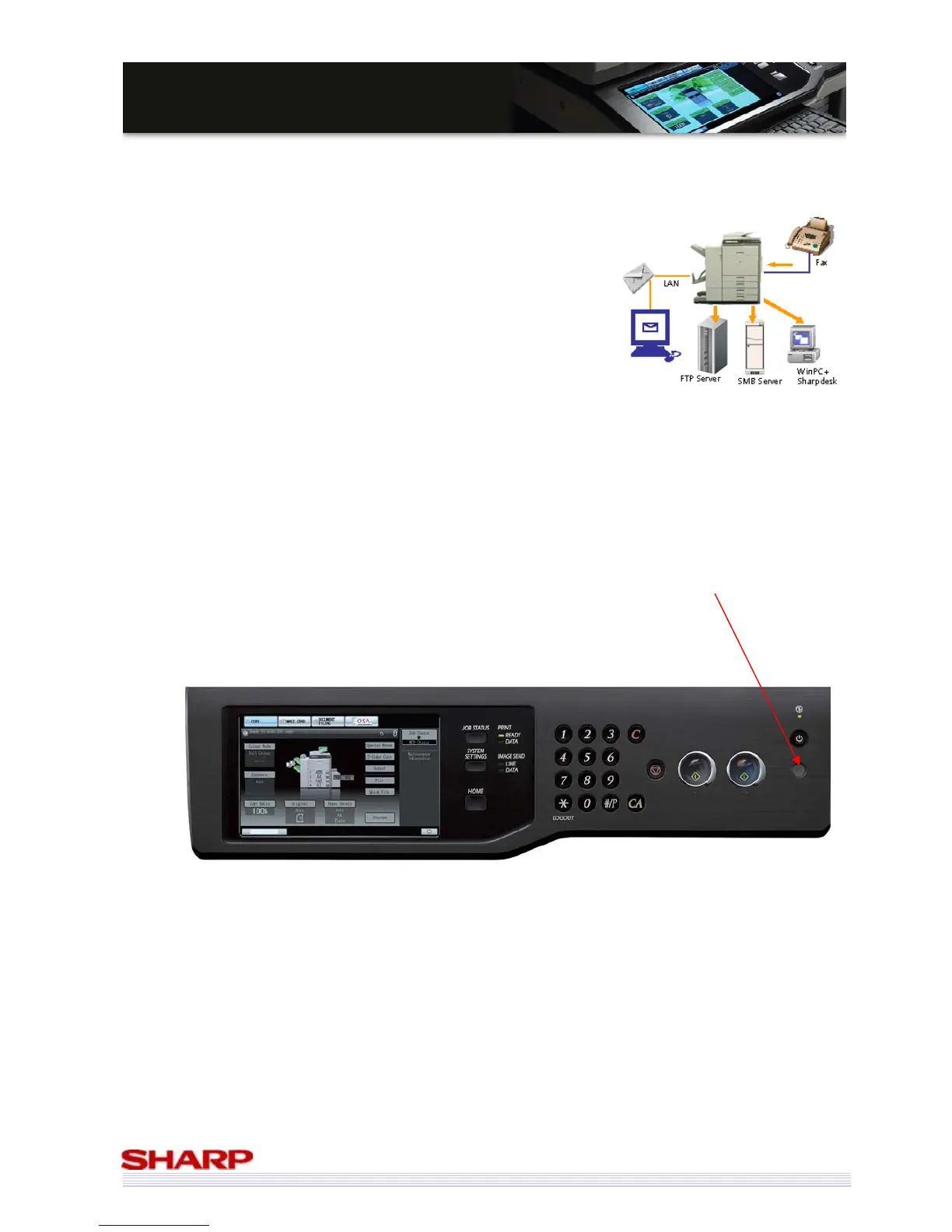
Inbound routing - Incoming faxes are sent via email to a specified recipient or
sent as TIFF, PDF, and XPS data to servers/PCs at the specified time. Users can
set the transfer schedule. Therefore, system works efficiently and only
required faxes need to be printed, and junk faxes are not printed.
PC-Fax - Fax electronic documents direct from your PC – no need to print
them first
Fax Thumbnail enables incoming faxes to be previewed prior to printing.
Of course, if you do need to print out a fax, you can always print it duplex!
Save Electricity, Save the Environment
The MX-5000N/01N & MX-4100N/01N can be set to go into power save mode after a set period of inactivity.
In addition to this, there is a power-save button which, when pressed, forces the MFP into power save mode
immediately.



 To Next Page