MX-C250 SIMULATION 6 – 21
26-54
Purpose
Setting
Function (Purpose)
Used to set LCD contrast PWM duty
Section
Operation/Procedure
1) Enter the set value with 10 keys.
1) Press [OK]/[START] key.
The selected set content is saved.
26-69
Purpose
Setting
Function (Purpose)
Used to set the operating conditions for
toner near end.
Section
Operation/Procedure
1) Select the item to be set with Arrow keys.
2) Enter the set value with 10 keys.
3) Press [OK]/[START] key.
The selected set content is saved.
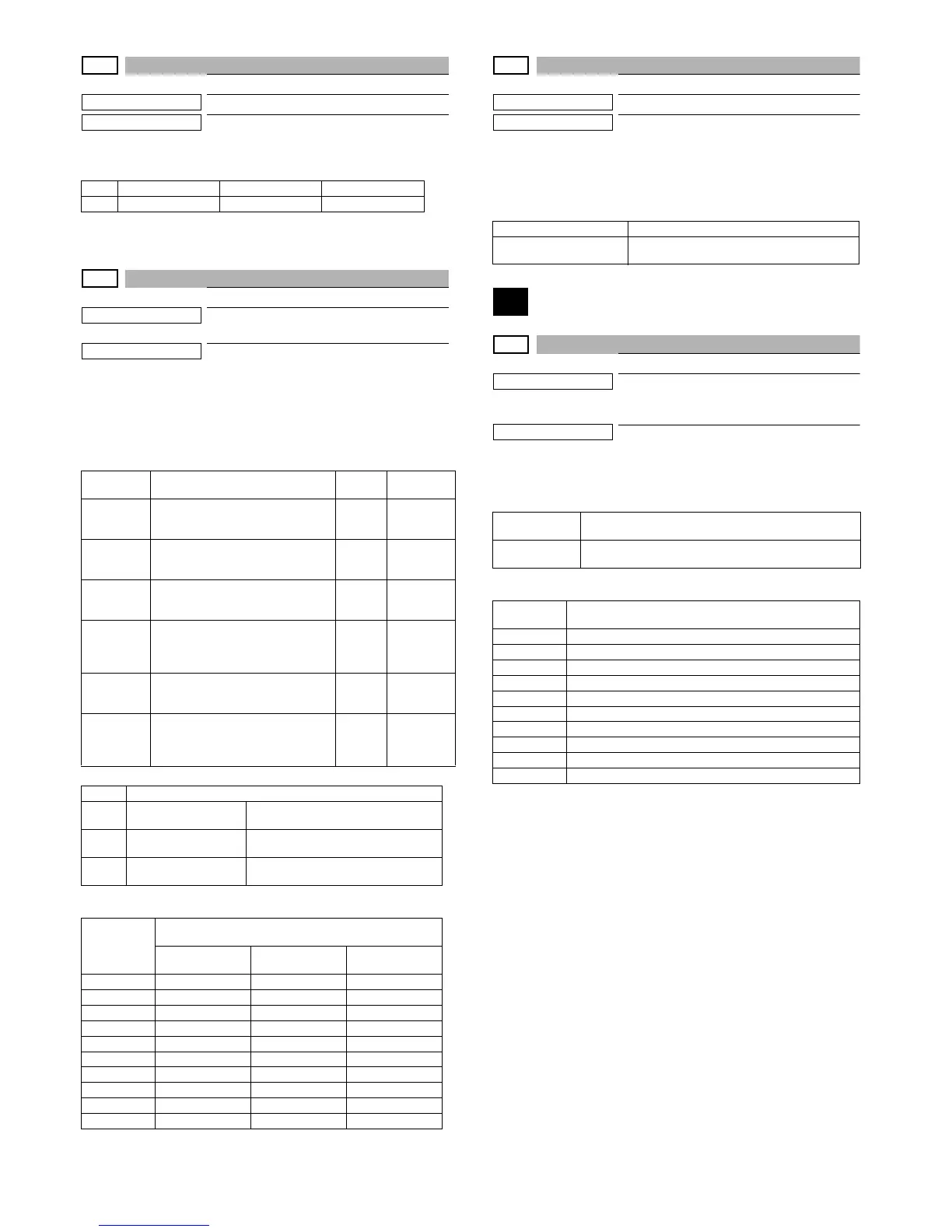
<List of Default values and set values for each destination>
26-73
Purpose
Setting
Function (Purpose)
Used to set Toner save setting. .
Section
Operation/Procedure
1) Enter the set value with 10 keys.
2) Press [OK]/[START] key.
The selected set content is saved.
27
27-2
Purpose
Setting
Function (Purpose)
Used to set the sender's registration num-
ber and the HOST server telephone num-
ber. (FSS function)
Section
Operation/Procedure
1) Select an item to be set with 10 keys. ]
2) Press [OK]/[START] key.
<List of Default values and set values for each destination>
Item Display Contents Setting range
1 LCD PWM duty PWM duty value 30 - 70
Item/Dis-
play
Content Range
Default
value
TN PREP
0:Y 1:N
The toner preparation message is
displayed/ is not displayed. (0:Y
1:N)
0-1
Refer to
the desti-
nation list
REM TN
LV
Toner preparation indication at the
toner rest amount x%.(From 0.5% to
9.50%, it is possible to set in0.5%)
0-9 4
T N N E N D
0:Y 1:N
The toner near end message is dis-
played is not displayed.(0:Y 1:N)
0-1
Refer to
the desti-
nation list
TN END
Operation Enable / Disable in
TONER END
1 - 3
Refer to
the desti-
nation list
TN END
CNT
Setting of the number of copy/print/
FAX outputs Enable after TONER
NEAR END.
1 - 3
1
TN E-MAIL
ALERT
When near near toner end of Toner
Low status of E-mail alert system is
sent. (0 : near near end / 1 : near
end)
11
Value Contents
1
Print Enable after
toner end detection
Toner end flag detection : N/A
CRUM ID history check : N/A
2
Print Disable after
toner end detection
Toner end flag detection : N/A
CRUM ID history check : Available
3
Print Disable after
toner end detection
Toner end flag detection : Available
CRUM ID history check : Available
Destination
Set value
Toner prepara-
tion
Toner near end Toner end
U.S.A 0 (Displayed) 0 (Displayed) 2 (Machine Stop)
CANADA 0 (Displayed) 0 (Displayed) 2 (Machine Stop)
INCH 0 (Displayed) 0 (Displayed) 2 (Machine Stop)
JAPAN 0 (Displayed) 1 (Not Displayed) 2 (Machine Stop)
AB_B 0 (Displayed) 0 (Displayed) 2 (Machine Stop)
EUROPE 0 (Displayed) 0 (Displayed) 2 (Machine Stop)
U.K. 0 (Displayed) 0 (Displayed) 2 (Machine Stop)
AUS. 0 (Displayed) 0 (Displayed) 2 (Machine Stop)
AB_A 0 (Displayed) 0 (Displayed) 2 (Machine Stop)
CHINA 0 (Displayed) 0 (Displayed) 1 (Not Stop)
Item/Display Content
TONER SAVE DISP
Toner save setting is displayed (0) / is not dis-
played (1)
USER
FAX_NO.
Sender registration number (Max. 16 digits)
SRV TEL_NO.
Host server telephone number (Max. 16 digits)
- Refer to the destination list
Destination
Set value
U.S.A 16 figure ALL”(NULL)”
CANADA 16 figure ALL”(NULL)”
INCH 16 figure ALL”(NULL)”
JAPAN ”0120382327”
AB_B 16 figure ALL”(NULL)”
EUROPE 16 figure ALL”(NULL)”
U.K. 16 figure ALL”(NULL)”
AUS. 16 figure ALL”(NULL)”
AB_A 16 figure ALL”(NULL)”
CHINA 16 figure ALL”(NULL)”



 To Next Page