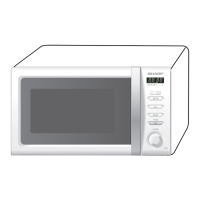
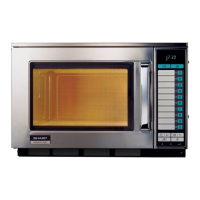
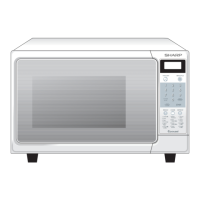
R-231NW
When troubleshooting the microwave oven, it is helpful to follow the Sequence of Operation in performing the checks. Many of the
possible causes of trouble will require that a specifi c test be performed. These tests are given a procedure letter which will be found in
the “Test Procedure “section.
IMPORTANT:
If the oven becomes inoperative because of a blown monitor fuse, check the monitor switch, primary interlock relay (RY2), door
sensing switch and secondary interlock switch before replacing the monitor fuse. If monitor fuse is replaced, the monitor switch must
also be replaced. Use part FFSBA026WRKZ as an assembly.
7 - 1
CHAPTER 7. TROUBLESHOOTING GUIDE
Never touch any part in the circuit with your hand or an uninsulated tool while the power supply is connected.
IMPORTANT:
Whenever troubleshooting is performed with the power supply
cord disconnected. It may in, some cases, be necessary to
connect the power supply cord after the outer case has been
removed, in this event,
1) Disconnect the power supply cord, and then remove outer
case.
2) Open the door and block it open.
3) Discharge high voltage capacitor.
4) Disconnect the leads to the primary of the power transformer.
5) Ensure that the leads remain isolated from other components
and oven chassis by using insulation tape.
6) After that procedure, reconnect the power supply cord.
When the testing is completed,
1
)
Disconnect the power supply cord, and then remove outer case.
2) Open the door and block it open.
3) Discharge high voltage capacitor.
4) Reconnect the leads to the primary of the power transformer.
5) Reinstall the outer case (cabinet).
6) Reconnect the power supply cord after the outer case is
installed.
7) Run the oven and check all functions.
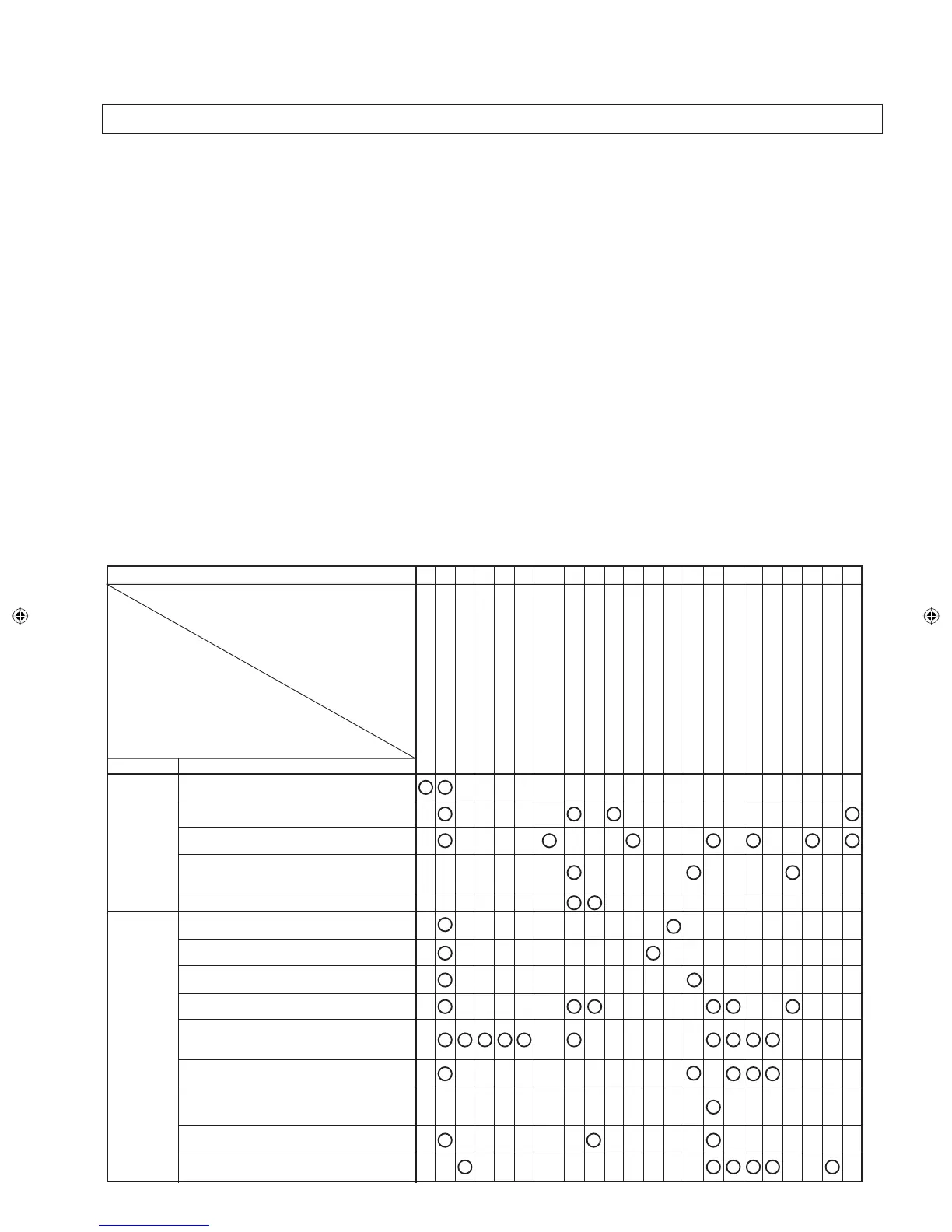
[1] TROUBLESHOOTING CHART
RE CK A B C D E F F G H RE RE CK J/L CK CK CK K N M I
POSSIBLE CASE
AND DEFECTIVE PARTS
DROCR
E
WOPNITROHS
GNI
RI
WDEN
E
POR
O
TROH
S
N
O
RTENG
A
M
REMRO
F
SNARTR
E
WO
P
YLBM
E
SSAREI
FI
TCER.V
.
H
ROTICAPACEGA
TL
OVH
G
I
H
)
N
EV
O
(ESUFER
U
T
A
R
E
P
M
E
T
)NEVO(TUO-TUCLAMREHTro
ME
TS
Y
SKC
OL
R
E
TNI
Y
R
AMIRP
TIWSKCOLRET
N
IYRADNOCES
HCTIWSROTINOM
E
SUFRO
TI
N
OM
PMALN
E
VO
ROTOMNA
F
GNILOOC
ROTOMELBATNRUT
YAL
E
Rro
T
IN
UL
OR
T
N
O
C
NOITAREPOGN
O
RW
EGATL
O
VWOL
Y
T
IVACNE
V
O
Y
T
R
I
D
HCTIWSENIA
R
BMEM(TINUYEK
.BWPNONRETTAPLIOF
TSORFED
R
E
TLI
F
E
SI
O
N
CONDITION PROBLEM
OFF
CONDITION
TTEST PROCEDURE
COOKING
CONDITION
Home fuse blows when power cord is plugged
into wall receptacle.
Monitor fuse blows when power cord is plugged
into wall receptacle.
Any letters or indicators do not appear in display
when power cord is first plugged into wall outlet.
Display does not operate properly when
STOP/CLEAR key is touched. (Buzzer should
sound and time of day should appear in display.)
Monitor fuse blows when the door is opened.
Fan motor does not operate. (All other electric
components function.)
Oven lamp does not light at all. (All other electric
components function.)
Turntable motor does not operate. (All other
electric components function.)
Oven does not go into cook cycle when START
pad is touched
Oven seems to be operating but little or no heat
is produced in oven load. (Food incompletely
cooked or not cooked at all at end of cook cycle.)
Oven goes into a cook cycle but extremely
uneven heating is produced in oven load (food).
Oven does not cook properly when programmed
for Cooking 50% mode. (Operates properly on
Cooking Power 100% mode.)
Oven lamp, turntable motor and fan motor do not
operate.
Oven goes into DEFROST but food is not
defrosted well.
Service_R-231NW.indd 13Service_R-231NW.indd 13 6/24/09 3:56:43 PM6/24/09 3:56:43 PM


 To Next Page