11
SX68JF100
11-1 11-2
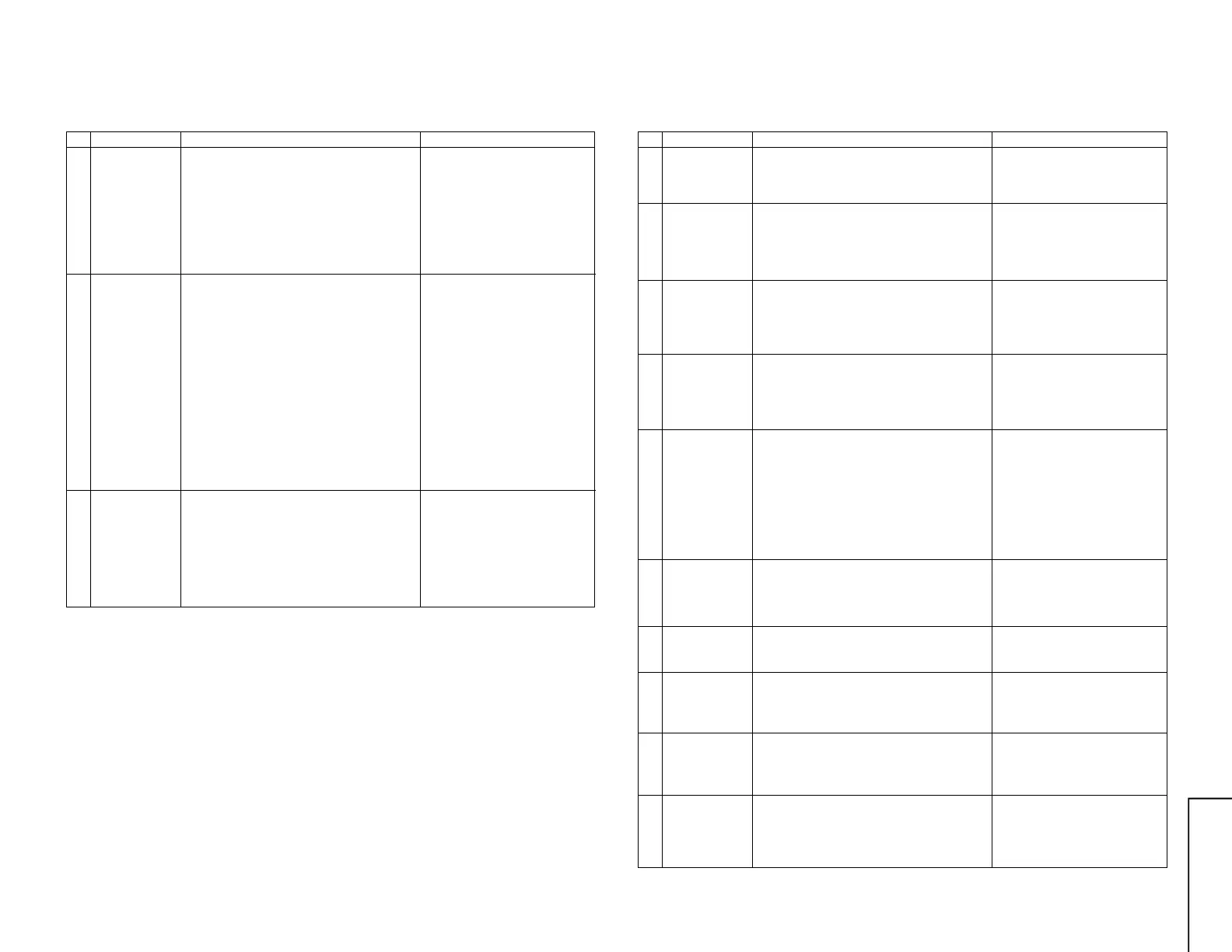
NO. Adjustment part Adjusting procedure and conditions Waveform and others
A/V INPUT/OUTPUT CHECK
1 Video output
check
Audio output
check
1 Receive E-12CH colour bar (colour bar audio
400Hz 100% MOD of 100% white).
2 The video output must be within the specified
range of 1.0Vp-p ± 3dB at the 75 ter minator.
3 The audio output must be within the specified
range of 1.76Vp-p ± 3dB at the 10k ter mina-
tor.
2 Video input
check
Audio input
check
S-terminal input
check
1 The mode must be switched in the cycle of TV
→ AV1 → AV2 → AV3 → DVD → TV with TV/
AV key of R/C, and the picture and sound which
correspond to each input/output terminals must
be properly output.
* Here, DVD is applied for the input alone.
2 When the connector is inserted into the S-video
input terminal on AV1, it must be switched from
AV to S-video and must be properly operated.
Moreover,
check “AV1-S” of OSD.
3 When the connector is inserted into the S-video
input terminal on AV3, it must be switched from
AV to S-video and must be properly operated.
Moreover,
check “AV3-S” of OSD.
3 AV3 automatic
discrimination
check
1 Receive TV with R/C.
2 When the signal is input to the video input ter-
minal of AV3, it is automatically switched to
AV3.
3 When the signal is input to the S-video input
terminal of AV3, it is automatically switched to
AV3-S.
* Setting: Auto select in the feature menu — ON
NO. Adjustment part Adjusting procedure and conditions Waveform and others
FUNCTION OPERATION CHECK (1) (VIDEO AND AUDIO)
1 CONTRAST 1 Receive E-5CH.
2 Select CONTRAST by picture menu.
3 The contrast must be varied with UP/DOWN.
2 COLOUR 1 Receive J-13CH.
2 Select COLOUR by picture menu.
3 The colouring must be varied with UP/DOWN.
(Any colour must not remain in MIN.)
3 BRIGHTNESS 1 Receive E-5CH.
2 Select BRIGHT by picture menu.
3 The black level must be varied with UP/DOWN.
4 TINT 1 Receive J-13CH. (NTSC colour bar)
2 Select TINT by picture menu.
3 With UP/DOWN, the tint must be varied toward
green for UP, and toward red for DOWN.
5 NORMAL 1 If NORMAL key is pressed when the mode is
displayed in P/S-mode, the displayed content
alone must be set to be normal. (At standard
mode.)
CONTRAST : 50
COLOUR : CENTER
BRIGHTNESS : CENTER
TINT : CENTER
SHARPNESS : CENTER
* If it is not displayed,
CONTRAST, COLOUR, BRIGHT,
TINT and SHARPNESS must be
all set to be normal.
6 SHARPNESS 1 Receive E-5CH.
2 Select SHARPNESS by picture mode.
1 The screen quality must be varied with UP/
DOWN.
7 CH sign display
colour
1 All CH (0 thru 99) sign must be displayed in
green.
* If the TV is factory setting.
8 TREBLE 1 Receive E-5CH.
2 Select TREBLE by sound menu.
3 The high band must be varied with UP/DOWN.
9 BASS 1 Receive E-5CH.
2 Select BASS by sound menu.
3 The low band must be varied with UP/DOWN.
10 BALANCE 1 Receive E-5CH.
2 Select BALANCE by sound menu.
3 Verify that the left/right balance must be var-
ied with UP/DOWN.



 To Next Page