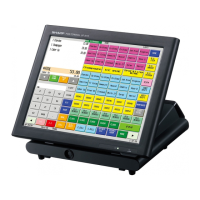
2. UP-3300 Memory File Allocation:
1) From the SRV-Mode Main Menu select menu
option "2. SETTING" by simply touching the
menu option as shown in Fig. 2-7.
FIG. 2-7
FIG. 2-8
FIG. 2-9
FIG. 2-10
2) From the SRV-Mode Sub-Menu #1, select
"8. FILE" by simply touching the menu option
as shown in Fig. 2-8.
4) Using the Ten-key pad, enter the desired
number of employees followed by depressing
the ENTER key as shown in Fig. 2-10.
*** Note:
Once the UP-3300 has completed "processing" the allocation, it will return to the
File Group listing automatically.
6
3) Using the UP and DOWN arrow keys, scroll to
File Group No. 26 and select it by depressing
the ENTER key as shown in Fig. 2-9.



 To Next Page