42
3 Special Printing Function
■
After transaction receipt
In the OFF state (no receipting) of receipt ON-OFF function, the transaction receipt can be issued during item
registrations or after finalizing a transaction (finalizing payment operations), press the
R
key to print it.
However, the receipt printing is prohibited during payment operations.
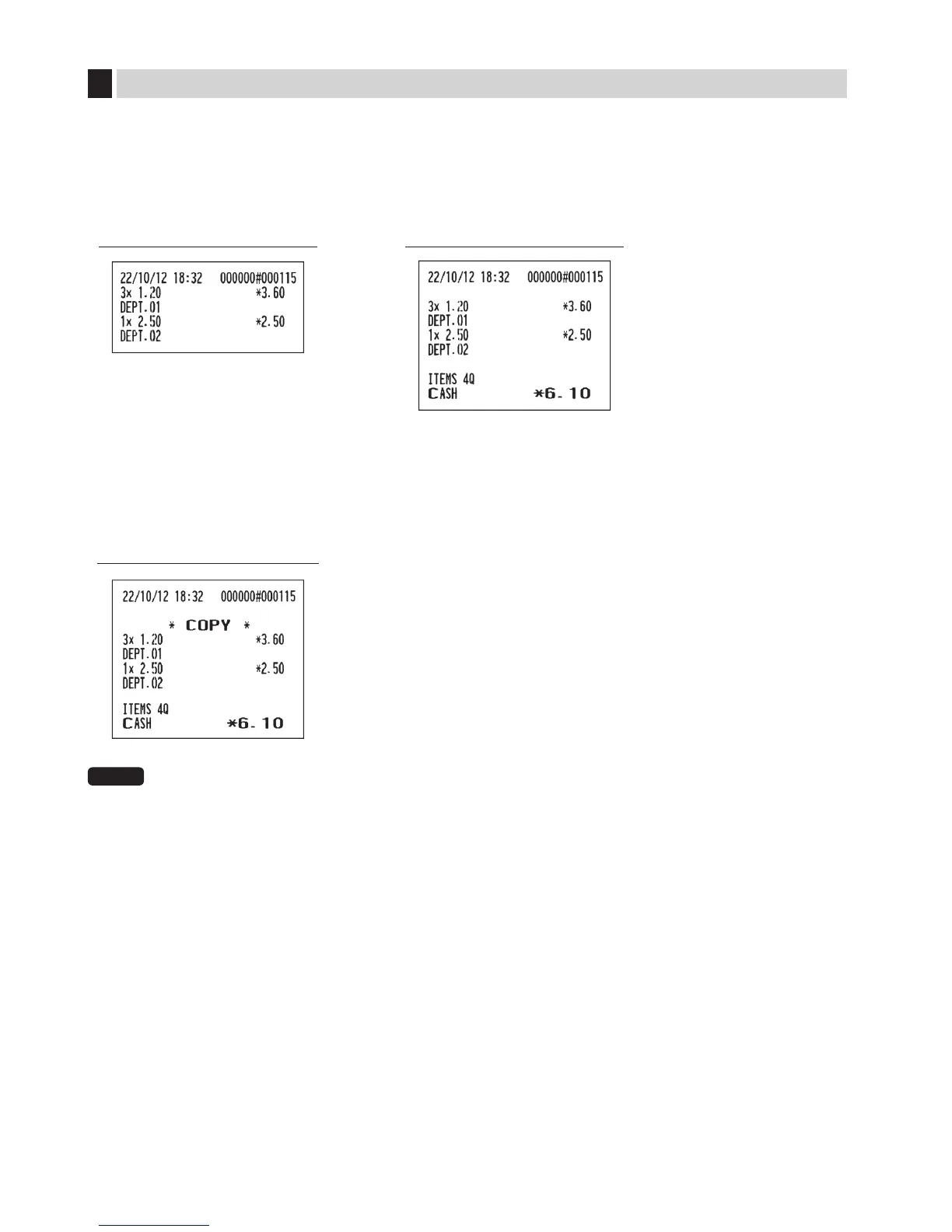
Print sample (temporary EJ
printing during a transaction)
Print sample
(after finalizing a transaction)
■
Copy Receipt printing
Your register can also print the receipt (copy receipt) after transaction receipt printing, press the
R
key to print
a copy receipt. However, the receipt printing is prohibited during payment operations.
Print sample
(after finalizing a transaction)
NOTE
When“copyreceipt;no”(jobcode63onpage55)isprogrammed,thecopyreceiptfunctionis
prohibited.


 To Next Page