26
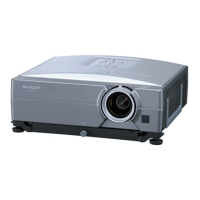
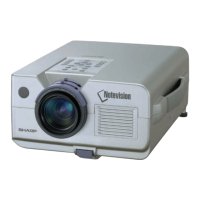
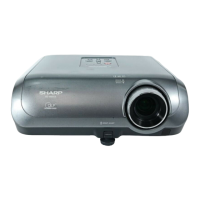
XG-C55X
No. Adjustment Items Adjustment Conditions Adjustment Procedures
11 Adjustment of
NTSC color
saturation
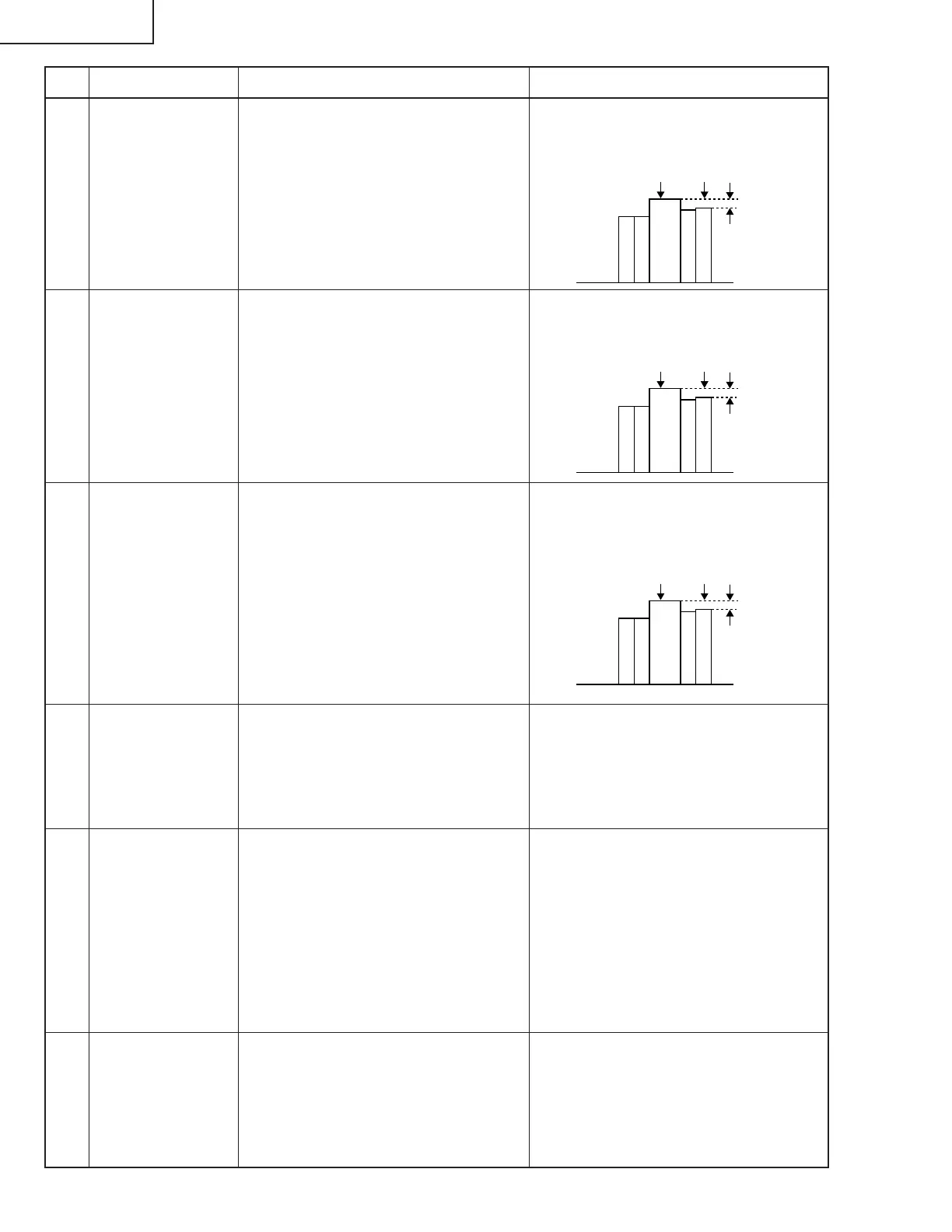
1. Feed the split color bar signal.
2. Select the following group and sub-
ject.
Group: VIDEO
Subject: N-COLOR
~ Connect the oscilloscope to pin (1)
of P1301.
1. Confirm the fixed value.
Fixed value: 54
(Reference: 0.4 Vp-p)
12 Adjustment of PAL
color saturation
1. Feed the PAL color bar signal.
2. Select the following group and sub-
ject.
Group: VIDEO
Subject: P-COLOR
~ Connect the oscilloscope to pin (1)
of P1301.
1. Confirm the fixed value.
Fixed value: 51
(Reference: 0.4 Vp-p)
13 Adjustment of
SECAM color
saturation
1. Feed the SECAM color bar signal.
2. Select the following group and sub-
ject.
Group: VIDEO
Subject: S-COLOR
~ Connect the oscilloscope to pin (1)
of P1301.
1. Confirm the fixed value.
Fixed value: 48
(Reference: 0.5 Vp-p)
14 Adjustment of
video white bal-
ance
1. Feed the NTSC monoscope pattern
signal.
2. Select the following group and sub-
jects.
Group: VIDEO
Subjects: V-R1-BLK, V-B1-BLK
1. Using the set's control switch or the
remote controller button, adjust the
settings to have the same white bal-
ance as on the standard monitor.
16 Adjustment of
COMPO bright-
ness
1. Feed the 0% gray pattern signal
(480I).
2. Select the following group and sub-
ject.
Group: COMPO
Subject: G-BRIGHT
1. Adjust so that pixel defect occurs on
the screen.
100% White Red
100% White Red
100% White Red
15 Adjustment of
COMPO CB offset
and CR offset
1. Feed the Y-0% brightness, Cb and
Cr 0% white pattern color difference
signal (480I).
2. Select the following group and sub-
ject.
Group: COMPO
Subject: AUTO
1. Feed the signal. Using the set's con-
trol switch or the remote controller
button, select the subject AUTO. The
setting will adjust itself.



 To Next Page