XL-DK225
2 – 3
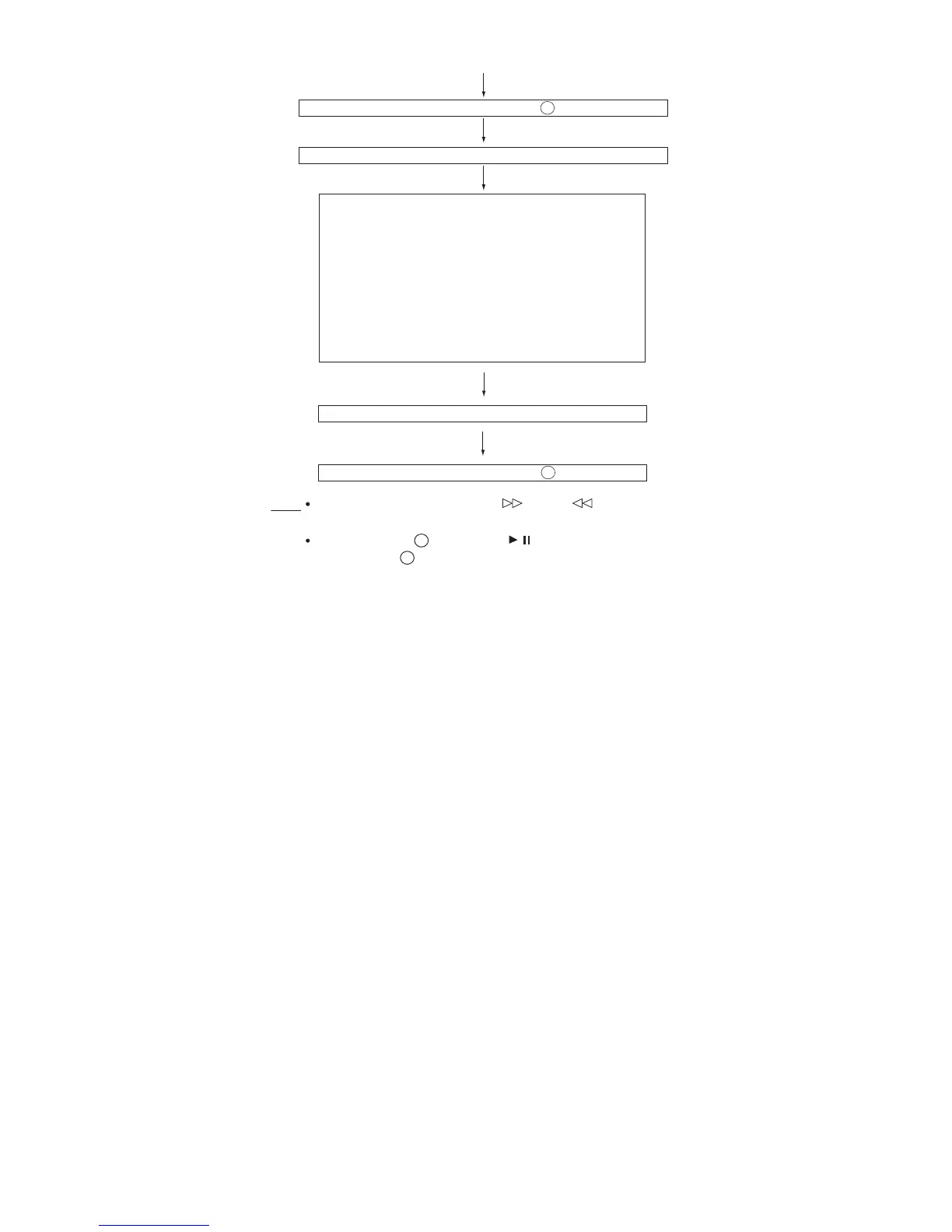
During at Step , if press << >> for more than 1 sec, it directly
goes to step .
To cancel: Power OFF
<<STOP>> key input.
a) Focus Balance = FB : XX
b) Focus Gain = FG : XX
c) Tracking Balance = TB : XX
d) Tracking Gain = TG : XX
e) Focus Offset = FOFF : XX
f) Tracking Offset = TOFF : XX
g) RFRP = RFRP : XX
h) Focus Error
(RW Judgement) = RW : XX - XXXX
i) Focus Error
(Other than RW Judgement) = DA : XX - XXXX
Sliding the PICKUP with << >>, << >> button can be set
in STOP mode or play mode.
STOP and return to Step
1
1
5
Note
STOP and return to Step
1
Everytime << DISPLAY >> key input
/


 To Next Page