E-24
ENGLISH
8
XL-UH3H
SD Memory Playback
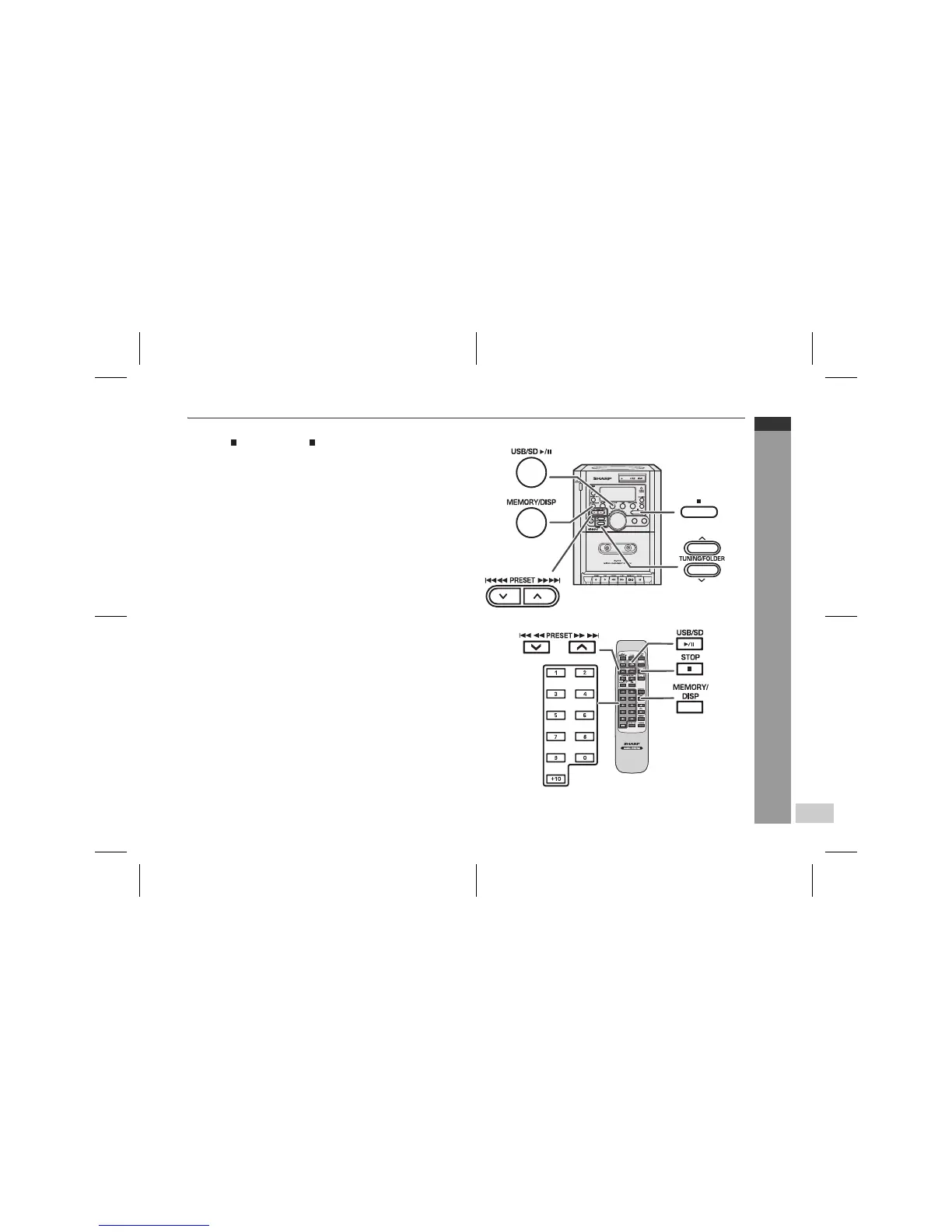
To cancel the programmed play mode:
Press the button or STOP button on the remote control. The
"MEMORY" indicator will disappear and all the programmed con-
tents will be cleared.
Notes:
z Removing the USB/SD memory device automatically cancels the
programmed sequence.
z The programme will automatically cancelled if you press the ON/
STAND-BY button to enter the stand-by mode or change the
function from USB/SD to another.
z During the programme operation, press the RANDOM button will
automatically cancelled the programme.



 To Next Page