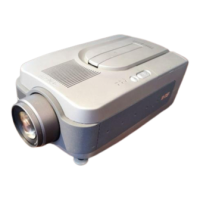
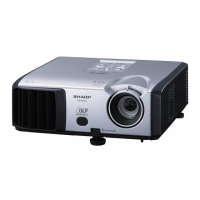
xv-zw99u
No. Adiustment Position
Adiustment Conditions
Adiustment Method
.__. . .-,___“‘_.‘_ --._.-.. .-,-.--...-..- _ _.._._._.._
a
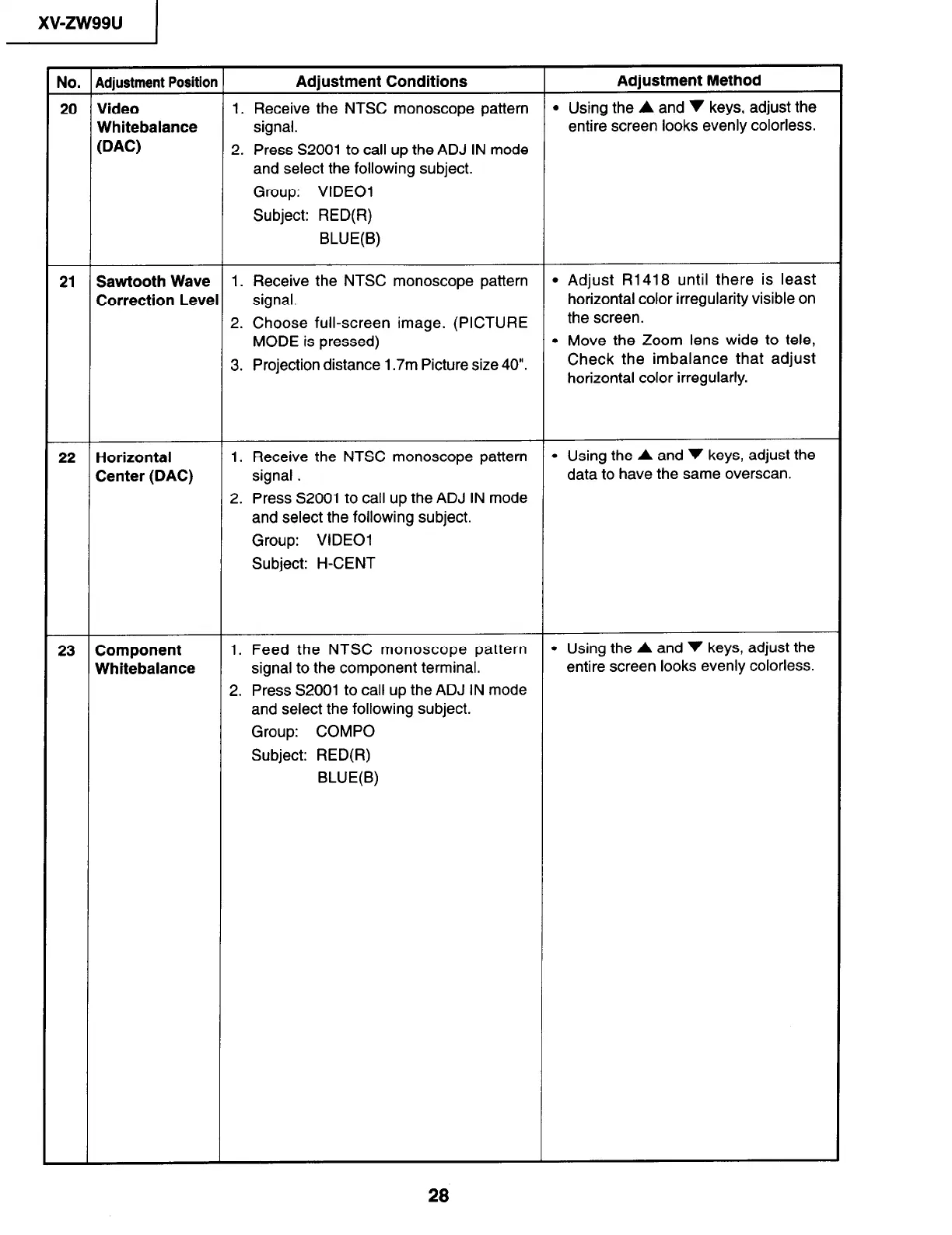
20 Video 1. Receive the NTSC monoscope pattern l Using the A and v keys, adjust the
Whitebalance signal.
entire screen looks evenly colorless.
WC)
2. Press S2001 to call up the ADJ IN mode
and select the following subject.
Group: VIDEO1
Subject: RED(R)
BLUE(B)
21 Sawtooth Wave 1. Receive the NTSC monoscope pattern l Adjust R1418 until there is least
Correction Level signal.
horizontal color irregularity visible on
2. Choose full-screen image. (PICTURE
the screen.
MODE is pressed)
l Move the Zoom lens wide to tele,
3.
Projection distance 1.7m Picture size 40”.
Check the imbalance that adjust
horizontal color irregularly.
22 Horizontal
Center (DAC)
1. Receive the NTSC monoscope pattern
l Using the A and v keys, adjust the
signal .
data to have the same overscan.
2. Press S2001 to call up the ADJ IN mode
and select the following subject.
Group: VIDEO1
Subject: H-CENT
23 Component
Whitebalance
1. Feed the NTSC monoscope pattern
l Using the A and v keys, adjust the
signal to the component terminal.
entire screen looks evenly colorless.
2. Press 52001 to call up the ADJ IN mode
and select the following subject.
Group: COMPO
Subject: RED(R)
BLUE(B)
28


 To Next Page