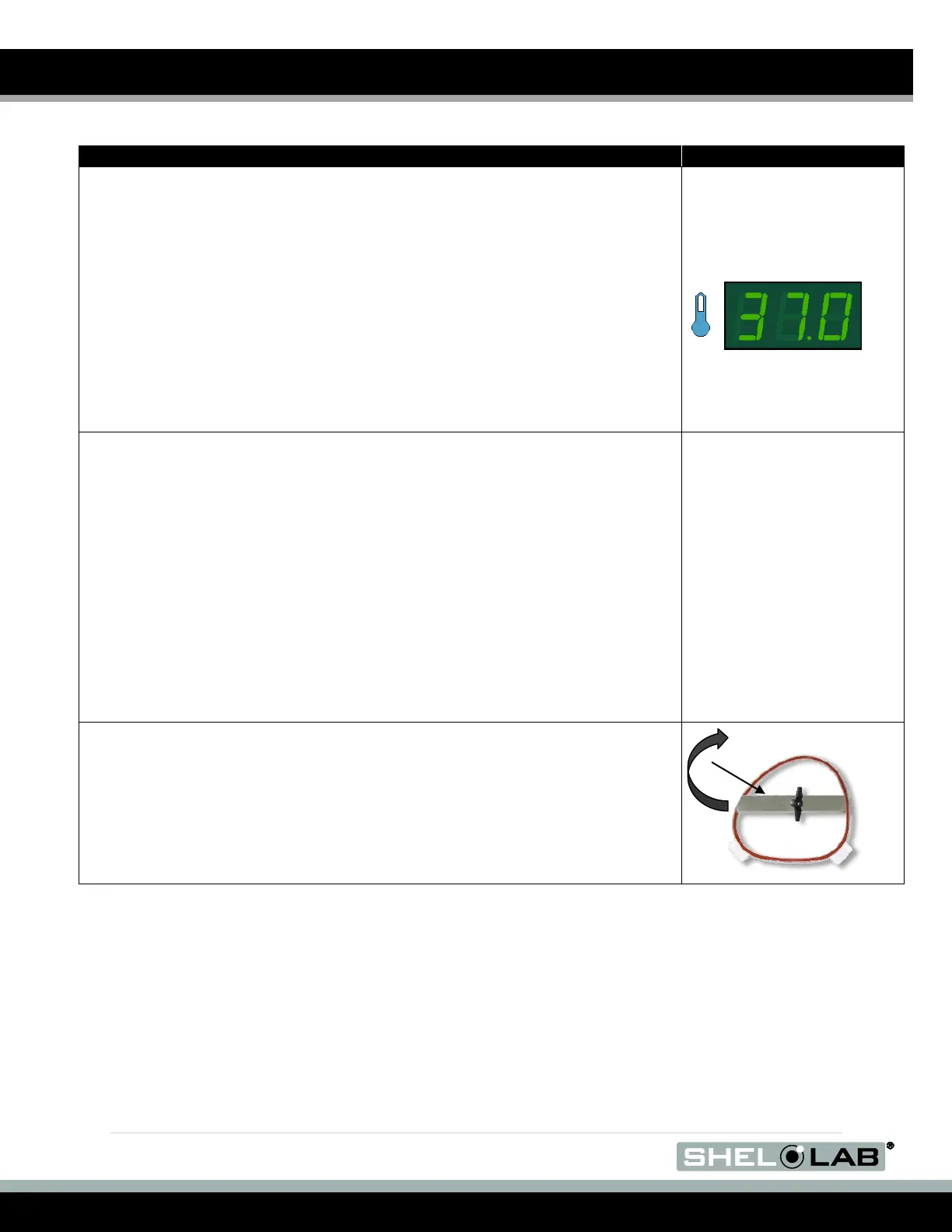
16. Optional. Set the incubator(s) temperature set point.
a. While waiting for the oxygen purge to complete, you may set the
temperature set point of the incubators to your application
temperature.
b. Each incubator comes from the factory set to run at 37°C.
c. Please see the Setting the Incubator Temperature procedure
on page 47.
17. End state
BACTRON300. When the purge has gone through 200 psi of AMG or
gone on for 2 hours (whichever happens first), tighten and secure the
right arm port door. Then carry out the Installing the Sleeve
Assemblies, Chamber Entry, and Verifying Anaerobic Atmosphere
procedures on the following pages.
BACTRON600 and BACTRON900. When the purge has used 400 psi of
AMG or gone on for 4 hours (whichever happens first), tighten and
secure the right arm port door. Then carry out the Installing the Sleeve
Assemblies, Chamber Entry, and Verifying Anaerobic Atmosphere
procedures on the following pages.
18. Seal the right arm port door when the end state has been achieved.
a. Turn the knob on the arm port door to the right (clockwise) until
snug, using finger strength.


 To Next Page