17 / 21
17 / 21
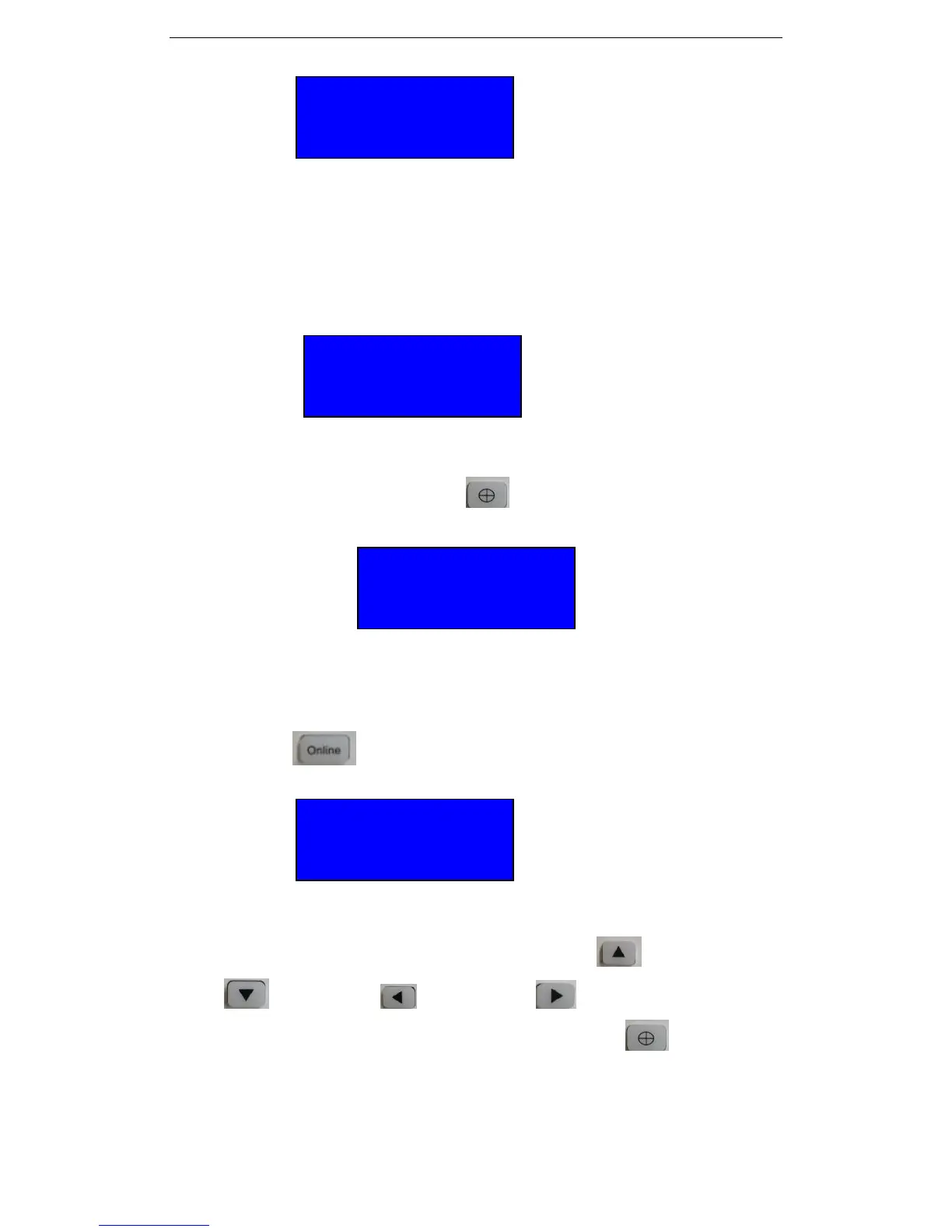
4.3.4Press “Menu” again you will see below:
In this interface, we can change the output mode by Press Up and Down Key.
If it is Printer Y, it means the output model is Real USB, then the computer recognizes the cutter as
Printer device. If it is :VirtualCOM Y”, it means Serial COM port output mode. When in COM
port output model, we need to set the Baud rate as 38400 in cutting software( Flexisign, Artcut,
Coreldraw and others).
4.3.5 Press “Menu” again you will see below:
The cutter can read the Udisc directly. You can copy the design which you want to cut to the U
disc, then put it to the cutter’s U disc port, then the cutter will show the files inside the U disc.
Press Up or down to review the file. And press to execute the design.
4.3.6 Press Reset, the cutter will go back to original position, and we will see below:
4.3.7: Press “Pause “ the cutter will cut a small square. We can judge the cutting blade’s
length by this test.
4.3.8 Press Online , its show as below:
The figure shows carriage coordinate display, the carriage head will be moved by moving
the keypad’s arrow key. Press keypad “Forward” button, “Backward”
button, “Left” button, “Right” button to adjust carriage to
forward ,backward ,left ,right. After finish , press “Original” button to back to
Zero.
X=0.0
Y=0.0
VirtualCOM N
Printer Y
SD File
No SD
Speed: 390MM/S
Force: 378


 To Next Page