16 / 21
16 / 21
of minimum 1-10CM is set between paper-
weight wheel and paper edge to ensure good
running of paper.
4.2.2.4 Raise the pinch roller to make paperweight wheel down to press paper.
4.2.3 Tesing cutting blade (adjust knife press and tool)
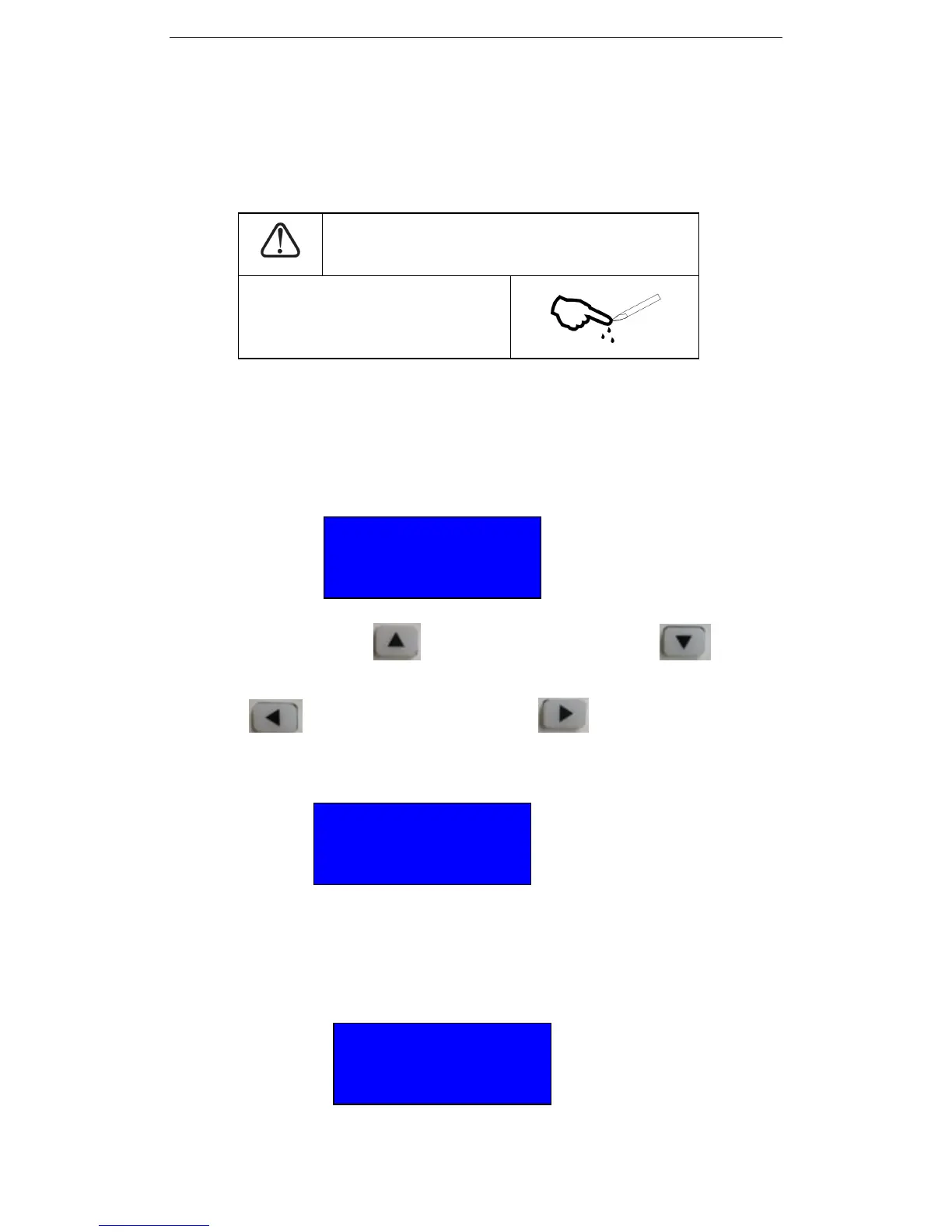
CAUTION
Do not touch the knife top with
your finger to prevent injury。
Quality of knife immediately relates to cutting precision and life of machine. To better
your work, please use the standard knives we confirm, but not those with poor quality.
4.3 Cutter Operation instruction and parameter setting:
When the cutter is opened, the cutter will go to Original. And you will se below on the
display of cutter:
4.3.1 In this condition, press Up to increase the speed, Press Down to decrease
the speed.
Press Left to increase the force. Press Right to reduce the Force
4.3.2 Press “Menu” you will see below:
Under this interface, you can press Up or Down to change the language. Now we provide two
languages: English and Chinese. The default language is English.
4.3.3 Press “Menu” again you will see below:
We can set the value of Xscale and Yscale when it is necessary. This value is only authorized to be
set by technician.
Speed: 600MM/S
Force: 378
Xscale 10000
Yscale 10000
SetLanguage CHI
Operator Cut


 To Next Page