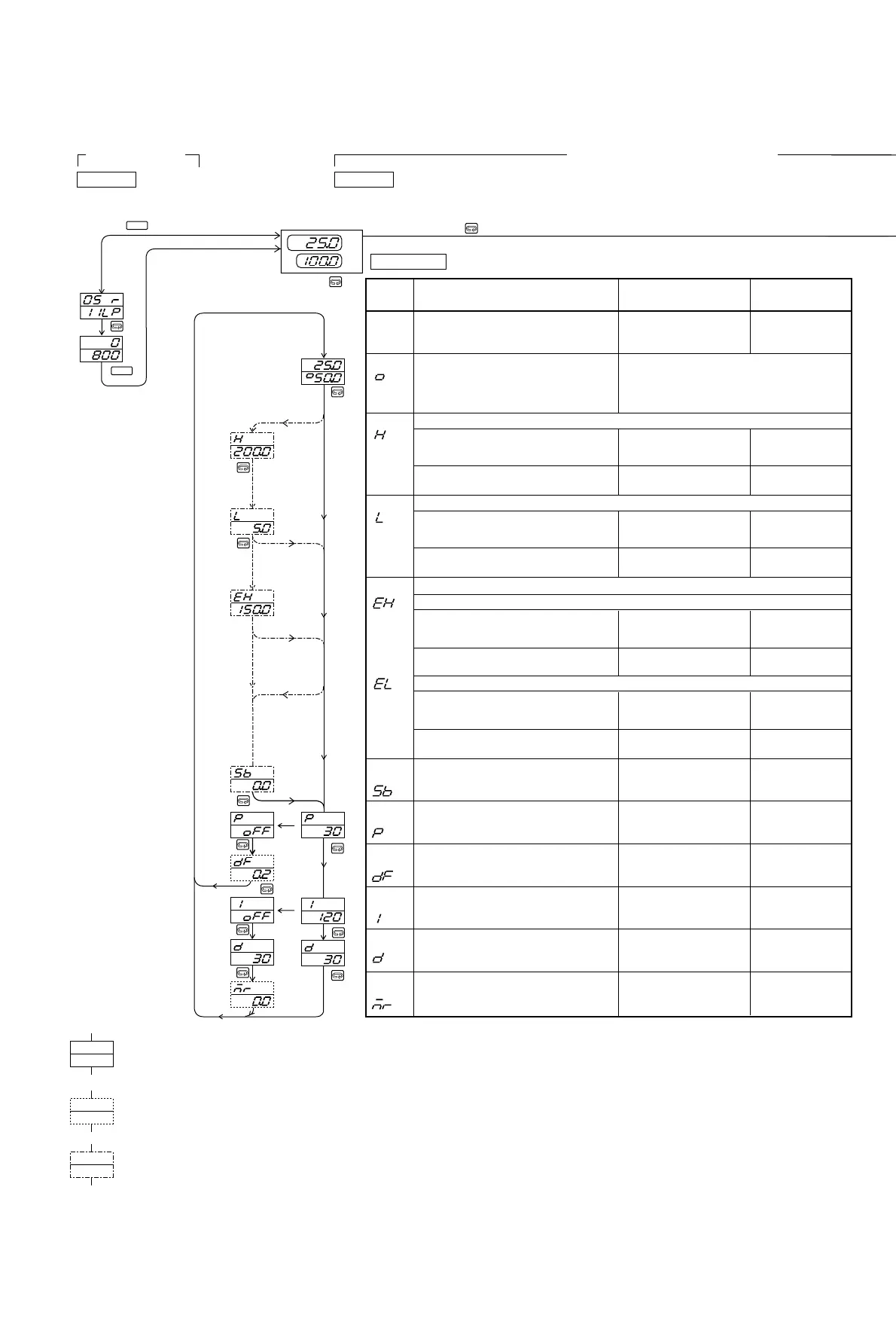
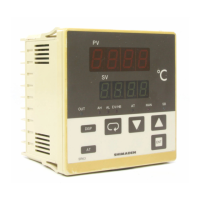
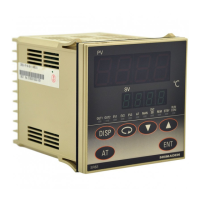
6-2.Parameter Flow and Functions
Mode Item
Setting range
Values set
when shipped
0-0
PV/SV
Setting of set value Within measuring range
or setting limit values
0-2
Higher limit alarm action point setting
0-3
Lower limit alarm action point setting
0-4
Event action point setting
0-5
Set value bias
0-6
Proportional band
setting
0-7
On-Off action hysteresis
(Displayed when
P: oFF is set)
0-8
Integral time
setting
Event higher limit alarm
Event lower limit alarm
2 : Absolute value alarm without inhibit
4 : Absolute value alarm with inhibit
Within measuring range
1 : Deviation value alarm without inhibit
3 : Deviation value alarm with inhibit
1 : Deviation value alarm without inhibit
3 : Deviation value alarm with inhibit
1 : Deviation value alarm without inhibit
5 : Deviation value alarm with inhibit
2 : Deviation value alarm without inhibit
6 : Deviation value alarm with inhibit
0 Unit or
0.0 Unit
0-1
Control output value
display (Setting of
output value during
manual control mode)
During auto control/output monitor screen
During manual control/setting of output value
0~5000 Unit
-1999~5000 Unit 0 Unit
3.0% FS
3 Unit
120 sec.
Measuring
range higher
limit value
Measuring
range lower
limit value
Measuring
range higher
limit value
Measuring
range lower
limit value
2000 Unit
Within measuring range
-1999~0 Unit
Within measuring range
0~5000 Unit
Within measuring range
oFF (On-Off control)
0.1~999.9% FS
oFF (P or P+D control)
1~6000 sec.
0-9
Derivative time setting 30 sec.
oFF (P or P+I control)
0~3600 sec.
0-10
Manual reset
(displayed when
I: oFF is set)
0.0%
-50.0~50.0%
1~999 Unit
-1999~0 Unit
-1999 Unit
2000 Unit
-1999 Unit
2-1
2-2
DISP
DISP
Mode 0
Parameter setting mode for operation
Mode 2
Function selection mode
Press for 5 seconds.
Press for 3 seconds.
Basic screen
Standard function parameter
Parameter displayed depending
upon setting the conditions
of the standard function parameter
Optional function parameter
This parameter is not displayed
when no optional function is set.
0.0~100.0%
0-2
0-6
0-8
0-9
0-3
0-4
0-5
0-6
0-7
0-8
0-9
0-10
0-1
2 : Absolute value alarm without inhibit
4 : Absolute value alarm with inhibit
3 : Absolute value alarm without inhibit
7 : Absolute value alarm with inhibit
4 : Absolute value alarm without inhibit
8 : Absolute value alarm with inhibit
0-0
PV
SV
In Alarm/Event action point setting, decimal point are placed according to measuring
range.
*1
*1
*1
*2
*1
Either higher limit or lower limit is shown, which you selected.
*2
NOTE : In case types of Alarms / Events are changed, values are initialized.



 To Next Page