25
Basic operation
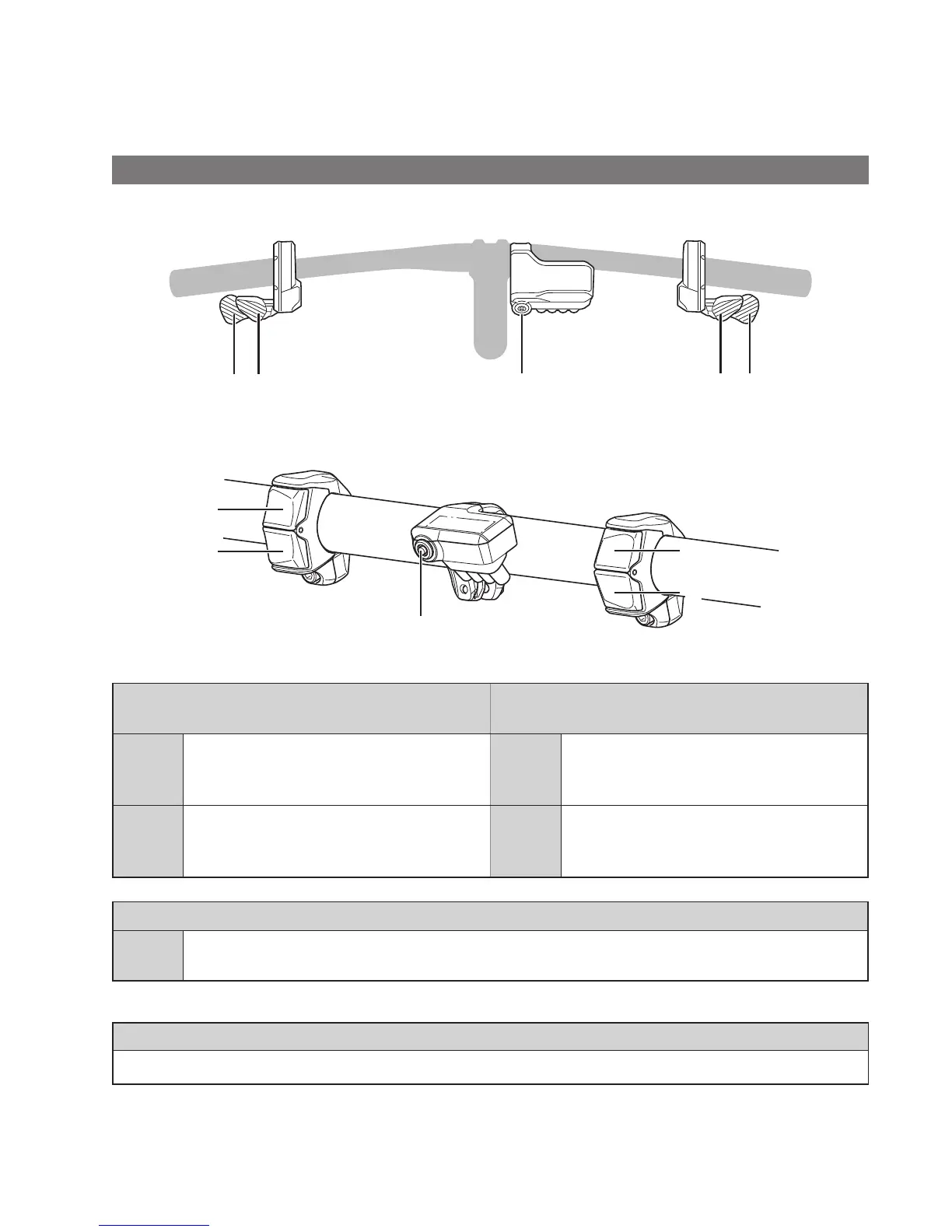
This section describes how to use the cycle computer and switch units.
•
The functions assigned to switches when riding can be changed from those described here. For details, please contact your
place of purchase or a local bicycle dealer for assistance.
Cycle computer and switch units
SC-E7000/SW-M8050
XY X YA
SC-E7000/SW-E7000
A
Y
X
Y
X
Left switch
(default: for assistance)
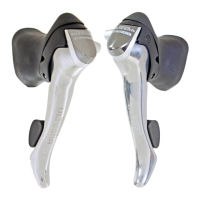
Right switch
(default: for electronic shifting)
X
At riding: increase assistance.
At setting: move the setting menu cursor,
adjust settings,etc.
X
At riding: shift gears to increase pedal
resistance.
Y
At riding: decrease assistance.
At setting: move the setting menu cursor,
adjust settings,etc.
Y
At riding: shift gears to decrease pedal
resistance.
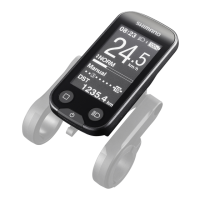
Cycle computer (SC-E7000)
A
At riding: change the travel data display on the cycle computer.
At setting: switch between the screens, confirm settings.
NOTE
When the bicycle uses a rear derailleur, be sure to shift gears while pedaling.






 To Next Page