5. Move the device slowly and adjust the distance between the scanner and the
calibration board according to the height indicating box.
6. Keep moving until all height boxes turn green.
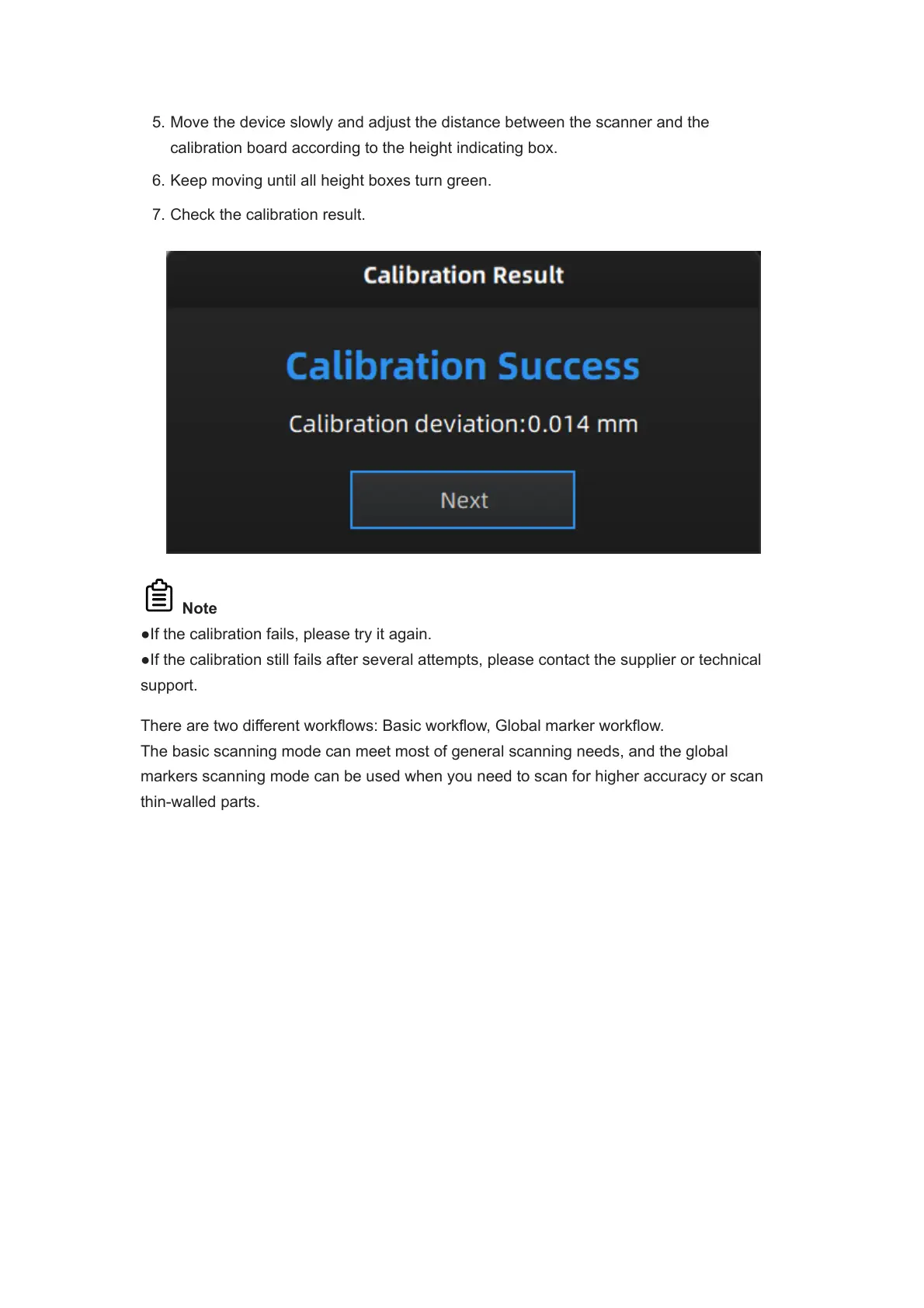
7. Check the calibration result.
Note
●If the calibration fails, please try it again.
●If the calibration still fails after several attempts, please contact the supplier or technical
support.
There are two different workflows: Basic workflow, Global marker workflow.
The basic scanning mode can meet most of general scanning needs, and the global
markers scanning mode can be used when you need to scan for higher accuracy or scan
thin-walled parts.














 To Next Page