EasyManua.ls Logo

Shining 3D Freescan Combo - Laser Scan Operations

Shining 3D Freescan Combo
54 pages
Print Icon
To Next Page IconTo Next Page
To Previous Page IconTo Previous Page
Loading...
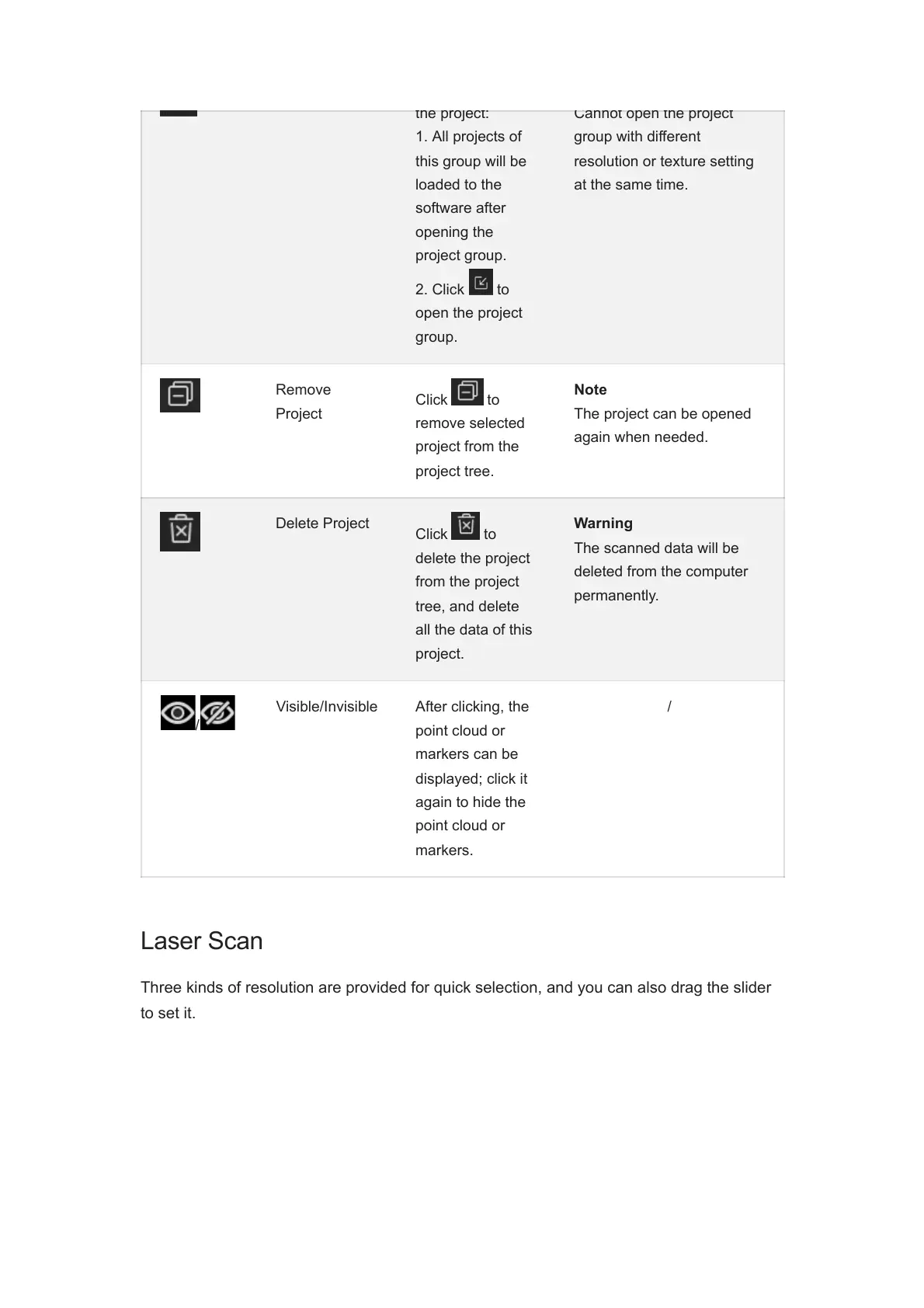
the project:
1. All projects of
this group will be
loaded to the
software after
opening the
project group.
2. Click to
open the project
group.
Cannot open the project
group with different
resolution or texture setting
at the same time.
Remove
Project
Click to
remove selected
project from the
project tree.
Note
The project can be opened
again when needed.
Delete Project
Click to
delete the project
from the project
tree, and delete
all the data of this
project.
Warning
The scanned data will be
deleted from the computer
permanently.
/
Visible/Invisible After clicking, the
point cloud or
markers can be
displayed; click it
again to hide the
point cloud or
markers.
/
Laser Scan
Three kinds of resolution are provided for quick selection, and you can also drag the slider
to set it.

Related product manuals