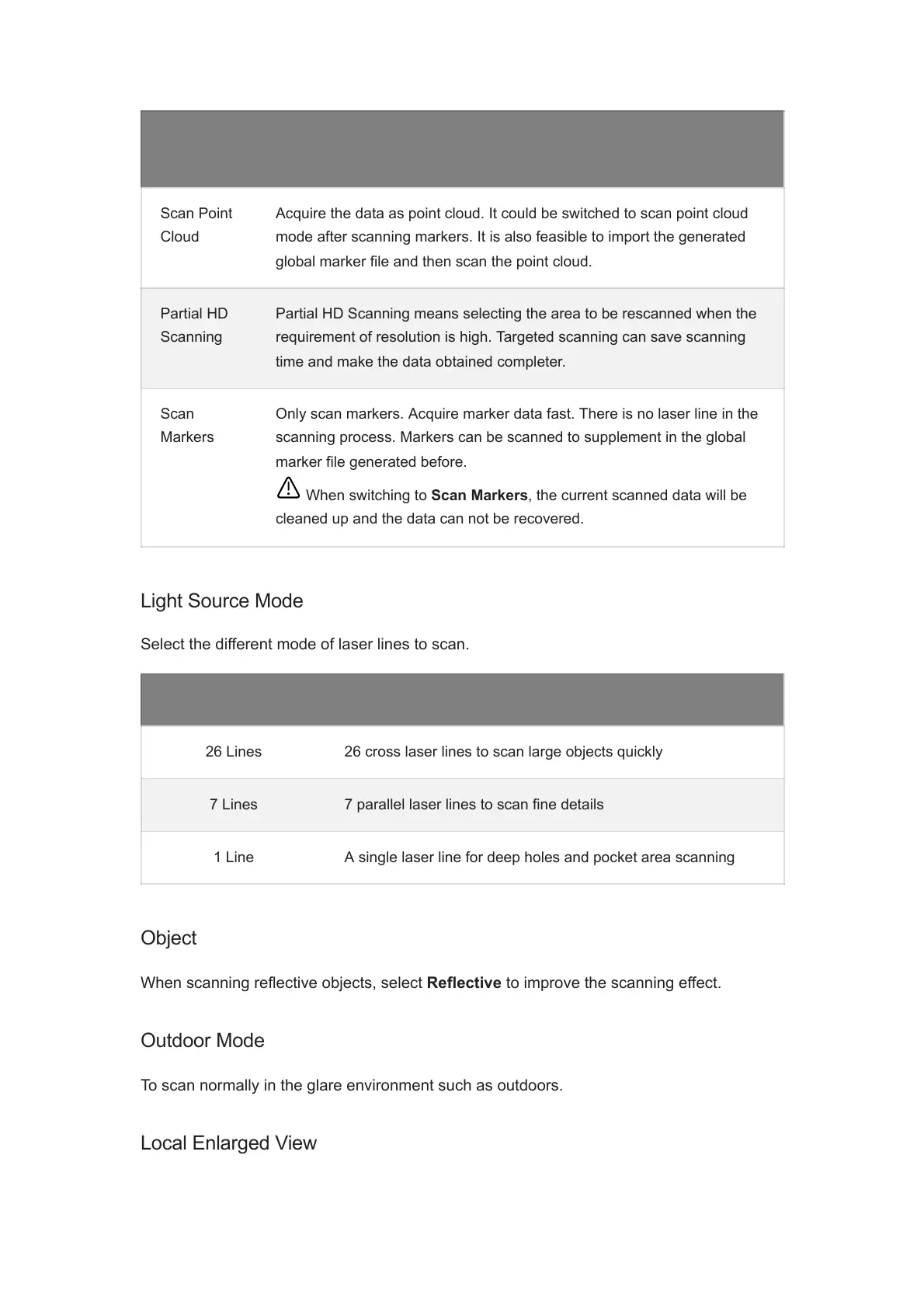
Scan
Mode
Description
Scan Point
Cloud
Acquire the data as point cloud. It could be switched to scan point cloud
mode after scanning markers. It is also feasible to import the generated
global marker file and then scan the point cloud.
Partial HD
Scanning
Partial HD Scanning means selecting the area to be rescanned when the
requirement of resolution is high. Targeted scanning can save scanning
time and make the data obtained completer.
Scan
Markers
Only scan markers. Acquire marker data fast. There is no laser line in the
scanning process. Markers can be scanned to supplement in the global
marker file generated before.
When switching to Scan Markers, the current scanned data will be
cleaned up and the data can not be recovered.
Light Source Mode Description
26 Lines 26 cross laser lines to scan large objects quickly
7 Lines 7 parallel laser lines to scan fine details
1 Line A single laser line for deep holes and pocket area scanning
Object
When scanning reflective objects, select Reflective to improve the scanning effect.
Outdoor Mode
To scan normally in the glare environment such as outdoors.
Local Enlarged View














 To Next Page