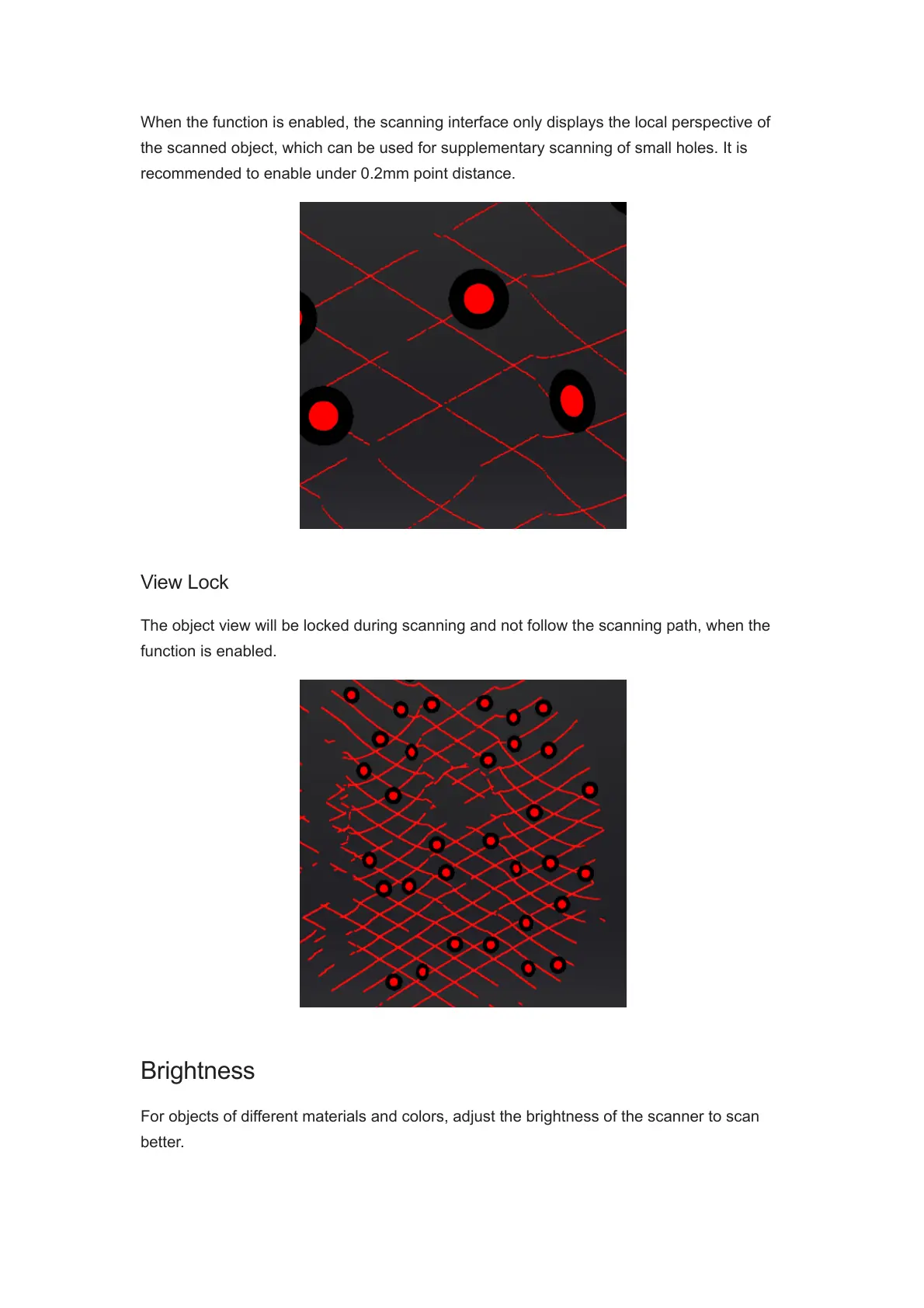
When the function is enabled, the scanning interface only displays the local perspective of
the scanned object, which can be used for supplementary scanning of small holes. It is
recommended to enable under 0.2mm point distance.
View Lock
The object view will be locked during scanning and not follow the scanning path, when the
function is enabled.
Brightness
For objects of different materials and colors, adjust the brightness of the scanner to scan
better.














 To Next Page