and a red circle will appear. At this time, roll the mouse
wheel will zoom in and out of the circle. Move the red
circle to select/deselect the area to be edited.
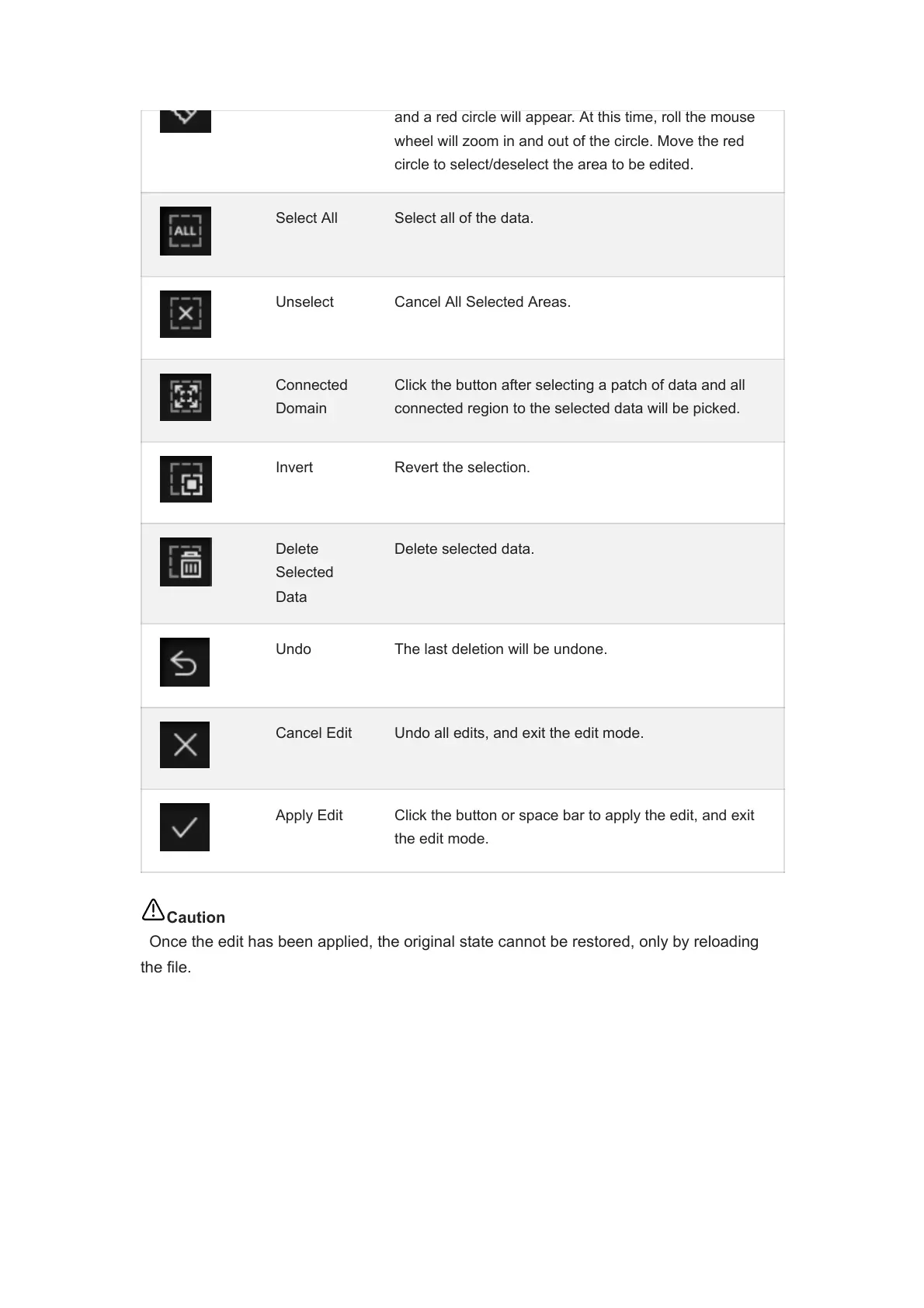
Select All Select all of the data.
Unselect Cancel All Selected Areas.
Connected
Domain
Click the button after selecting a patch of data and all
connected region to the selected data will be picked.
Invert Revert the selection.
Delete
Selected
Data
Delete selected data.
Undo The last deletion will be undone.
Cancel Edit Undo all edits, and exit the edit mode.
Apply Edit Click the button or space bar to apply the edit, and exit
the edit mode.
Caution
Once the edit has been applied, the original state cannot be restored, only by reloading
the file.














 To Next Page