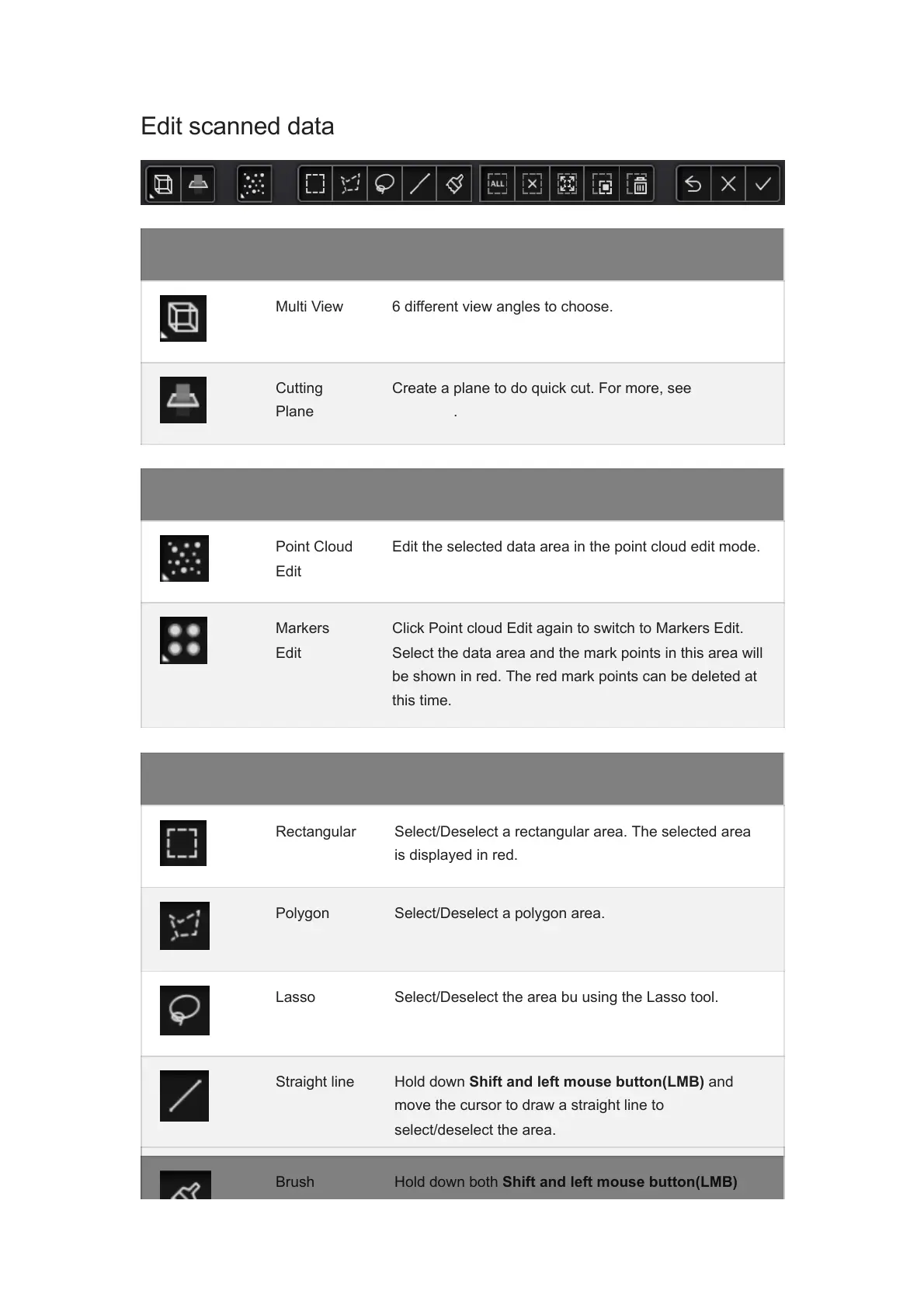
Icon Function Instruction
Multi View 6 different view angles to choose.
Cutting
Plane
Create a plane to do quick cut. For more, see Scan
Data Edit.
Icon Function Instruction
Point Cloud
Edit
Edit the selected data area in the point cloud edit mode.
Markers
Edit
Click Point cloud Edit again to switch to Markers Edit.
Select the data area and the mark points in this area will
be shown in red. The red mark points can be deleted at
this time.
Icon Function Instruction
Icon Function Instruction
Rectangular Select/Deselect a rectangular area. The selected area
is displayed in red.
Polygon Select/Deselect a polygon area.
Lasso Select/Deselect the area bu using the Lasso tool.
Straight line Hold down Shift and left mouse button(LMB) and
move the cursor to draw a straight line to
select/deselect the area.
Brush Hold down both Shift and left mouse button(LMB)














 To Next Page