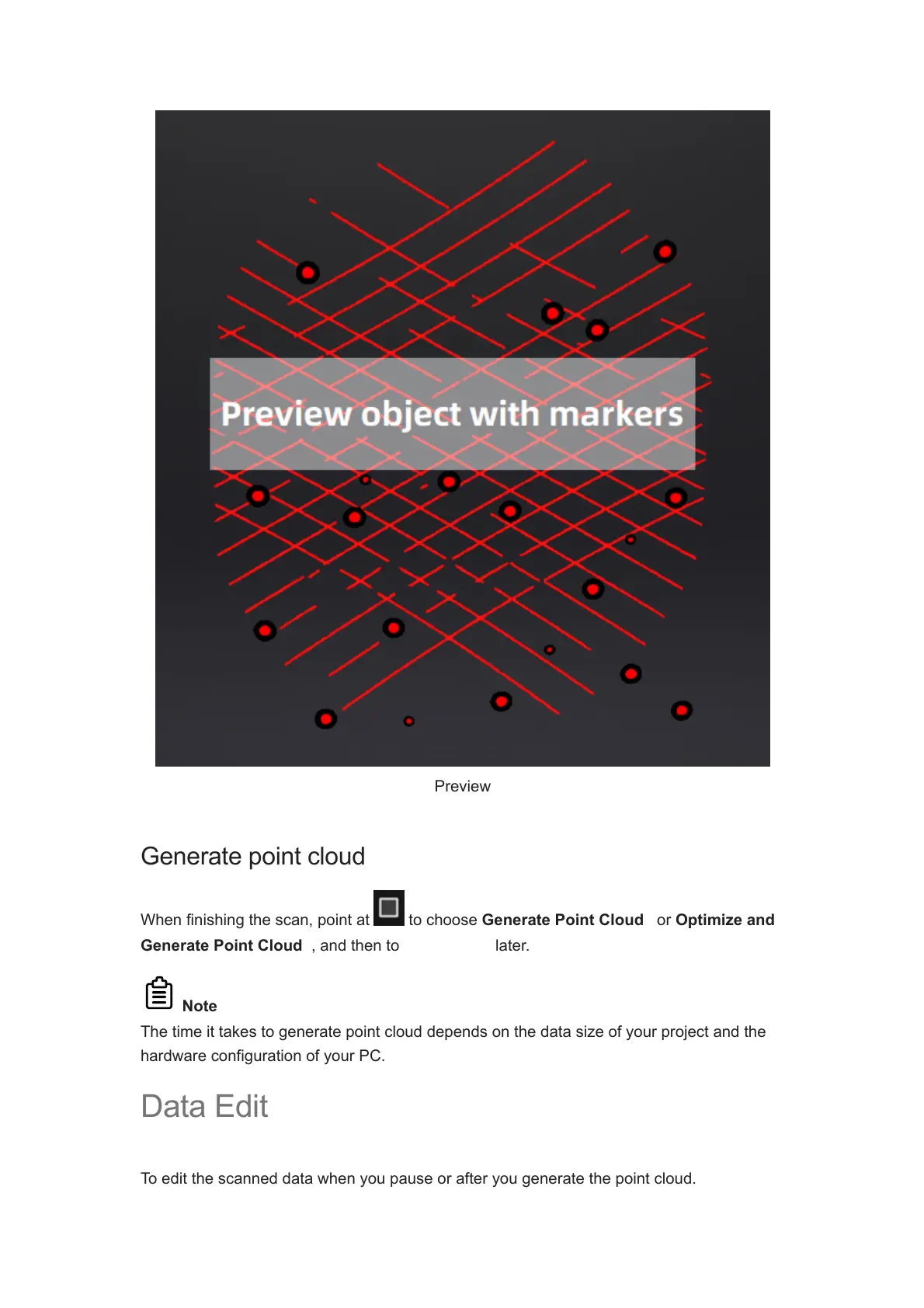
Preview
Generate point cloud
When finishing the scan, point at to choose Generate Point Cloud
1
or Optimize and
Generate Point Cloud
2
, and then to edit the data later.
Note
The time it takes to generate point cloud depends on the data size of your project and the
hardware configuration of your PC.
Data Edit
To edit the scanned data when you pause or after you generate the point cloud.














 To Next Page