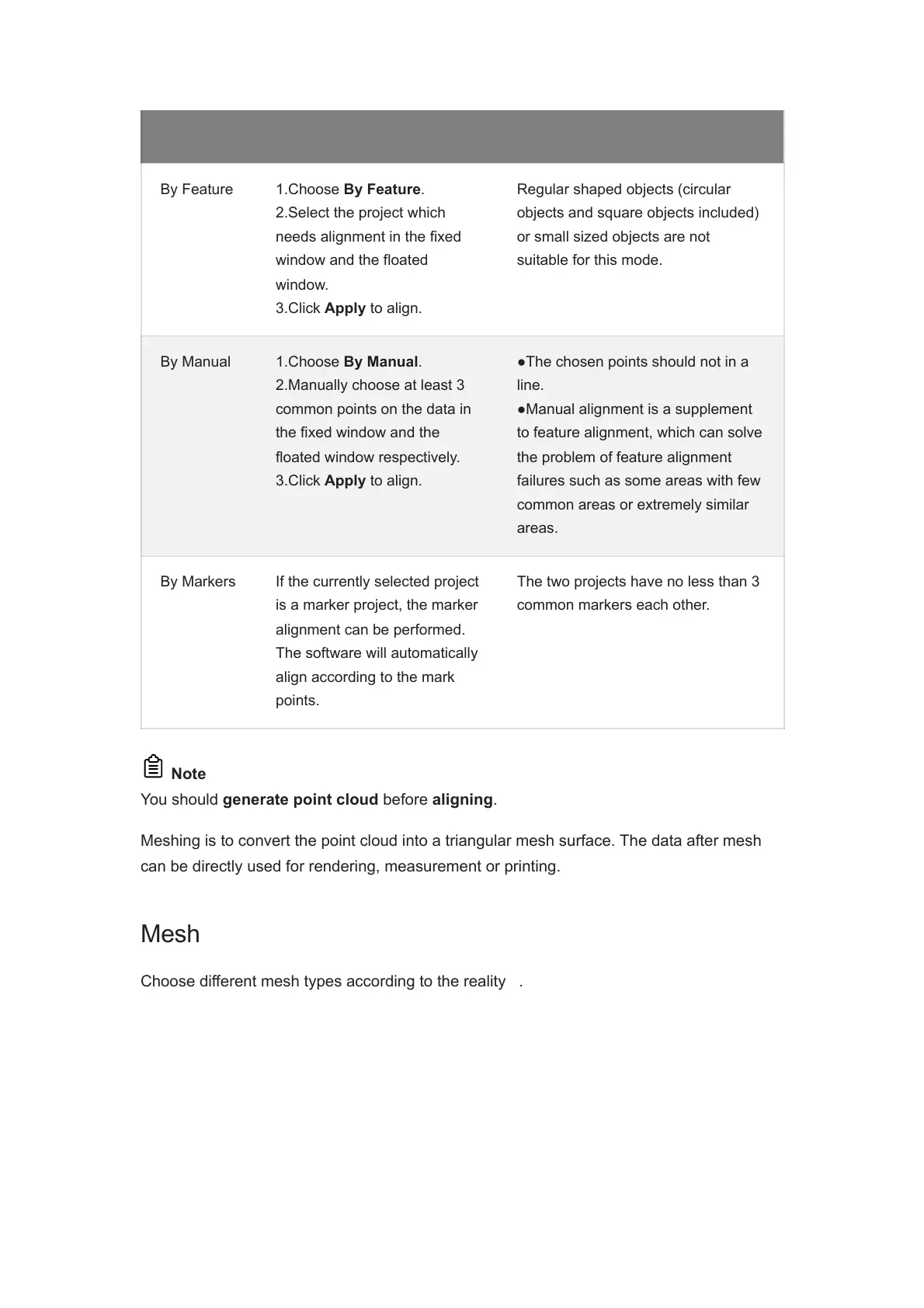
Mode Instruction Note
By Feature 1.Choose By Feature.
2.Select the project which
needs alignment in the fixed
window and the floated
window.
3.Click Apply to align.
Regular shaped objects (circular
objects and square objects included)
or small sized objects are not
suitable for this mode.
By Manual 1.Choose By Manual.
2.Manually choose at least 3
common points on the data in
the fixed window and the
floated window respectively.
3.Click Apply to align.
●The chosen points should not in a
line.
●Manual alignment is a supplement
to feature alignment, which can solve
the problem of feature alignment
failures such as some areas with few
common areas or extremely similar
areas.
By Markers If the currently selected project
is a marker project, the marker
alignment can be performed.
The software will automatically
align according to the mark
points.
The two projects have no less than 3
common markers each other.
Note
You should generate point cloud before aligning.
Meshing is to convert the point cloud into a triangular mesh surface. The data after mesh
can be directly used for rendering, measurement or printing.
Mesh
Choose different mesh types according to the reality
1
.














 To Next Page