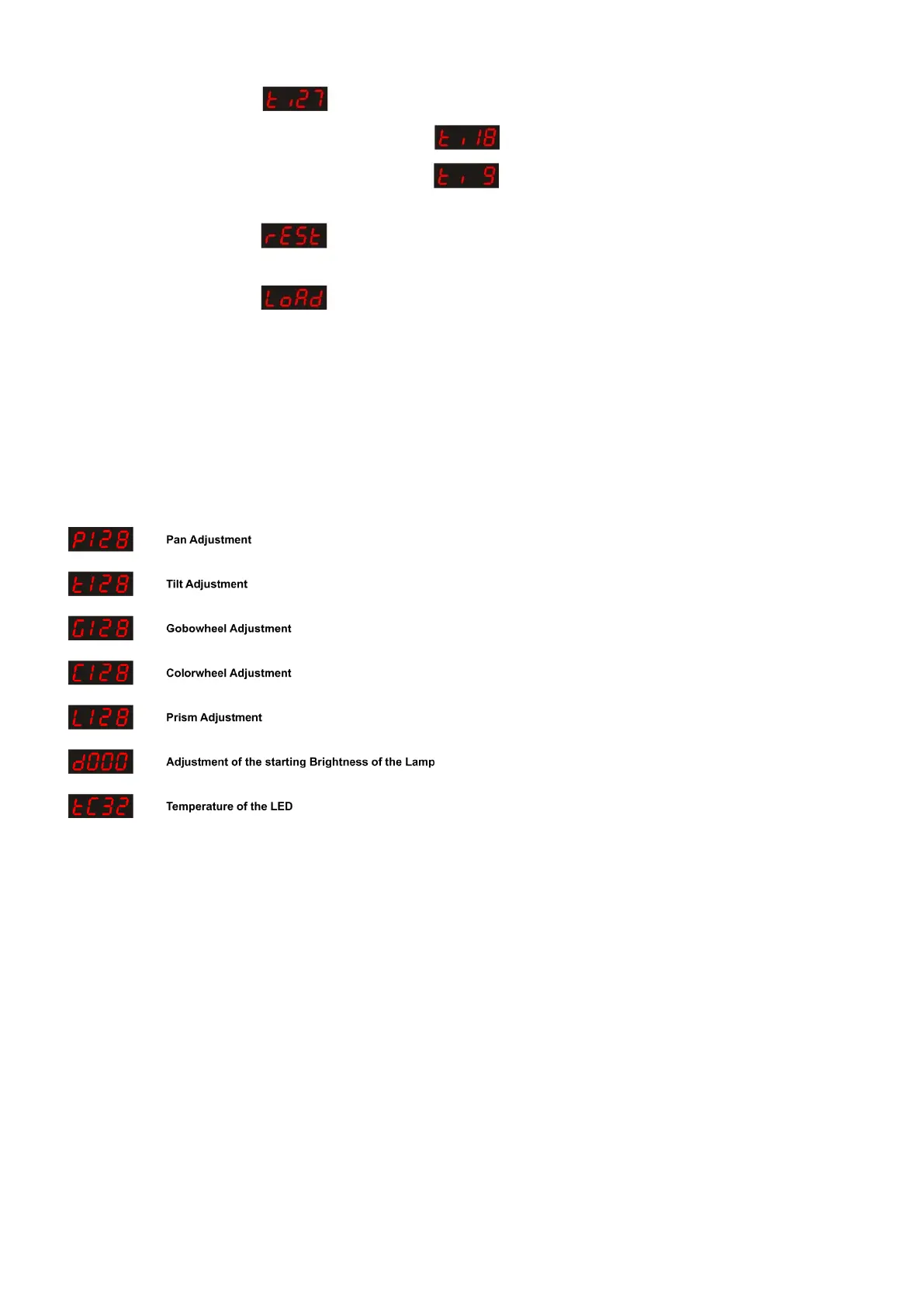
Tilt Mode
When the display shows : , the Tilt is 270º.
When you press Up/Down and the display shows , the Pan is 180º.
When you press Up/Down and the display shows , the Pan is 90º.
Reset
When the display shows : and you press ENTER the device will reset.
Default Settings
When the display shows : and you press ENTER the device will return to the factory default
settings.
Password Change
This is a Service Function.
Press and hold MODE/ESC for 2 seconds.
The display will show 0000.
Press the Up button to change the value. Press the Down button to go to the next digit.
Enter password: 2323.
A new menu will open, you can scroll through the menu with the MODE/ESC button.
Use the Up/Down buttons to change a certain value.
Press the ENTER button to store your setting. This option will auto-exit after 10 seconds.












 To Next Page