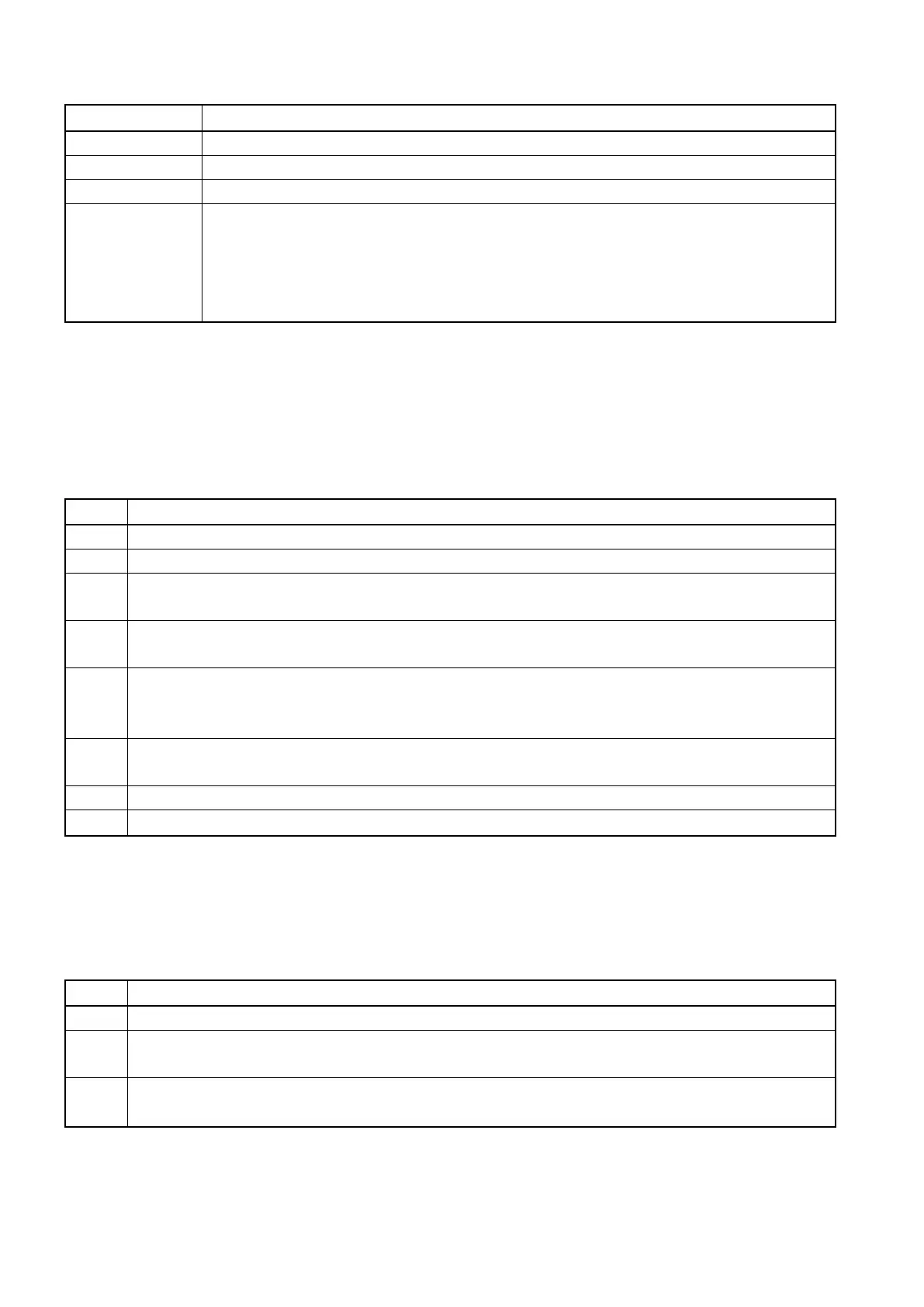
Following parameters can be edited while a chase is running:
Chase runs under auto mode
Chase runs under sound activation mode
Then adjust X/Speed (jog wheel) to adjust the running speed. Y/Slope is
If ALL is not selected, the adjustment is for the speed/ slope of a single scene
step. Before adjustment, please make sure E/XY is deactivated (LED indicator
Press Clear and hold for about 1 second to exit all chases. If a chase is running and you are using manual
control, the manual control will have priority.
2.6 Create a chase group
The controller can store up to 48 chase groups with up to 48 steps. The running time of each step can be
adjusted from 0,5 seconds to 10 minutes. To create a chase group, please follow the steps below:
Press program to enter programming mode.
Select a number from 1--16 as the number of the chase group. If the LED indicator
of the number button is lit, there is already a chase group stored in that number.
Once the number button is selected, it will immediately jump to chase1 for chase
selection. A flashing LED indicator on the number button indicates an existing chase.
Select the desired chases to add to the chase group. Once selected, the chase will start
running. Up to 48 steps can be added. Inactive E/XY (LED indicator off), then adjust
the running speed by the X/Speed jog wheel.
After selecting a scene, press ADD to add the scene to the chase. The device will
automatically jump to the next step.
Repeat step 5-6 to add a new step.
Press Program to save and exit.
Note:
To exit the programming mode, press clear for a few seconds.
2.7 Run a chase group
The LED indicator of the number button containing a chase group will blink at a
Select the desired number button to run the chase group. The LED indicator's
blinking rate will slow down, which means that the chase group is running now.
Note:
Press clear to exit all running chase groups.














 To Next Page