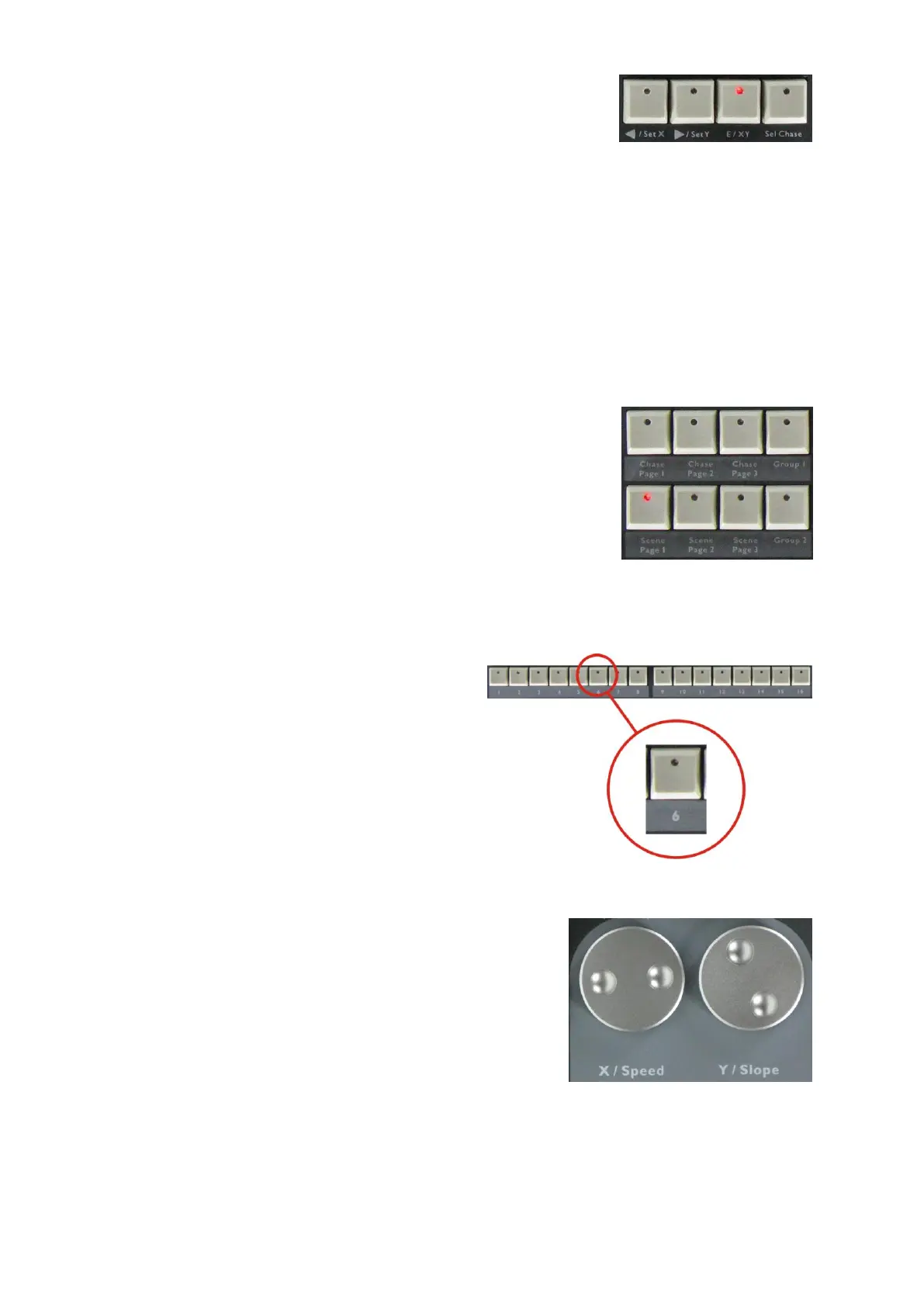
E/XY:
Use this button to switch between either speed/slope or pan/tilt function
for the jog wheels:
Speed/slope mode: LED is off.
Pan/ tilt mode LED is on.
The speed/ slope for a chase group can only be adjusted by X/speed.
<=/SETX, =>/SETY:
Use this button to change the direction of a running chase. Or use this button to switch between pan/tilt
movement of the jog wheels.
SelChase:
Press this button to select a running chase in order to change the settings.
4) Storage Area of Scene, Chase and Chase Group
Chase1, Chase2 & Chase3:
3 chase groups, each with 16 chases, total of 48 chases.
Sc1, Sc2 & Sc3:
3 scene groups, each with 16 scenes, total of 48 scenes.
Group 1
Group with 16 chase groups.
Group 2
16 master controls.
1-16:
16 number buttons for use of scenes, chases
and chase groups.
5) Jog Wheels:
X/Speed & Y/Slope:
Use to control the pan/ tilt of the fixtures (the pan/ tilt channels
should be assigned to the jog wheels) and speed/ slope
adjustment of chase and chase group.















 To Next Page