Exit:
Use this button to exit the program or delete mode.
Blackout:
Use this button to kill all output.
Pause:
Press this button to pause all running chases.
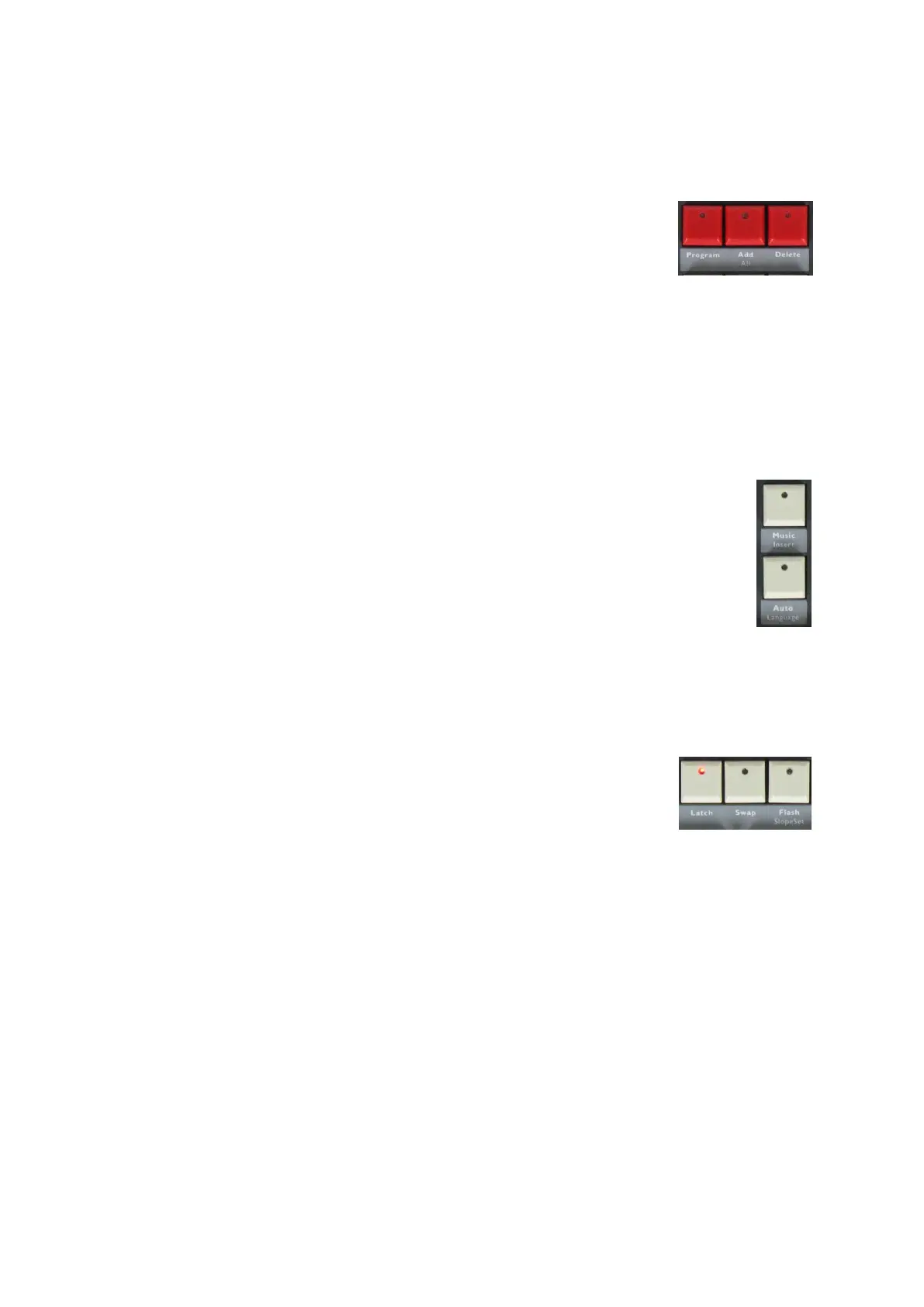
Program:
Press this button to enter Program-mode.
ADD:
Press this button to add a step while programming a chase or chase group.
ALL:
When a chase is running, press this button to adjust the speed and slope of all the steps in the chase.
DEL:
Use this button to delete a scene/ chase/ chase group/ step while programming.
Music:
When a chase is running, press this button to activate the sound mode.
Insert:
Press this button to insert a step while programming.
Auto:
Auto mode is the default chase running mode. Use this button to switch between sound
mode and auto mode with preset speed and slope.
Language:
Press the program button first and then press this button to switch between English and Chinese
language.
Latch:
Press this button to latch two or more scenes, chases or chase groups to run
simultaneously.
Swap:
Press this button to swap the running of a different scene, chase or chase group
(only one at a time).
Flash:
Press and hold this button, then select a scene/ chase/ chase group to run it as long as the flash button is
pressed.
SlopeSet:
Press this button to assign a slope to a channel. The pan/ tilt channels controlled by the jog wheels have
a fixed slope.














 To Next Page