15
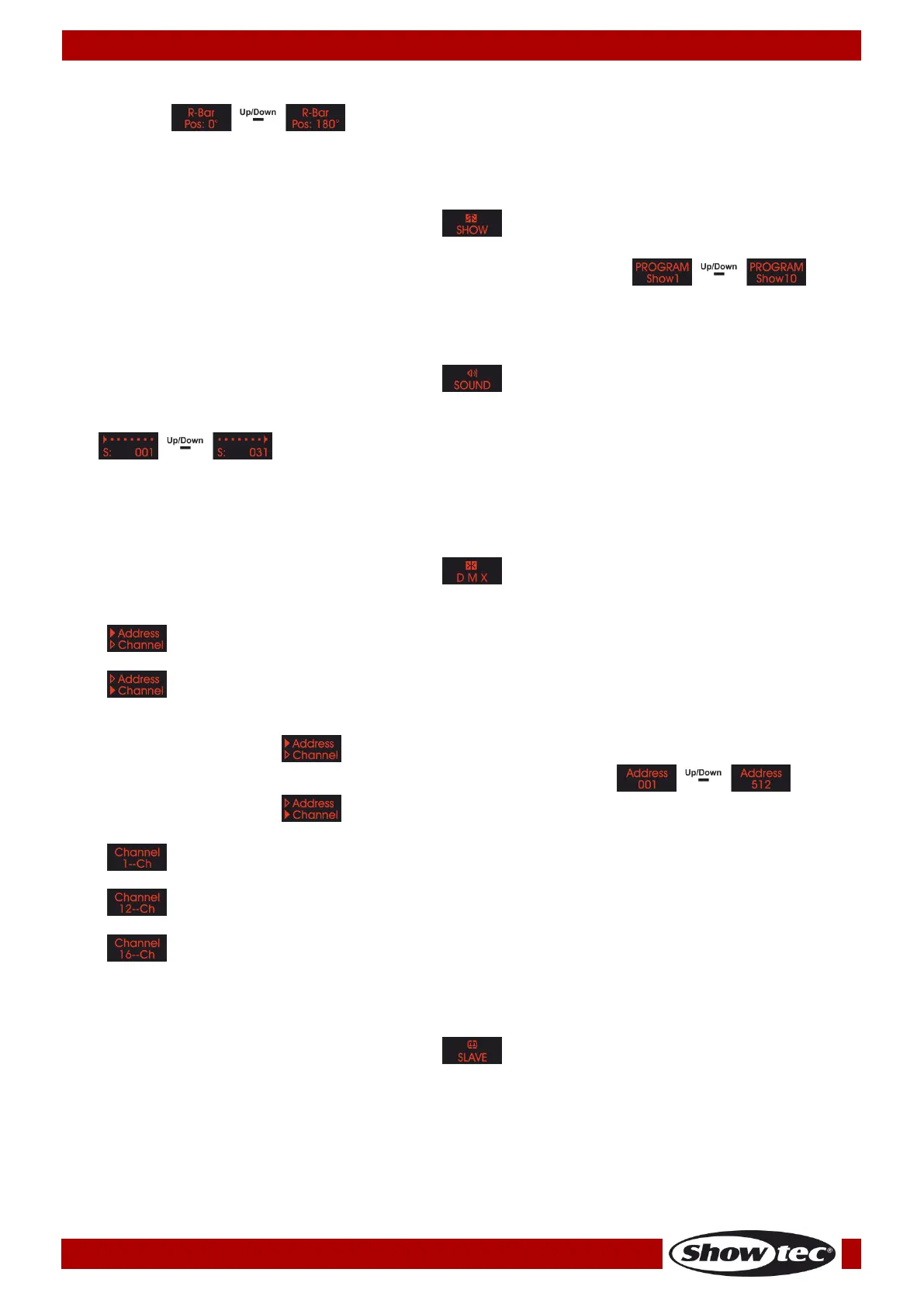
12) Press the UP/DOWN buttons to adjust the position of the right motor. The adjustment range is
between .
2. Built-in Programs
With this menu you can you can set the built-in programs.
01) Press the MODE button until the display shows .
02) Press the SETUP button to open the menu.
03) Press the UP/DOWN button to toggle between the 10 built-in programs: .
3. Sound-controlled Mode
With this menu you can you can set the sound sensitivity.
01) Press the MODE button until the display shows .
02) Press the SETUP button to open the menu.
03) Press the UP/DOWN buttons to set the sound sensitivity. The adjustment range is between
, from low to high sensitivity.
04) Turn the music on and the Wipe Out 3W will react to the beat of the music.
4. DMX-512 Mode
With this menu you can set the DMX address.
01) Press the MODE button until the display shows .
02) Press the SETUP button to open the menu.
03) Press the UP/DOWN buttons to choose one of the following 2 options:
04) When the display shows , press the SETUP button to enter the DMX address settings.
05) Press the UP/DOWN buttons to set the desired DMX address between .
06) When the display shows , press the SETUP button to enter the channel mode settings.
07) Press the UP/DOWN buttons to toggle between the following 3 channel modes:
5. Master/Slave Mode
With this menu you can set the device as a master or a slave device.
01) Press the MODE button until the display shows .
02) If the device has not been set to slave, it is automatically classified as a master device. All slave
devices will follow the movement of the master device.
03) If the device has been set to slave, it will react the same as the master device.











 To Next Page